 WazzaBee
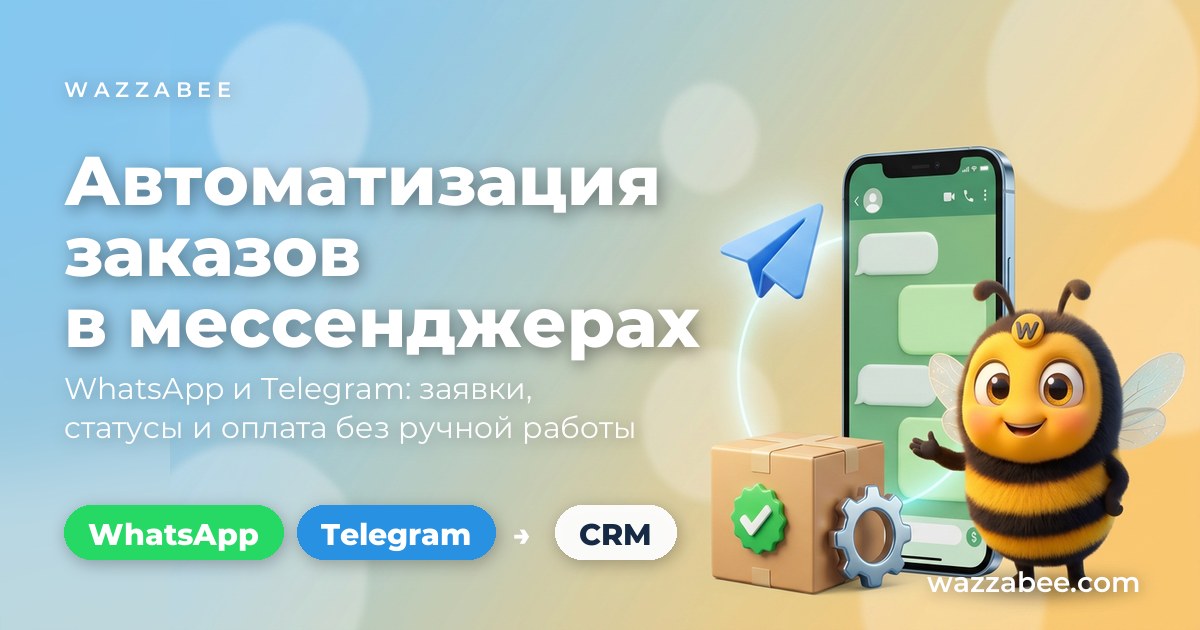
Automating Orders via WhatsApp and Telegram: From Inquiry to Shipment
✦ Key takeaways
- •Why messenger orders get lost more often than website inquiries
- •What order automation in messengers is
- •What the order flow looks like when everything is set up
- •Which tools handle the routine in practice
- •WhatsApp or Telegram: which channel does what
A customer writes "Hi, is this in stock?" on WhatsApp, an hour later repeats the question on Telegram, then calls. The manager replies from a personal phone, notes the delivery address in a notes app, and reads the amount out to the accountant. With ten orders a day, this works. At thirty, it starts to fall apart: someone never got a reply, someone received the wrong item, and half the conversations are impossible to find. Below: how to build the order flow from the first message to shipment so that it no longer depends on a manager's memory and mood.
Why messenger orders get lost more often than website inquiries
A website inquiry lands in the CRM automatically: it has a number, a timestamp and an owner. An order from a messenger lives on someone else's phone and exists only as long as someone remembers it.
Four typical holes where money leaks out:
- Chats on a manager's personal phone. The head of sales cannot see the conversation, and when the employee leaves, the customer base leaves with them.
- Night and weekend messages. A customer writes at 23:40 and gets a reply at 10 a.m., by which time they have already bought from a competitor.
- One customer in two channels. On WhatsApp they asked about the size, on Telegram they ask about delivery, and two different employees reply without knowing about each other.
- Manual order statuses. "Payment received", "handed over for delivery", "the courier is on the way": someone has to remember to write each of these messages. Usually nobody does.
A separate risk is getting banned. Meta bans a regular number connected to a grey bulk-messaging service without warning, and the entire order history disappears along with the number. We covered the reasons in detail: why business numbers get banned and how to avoid it.
What order automation in messengers is
It is when chats stop being a separate island and become part of the workflow: a message from any channel lands in a shared inbox, a deal is automatically created from it in the CRM, and the customer receives confirmations and statuses without human involvement.
Automation here does not mean a robot instead of a salesperson. The robot takes over the routine: greeting, recording the inquiry, reminding about payment, reporting on delivery. People stay where they are really needed: in the conversation about choice and price.
What the order flow looks like when everything is set up
The difference between "we reply on the phone" and a structured process is in how many steps a person has to take.
| Stage | The usual way | When set up |
|---|---|---|
| Customer writes | The manager will see it when they open their phone | The message appears in the shared inbox immediately, an auto-reply goes out within seconds |
| Recording the inquiry | Written in a notebook, or not | The contact and deal are created in the CRM automatically |
| Owner | Whoever saw it first | Assigned by CRM rules, visible to the head of sales |
| Order confirmation | Typed by hand, if someone remembers | A template is sent when the deal moves to a stage |
| Payment and delivery statuses | The customer calls and asks | Notifications are sent automatically from the CRM or from your system via API |
| Chat history | On the employee's personal phone | In the customer card, available to the whole team |
The key idea: an order should become a record in the system at the moment of the first message, not when the manager gets to a computer.
Which tools handle the routine in practice
You do not need to build a complex branching scenario. Most shops and service companies need just five things.
1. A single inbox for all channels. WhatsApp, Telegram bot, personal Telegram, Instagram Direct, OLX in one list of conversations. Managers work from a computer or phone, the head of sales sees all chats, and when an employee leaves, the history stays with the company.
2. Auto-replies. Two rules that pay off in the very first week: a greeting on a new customer's first message and a reply outside business hours. You set a schedule by day of the week, the time zone and a pause between repeated auto-replies so the same person is not spammed. The text can be a regular message, and for WhatsApp an approved template.
3. Quick replies. Price list, delivery terms, bank details, warranty: ready-made snippets a manager inserts in two clicks instead of typing them every time.
4. Templates for messages outside the 24-hour window. WhatsApp allows free messaging for 24 hours after the customer's message. After that, you can only write first with an approved template: these are used to send "order confirmed", "payment received", "the courier is on the way". How to create them and get them approved is covered in the article on WhatsApp HSM templates.
5. Connection to a CRM or your own system. There are two paths here. The first is Bitrix24: messages arrive in Open Channels, the contact and deal are created automatically, and a robot at a pipeline stage sends the customer the right template. A detailed walkthrough is in the article on integrating WhatsApp Business API with Bitrix24. The second is your website, 1C or a custom system: messages are sent with an API request, and incoming messages arrive at your signed webhook.
Honestly about the limits: WazzaBee does not have a visual chatbot builder with a scenario tree. Automation is assembled from auto-replies, templates and CRM robots, or via API: this is enough for orders, payment and delivery, but if you specifically need a quiz bot with branching, that is built on your system's side via API.
WhatsApp or Telegram: which channel does what
You do not need to choose between them, you need to understand what each can do.
| Channel | Best suited for | Ban risk |
|---|---|---|
| Official WhatsApp (WABA) | The main order channel: confirmations, statuses, payment notifications, broadcasts to your own customer base | Minimal: the number works under Meta's rules, with a blue checkmark and the company name in the chat |
| WhatsApp via QR code | Personal conversations, one-off chats | High: Meta bans such numbers en masse, losing the number = losing the customer base |
| Telegram bot | Taking inquiries, catalog, buttons, notifications to subscribers | None |
| Personal Telegram account | Sales where customers are used to writing to a manager directly | Low at a reasonable sending pace |
A working combination for retail and services in Kazakhstan: official WhatsApp as the main channel for communicating with customers plus a Telegram bot as a free entry point. WhatsApp gives reach (almost everyone uses it), Telegram gives convenient buttons and notifications without window restrictions.
If your number has been in the WhatsApp Business app for a year and you do not want to lose the history, the number can be moved to the official API without losing chats: this is the Coexistence mode: the app on the phone keeps working, while chats flow into the CRM in parallel.
How much order automation costs
The price has two parts: a subscription to a communication line in WazzaBee and payment for Meta messages for official WhatsApp. Telegram does not charge for messages.
| Channel | Plan | Price per month |
|---|---|---|
| Official WhatsApp (WABA) | ENTERPRISE, unlimited conversations | $68 |
| Telegram bot | BOT SOLO, 700 conversations | $0 |
| Telegram bot | BOT EMPIRE, unlimited | $45 |
| Personal Telegram | SOLO, 75 conversations | $14 |
| Personal Telegram | TEAM, 600 conversations | $45 |
| Personal Telegram | EMPIRE, unlimited | $68 |
Official WhatsApp messages are paid separately at Meta's rates: for each delivered template message. Within 24 hours after the customer contacts you, the conversation is not charged as template messaging. We have collected the current amounts in tenge here: how much WhatsApp Business API costs in Kazakhstan. Keep in mind that Meta changes its pricing periodically, and from October 1, 2026, service messages become paid, so factor this into your budget in advance.
Simple math: one lost order worth $110 a month already costs more than the subscription. And usually more than one gets lost.
How to launch in one day
The sequence of steps that works for most companies.
- Connect a communication line. For official WhatsApp you will need a number not registered in the WhatsApp app, and a Business Manager: the whole procedure is described in the step-by-step guide to connecting WABA. A Telegram bot connects in a couple of minutes using a token.
- Set up your team. Add managers so conversations are distributed rather than piling up on one person. Up to three managers can work in one account.
- Turn on auto-replies. A greeting on the first message and an out-of-hours reply with a schedule by day of the week. This is the fastest way to stop losing night-time inquiries.
- Prepare order templates. "Order received", "payment received", "handed over for delivery", "the courier is on the way": submit them all for approval at once, you will need them at every stage.
- Connect to a CRM or your own system. Bitrix24 connects from the Contact Center; for a website or 1C, use the sending API and a webhook for incoming messages.
- Set up status sending. In Bitrix24, with a robot at the deal stage; in your own system, with an API request when the order status changes.
After that, the order flow no longer depends on whether the manager checked their phone.
Mistakes that keep automation from taking off
- Mass broadcasts to a cold list from a regular number. The fastest way to get banned. Broadcasts are sent only from the official channel and only to people who gave consent. How this works is covered in the article on official WhatsApp broadcasts.
- An auto-reply instead of a reply. If after the greeting the customer waits 40 minutes for a real person, automation only irritates.
- Templates written like ads. Meta rejects messages with promotions and discounts or moves them to the marketing category. Write status notifications dry and to the point.
- Channels without a CRM. A single inbox solves the problem of replies, but not the problem of record-keeping. An order should live in a deal, not in a chat.
What you get in the end
All inquiries from WhatsApp, Telegram, Instagram and OLX in one inbox. Customers get replies at night and on weekends. An order automatically becomes a deal in the CRM with an owner and an amount. Statuses go out on their own, without reminding the accountant and the logistics team. Chats belong to the company, not to an employee's phone. And the number you use to write to customers will not vanish one morning along with your customer base.
Connection takes 15 minutes, and official WhatsApp and Telegram can be launched in parallel, in one dashboard and in one conversation inbox.
FAQ

An omnichannel platform that connects messengers to your CRM. We link WhatsApp, Telegram, Instagram and 5 more channels to your business in Kazakhstan.
You may also like
How to choose a WhatsApp Business API provider in Kazakhstan: 2026 guide and a 10-question checklist
How to choose a WhatsApp Business API provider in Kazakhstan: provider types, what the real WABA price is made of, a 10-question checklist before paying, a monthly cost example and five places where companies overpay.
WhatsApp representatives in Kazakhstan: who officially connects businesses
WhatsApp has no office in Kazakhstan: businesses are officially connected by Meta partners. Who they are, why an online partner beats an office, how to spot scammers and how to connect the WhatsApp Business API through WazzaBee in 15 minutes.
How to officially connect the WhatsApp Business API in Kazakhstan: which method to choose and what to prepare
Three official ways to connect the WhatsApp Business API in Kazakhstan, Meta requirements for businesses and the connection steps. In WazzaBee the number connects in 15 minutes, the subscription is 29 900 ₸ per month.