 WazzaBee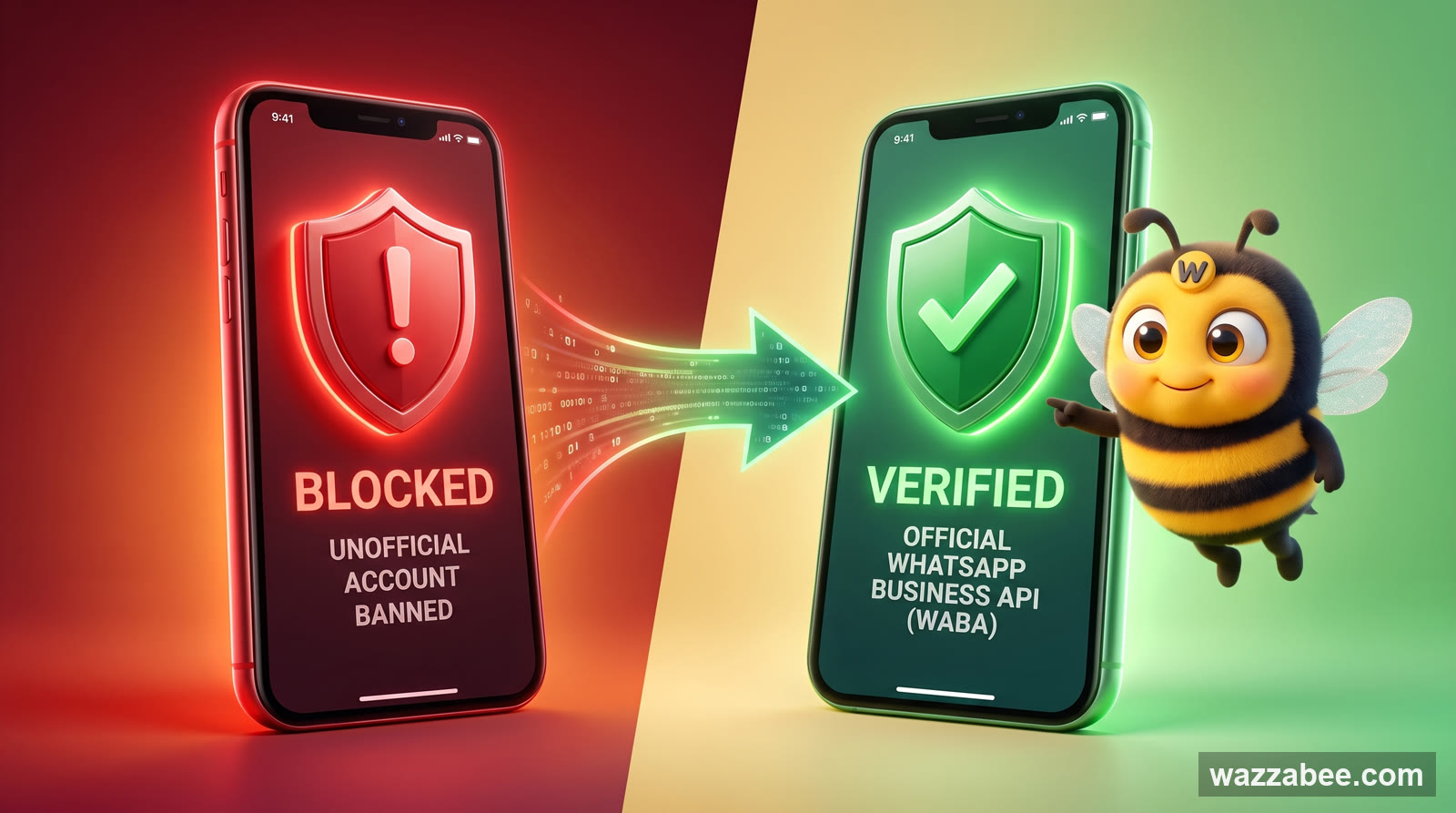
Why Your WhatsApp Got Blocked: What Bans a Business Number and How WABA Gets You Back to Work
✦ Key takeaways
- •How big the problem is: WhatsApp bans in 2026
- •The symptoms: how to tell your WhatsApp is blocked
- •The main reasons Meta blocks WhatsApp
- •What you must not do after a WhatsApp block
- •Can you keep the same number after a WhatsApp block?
Why was my WhatsApp blocked? - it is the question Kazakhstan businesses ask most often in 2026. Meta has sharpened the algorithms that detect unofficial connections and bulk messaging: thousands of business numbers are banned every day, usually with no warning and no way back. The story is always the same: a company connects WhatsApp through a grey service, sends a campaign to 500 contacts - and by morning the number is dead. Every conversation, the whole history, the working channel with customers - gone.
In this article we go through every real reason a WhatsApp Business number gets blocked, the symptoms that tell you the number is already under sanctions, what you must never do after a block, and the one solution that holds up long term - the official WhatsApp Business API (WABA) from Meta through WazzaBee.
How big the problem is: WhatsApp bans in 2026
Since the start of 2026 Meta has been running a clean-up wave. The goal is to sweep the platform clear of unofficial connections through web-version emulators, automation scripts and grey bulk-messaging services that disguise mass sends as ordinary conversations.
In Kazakhstan thousands of business numbers are blocked every month - from sole traders to large online stores.
In 80% of cases the block lands right after a bulk campaign sent through a grey service.
90% of blocked numbers never come back - Meta does not respond to appeals involving unofficial connections.
The average damage for a small business is the loss of 2-6 months of conversation history and its base of active customers.
The most painful case is a company that spent six months building its WhatsApp base, reached 3,000-5,000 active customers, and then lost everything in a single day of campaigns through an illegal service. Bringing that number back is technically impossible - Meta can see the connection ran through an emulator and bans it for good. The only thing that saves you is moving to the official WhatsApp Business API in advance, not after the ban.
- WazzaBee expert
The symptoms: how to tell your WhatsApp is blocked
The block arrives without warning, but the symptoms show up instantly. If you see one or more of the signs below, the number is already under Meta sanctions.
WhatsApp Business throws an error at login
One of these messages appears on screen: "Your phone number is banned from using WhatsApp", "This account is not allowed to use WhatsApp", "You cannot use WhatsApp Business". That is the final block - the app no longer opens and the conversations are out of reach.
Messages never reach the recipients
You write to a customer, you see one tick (delivered to the server), but the second tick (delivered to the phone) never shows up - not in a minute, not in an hour. This is a shadow ban: Meta quietly stops delivering your messages while the interface still looks fine.
Delivery rate falls off a cliff
If you used to get 95-99% of messages delivered and now you are down to 30-50%, Meta has flagged the account as suspicious. That is the first warning shot before a full block.
The account stops accepting new contacts
Unknown numbers write to you, but nothing arrives in WhatsApp. It means Meta has cut your number off from inbound leads - a common step right before the final ban.
WhatsApp keeps asking you to re-verify by SMS
Every 1-3 days you are asked to enter an SMS code. If the code never arrives or is rejected, that is a forced logout - you will not get back in.
The main reasons Meta blocks WhatsApp
Meta never publishes its exact moderation rules, but hundreds of cases we have worked through reveal a clear set of triggers. Below are all the real reasons WhatsApp Business gets blocked, ordered by how often they happen.
Reason 1: A grey connection through an unofficial service
The single most common reason for a WhatsApp ban in 2026. Bulk-messaging services that run through WhatsApp Web emulators, Selenium automation scripts or spoofed User-Agents get caught by Meta within 1-7 days. The algorithm picks up on:
Hundreds of numbers connecting to the web version from one IP at the same time.
Machine-generated sending patterns - identical intervals between messages.
No sign of real human activity: no voice notes, no reactions, no statuses.
API requests coming from unsupported clients.
The result is an instant ban on the number, sometimes together with the linked bank card and phone number on Meta's side. Recovery is impossible, because the violation is recorded at infrastructure level.
Reason 2: Bulk campaigns with no customer consent (no opt-in)
Meta strictly prohibits promotional and any other uninvited messages to people who have not explicitly agreed to receive them on WhatsApp. If you:
Bought a list of numbers and sent a campaign - blocked within 24 hours.
Messaged every contact in your CRM without opt-in - blocked in 1-3 days.
Sent cold outreach to 50+ strangers - blocked within the hour.
Meta recognises mass cold outreach by how recipients behave: if 5-10% of them ignore you and block the sender, the algorithm treats it as spam and bans the source.
Reason 3: Recipient complaints (Report & Block)
Every user complaint is added to the sender's record. The blocking algorithm kicks in at:
3-5 complaints in a week - shadow ban, delivery starts dropping.
10+ complaints in a month - the number is blocked for good.
More than 1% of your list complaining - instant block, no matter the volume.
The most toxic message types: financial offers, discounts with no context ("We're having a sale!"), abandoned-cart reminders without opt-in, and ads for products the customer no longer cares about.
Reason 4: Suspicious sending patterns
Meta looks at how "human" the account behaves. What triggers a suspicious-activity flag:
Sending 100+ messages an hour from a single number.
The same text in 30+ messages in a row, even with different names inserted.
No replies from recipients in 80%+ of cases.
A sudden spike in outbound traffic after a quiet period.
One device messaging dozens of numbers it has never talked to.
Reason 5: Prohibited content
The WhatsApp Business rules list what is off limits: alcohol, tobacco, weapons, medication, gambling, MLM schemes, cryptocurrency, adult services, political campaigning. Any message on these topics triggers manual review and usually ends in a ban.
Reason 6: Multi-device logins and SIM swaps
If one number is signed in on 3-5 devices in different locations at once, Meta reads it as a compromised account and blocks it "to protect the user". This happens all the time with the regular WhatsApp Business app when staff work from several gadgets.
🚨 Number blocked right now? Here is your plan for the first few hours: WhatsApp blocked - what to do: how to identify the type of block, file an appeal that works the first time, and keep your customers while the review runs.
What you must not do after a WhatsApp block
Once the block hits, businesses instinctively start doing things - and almost always make it worse. Below is the list of moves that will burn your last chance for certain.
Mistake 1: Registering the same number again
Meta flags not only the account but the phone number itself. Re-registering after a block counts as a second violation, and after that the number is blocked across Meta's entire ecosystem - WhatsApp, Instagram, Facebook.
Mistake 2: Using a VPN to try to log in
Signing in from different locations after a block reads as an attempt to dodge the sanctions. The algorithm escalates the ban and blacklists the device - the next SIM card in that phone will not register either.
Mistake 3: Plugging the blocked number into a grey service
The "let me try another unofficial service" logic ends with the number being blocked by the service itself, because it knows this number will be the first one caught in any check.
Mistake 4: Swapping the SIM in the same phone and registering again
Meta records the device IMEI. After a block the phone goes on a blacklist, and any new SIM card in that handset ends up in restricted mode.
Mistake 5: Asking customers to get you "unbanned" through Meta support
Meta support does not handle requests from third parties. Only the owner of the number can raise a block-related request, and only through the official form. Messages from customers count as gaming the system and make things worse.
Can you keep the same number after a WhatsApp block?
The good news: in most cases the number can be saved if you come to us straight away and do nothing on your own. The WhatsApp Business API makes it possible to connect your current number to Meta's official infrastructure even after the regular app has been blocked, because WABA runs on a different authentication system.
What improves your chances of keeping the number:
Right after the block, stop and leave the number alone: do not try to log in again, do not enter SMS codes, do not swap the SIM, do not use a VPN.
Do not connect the number to any grey bulk-messaging service after the block.
Do not register the same number again in the regular WhatsApp Business app.
Contact the WazzaBee team and request a WABA connection for that number.
When the chances are close to zero:
The number has already been re-registered several times after the block.
Someone tried to connect it to other grey services.
A VPN was used during login attempts, which triggers a device ban.
The account collected several blocks back to back in a short period.
What to do to attempt recovery through an appeal, in parallel with the WABA request:
In the blocked app tap "Request a review" and describe the situation in detail.
Send an appeal to support@whatsapp.com with the subject "Banned account - appeal" and your number in international format.
Wait 7-30 days for a reply. If the ban is upheld, Meta either stays silent or sends the standard "Decision is final" template.
⚠️ Important: we give no guarantee that a number will be recovered or kept.
The final decision always belongs to Meta, not to WazzaBee. We help you file the WABA request, set up the infrastructure and run the migration, but we do not control the platform's moderation. If you keep sending bulk campaigns without opt-in, spamming cold lists or breaking Meta's rules after connecting WABA, the WABA account will be blocked too. WABA is a legal channel, not a free pass: Meta's rules still apply, and the platform bans people who break them regardless of how they are connected.
If your number has just been blocked, the best thing you can do is stop and leave it completely alone: no SMS codes, no VPN, no plugging it into other messaging services. In that state there is a real chance of connecting your number to the WhatsApp Business API and carrying on with the same customer base. Start treating the block yourself and within a day the odds drop to almost nothing, and you will have to take a new number.
- WazzaBee expert
The solution: WhatsApp Business API (WABA) from Meta - the channel that does not get banned for campaigns
The only way to work with WhatsApp in business long term is the official WhatsApp Business API (WABA), built by Meta itself. It is legal messaging infrastructure where every campaign is sanctioned by the platform.
Why WABA does not get blocked the way regular WhatsApp does
Direct integration with Meta - no emulators, no scripts, no client spoofing. Every message goes through the official API.
HSM templates are pre-approved - Meta reviews every campaign template in advance, which takes the spam-complaint risk off the table.
Limits are agreed with Meta - 250 unique recipients per day at the start, 2,000 after business verification, then 10,000, 100,000 and unlimited, and the tier grows automatically.
Quality is monitored transparently - the High / Medium / Low rating of the number is visible in your dashboard, so you can react early.
Opt-in is built into the architecture - without the customer's consent WABA will not send the first message.
Side by side: regular WhatsApp Business vs grey services vs WABA
| Criterion | WhatsApp Business (app) | Grey bulk-messaging services | WhatsApp Business API (WABA) |
|---|---|---|---|
| Legal for campaigns | Bulk sending is prohibited | Breaks Meta's rules | Fully official |
| Risk of a block | High past 50 recipients a day | Nearly 100% within 1-7 days | Minimal if you follow the rules |
| Daily limit | 256 contacts | Nominally unlimited, until the ban | 1,000 → 10,000 → 100,000 → ∞ |
| HSM templates | No | No | Yes, reviewed by Meta |
| Multi-user access | Up to 5 devices, unreliable | Unlimited, but you risk a ban | Unlimited through your CRM |
| Recovery after a ban | 5-10% of cases | 0% | Bans are extremely rare |
| CRM integration | Nothing official | Only through workarounds | Bitrix24, amoCRM, API |
| Analytics and quality rating | No | No | Full |
How to move to WABA without losing your chat history
The biggest fear businesses have about moving to WABA is losing the base and the conversation history they have built up. In 2026 that problem is solved by WhatsApp Coexistence, which WazzaBee has supported since day one.
Coexistence lets you use the regular WhatsApp Business app on your phone and the WhatsApp Business API in your CRM at the same time. The last year of message history moves into your dashboard, and new messages appear in both places. The details are in our article WhatsApp Coexistence: connecting your business to a CRM without deleting the app.
The migration path for a business at risk of a block:
Registering a WABA account in WazzaBee takes 15 minutes at most. You can use the same number as in the regular WhatsApp Business app, as long as it is not blocked yet - or, if it is, as long as you have not touched it since.
Connecting through Coexistence - the app stays on the phone, while campaigns and API traffic go through WABA.
Moving your base - export contacts to CSV and import them into your WazzaBee dashboard with opt-in flags.
Creating HSM templates - in KZ and RU, with media and buttons. Meta's review takes from 15 minutes to 24 hours.
Launching your first campaign - to a segment with explicit consent, while you watch the quality rating.
What WABA costs in Kazakhstan through WazzaBee
WazzaBee is built so that the official WhatsApp Business API is within reach of any business, from a sole trader to a national chain.
The WABA ENTERPRISE plan - $68 per month. It is the one and only WazzaBee plan for the official WhatsApp Business API from Meta. It includes the WABA connection, unlimited conversations with customers, integration with Bitrix24 and amoCRM, campaigns through HSM templates, plus the quality rating and analytics.
7 days free - test everything before you pay.
Support in 3 languages - KZ / RU / EN, from real people rather than a bot.
Messages are billed separately, by category:
| Message type | Price | When it applies |
|---|---|---|
| Utility notification | $0.0286 | Order status, appointment, reminder, outside the 24-hour window |
| Authentication code | $0.0286 | OTP and one-time passwords |
| Marketing | $0.086 | Promotions, offers, campaigns to your base |
| Reply inside the service window | $0.0286 | Conversation within 24 hours of the customer reaching out |
| Inbound message | $0.0021 | Any message from a customer |
Prices are for Kazakhstan and follow Meta's own rate card.
How to protect yourself from a block on WABA: the checklist
Even on the official API your rating can slip if you work carelessly. Follow these rules to keep the account in the green.
Collect opt-in explicitly - with a form on your site, a checkbox at checkout, or a dedicated "Get messages on WhatsApp" button. No opt-in, no campaigns.
Segment your base - send relevant offers to the right audience. A sale on women's clothing should only go to women who have bought clothing.
Add an unsubscribe button to every marketing message.
Do not send more than 1-2 campaigns a week to the same list - it wears customers out and invites complaints.
Use HSM categories correctly - Service for replies inside an open window, Utility for order confirmations, Marketing for promotions.
Watch your quality rating - High / Medium / Low. The moment it drops to Medium, pause your campaigns and take a hard look at the content.
Duplicate everything in Kazakh - 40% of customers in Kazakhstan respond better to messages in their native language.
Test your send times - the best hours for Kazakhstan are 10:00-13:00 and 17:00-20:00 Almaty time (UTC+5).
🛡️ Do not wait for the block: a step-by-step guide to connecting official WhatsApp (WABA) - requirements, registration in 15 minutes, prices and the usual mistakes.
In closing: WABA is your insurance against blocks and a sales channel that lasts
A WhatsApp Business block in 2026 is not a question of "if" but of "when" for anyone using grey bulk-messaging services or mass-messaging cold contacts from the regular app. Meta tightens its algorithms every month, and the odds of keeping an unofficial connection alive keep shrinking.
The only durable channel is the official WhatsApp Business API (WABA). It does not get banned for campaigns, it supports legal HSM templates, it plugs into Bitrix24 and amoCRM, it lets up to three agents work the chats, and it gives you transparent quality analytics.
WazzaBee is an official Meta partner for WABA connections in Kazakhstan. Getting started takes 15 minutes. The WABA ENTERPRISE plan is $68 per month with no hidden fees and support in three languages - KZ / RU / EN. 7 days free to test it.
If your WhatsApp has not been blocked yet, migrate to WABA now, while you can still keep your base and history through Coexistence. If it is already blocked, stop, do nothing with the number and write to us straight away: in most cases we manage to connect that same number to WABA and keep the customer base. If your own recovery attempts have already burned the number, we will help you connect a new one and bring the history across.
Sign up at wazzabee.com and connect the official WhatsApp Business API in 15 minutes.
FAQ

An omnichannel platform that connects messengers to your CRM. We link WhatsApp, Telegram, Instagram and 5 more channels to your business in Kazakhstan.
You may also like
MM Lite for WhatsApp (Marketing Messages Lite): why to enable it and how to set it up for WABA broadcasts
MM Lite (Marketing Messages Lite API) increases WhatsApp broadcast deliverability by up to 9% with no extra fees and no template rework. We explain why to enable MM Lite for WABA and how to activate it step by step.
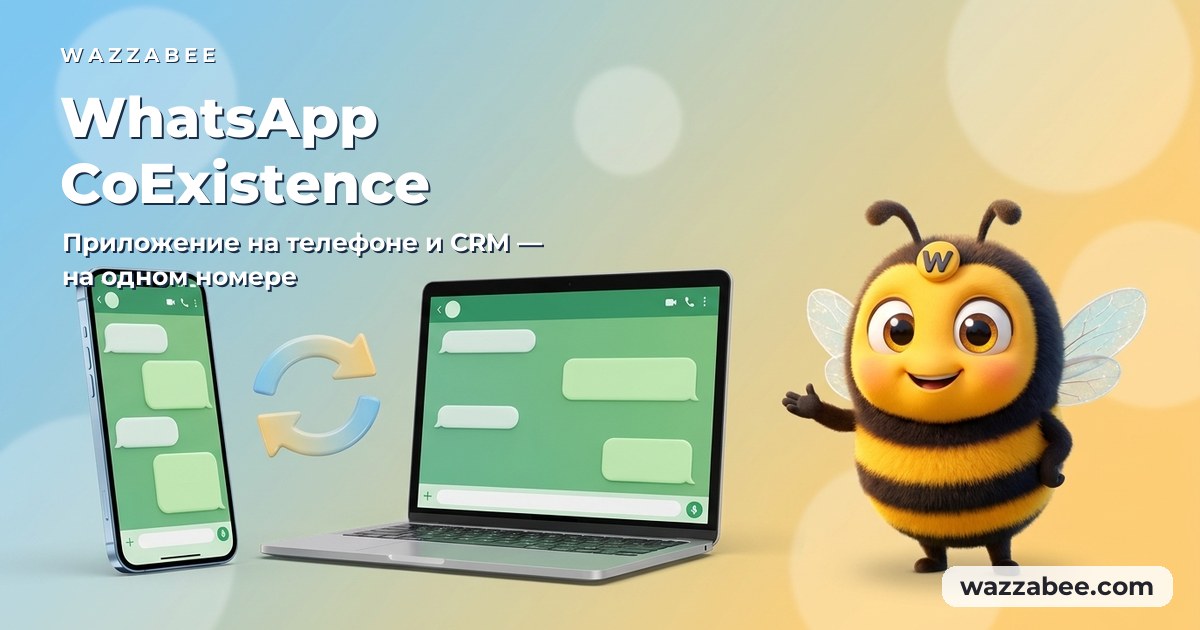
WhatsApp CoExistence: connect the WhatsApp Business app to your CRM without losing the number or the history
CoExistence is Meta's official mode: the WhatsApp Business app stays on the phone, the number stays the same, and broadcasts, Meta templates and your CRM run through the API. Requirements, step-by-step setup and what it costs a business in Kazakhstan.
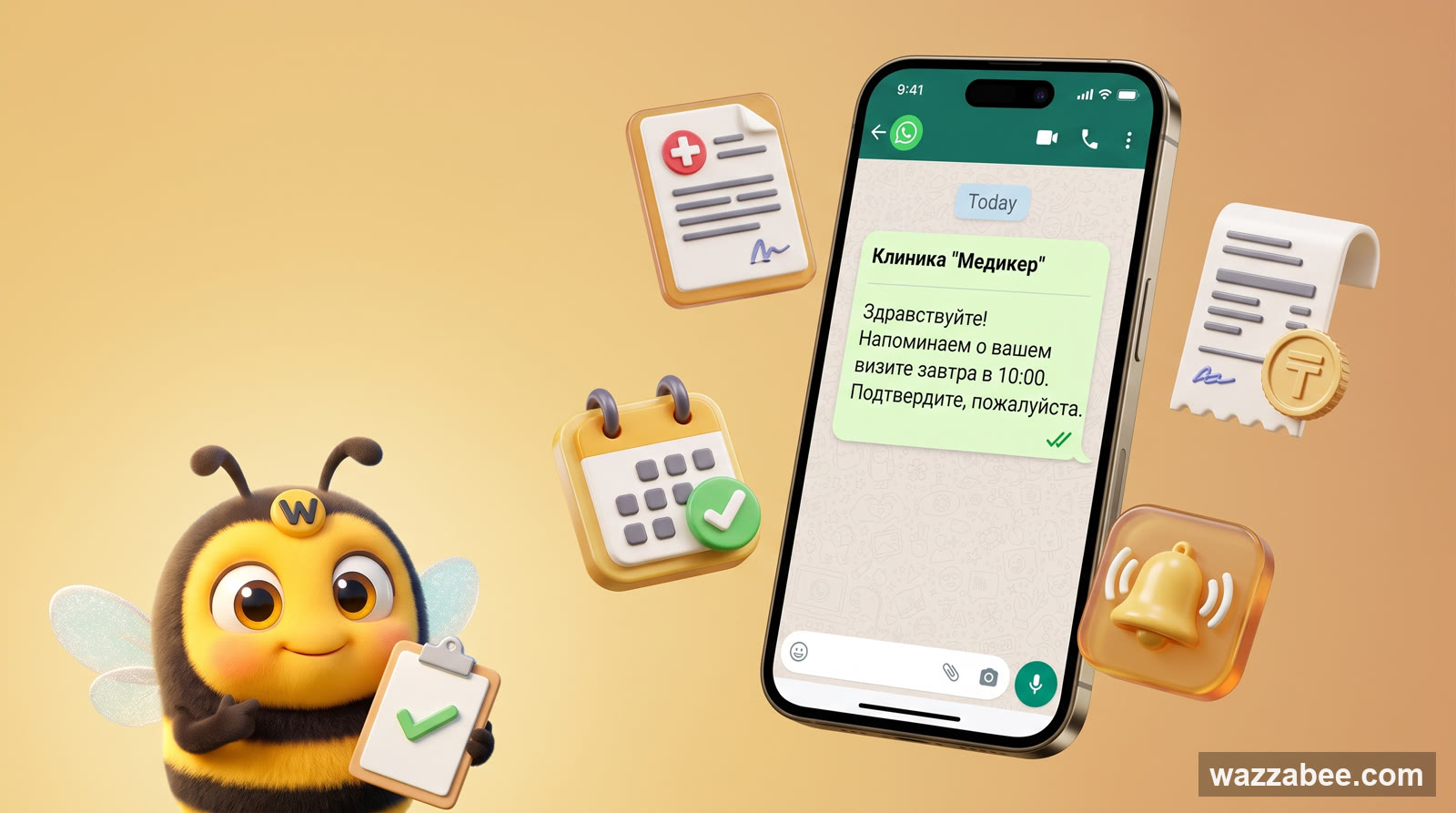
WhatsApp HSM templates in WazzaBee: reaching customers outside the 24-hour window
How clinics, medical centers and service companies use WhatsApp HSM templates in WazzaBee: lab results sent as a link, reminders, invoices, Bitrix24 and CRM robots.