 WazzaBee
How to choose a WhatsApp Business API provider in Kazakhstan: 2026 guide and a 10-question checklist
✦ Key takeaways
- •What does a WhatsApp Business API provider do?
- •What types of WhatsApp Business API providers are there in Kazakhstan?
- •What makes up the real price of the WhatsApp Business API?
- •Which 10 questions should you ask a provider before paying?
- •What does the WhatsApp Business API cost per month in a real example?
To choose a WhatsApp Business API provider in Kazakhstan, compare the full monthly cost, not the plan price on the home page: the subscription, agent seats, connection fee and message prices in your currency. And check right away that the WhatsApp account is created in your Meta business portfolio, not the provider's. Below is a checklist of 10 questions to ask before you pay.
The choice usually goes like this: you open three websites, find the cheapest plan and pay. A month later it turns out the WhatsApp Business API is not in that plan, it starts from the next one, twice as expensive. There was a trial, but only with a QR connection. And messages are billed in dollars, so the final bill differs every month. This guide helps you find such things out before paying, not after.
What does a WhatsApp Business API provider do?
A provider connects your company number to the official WhatsApp API and gives you software where agents reply to customers. Meta itself does not sell businesses a ready workspace: it provides the API, while the chat window, broadcasts, CRM integrations and support come from the partner.
If you have a developer, you can connect to the WhatsApp Cloud API directly and build everything yourself. Everyone else works through a provider: it is faster and you do not have to pay Meta abroad with a card. The difference between the options is covered in the article how to officially connect the WhatsApp Business API in Kazakhstan.
What types of WhatsApp Business API providers are there in Kazakhstan?
There are four types of solutions on the market, and they suit different companies. Before comparing prices, decide which type you need, otherwise you will be comparing apples and oranges.
| Type | What it is | Who it suits |
|---|---|---|
| CRM connector | WhatsApp chats go straight into Bitrix24 or amoCRM, almost no own chat window | Sales teams that already live in a CRM |
| Chat platform | Own dashboard for agents, broadcasts, AI, analytics | Support and sales without a CRM or with a simple one |
| Platform plus connector | A chat dashboard plus Bitrix24 and amoCRM integrations | Companies where part of the team is in the CRM and part in chats |
| Cloud API on your own | Direct connection to Meta, everything else is built by your developer | IT companies and large businesses with their own system |
WazzaBee is the third type: one line includes a chat dashboard, broadcasts and integrations with Bitrix24 and amoCRM.
What makes up the real price of the WhatsApp Business API?
Five parts: the platform subscription, extra agent seats, the connection fee, message prices and the exchange rate used to count them. The price on a provider's home page usually shows only the first part.
| Cost item | What to ask the provider | How it is in WazzaBee |
|---|---|---|
| Subscription | Is the WhatsApp Business API in this plan or only QR | $68 per month, a plan with the WhatsApp Business API itself |
| Agents | How many users are included and what the next one costs | Unlimited agents in Bitrix24 and amoCRM at no extra cost. Three seats in the WazzaBee dashboard, then $6 per seat |
| Connection | Is there a one-time fee to connect the number | Connection is free |
| Messages | The price of each Meta category and the currency | From the line balance, marketing $0.086, utility $0.0286 |
| Second number | Is a bigger plan needed or can a number be added separately | Each line is connected separately at the same price |
How Meta rates change and what each message category costs is covered in the article how much the WhatsApp Business API costs in Kazakhstan.
Which 10 questions should you ask a provider before paying?
These questions cover almost all unpleasant surprises. Ask them in writing: an answer in a chat is easy to show later if the terms differ from the promise.
- Is the WhatsApp Business API included in the plan I am choosing, or only a QR connection?
- Can I try the WhatsApp Business API itself during the trial?
- How many agents are in the plan and what does each next one cost?
- Is there a fee to connect the number?
- What does each message category cost, in what currency and how often does the price change?
- Is the WhatsApp Business account created in my Meta business portfolio?
- Can I take the number to another provider with its name and templates?
- How does it connect to my CRM: Bitrix24, amoCRM or through the API?
- How can I pay: by card, by invoice for a sole proprietor or an LLP?
- How fast does support reply and where do I write to it?
WazzaBee's answers to all ten are in the tables of this article. If a provider is vague about question 6, that is the main reason to be careful.
What does the WhatsApp Business API cost per month in a real example?
Take a typical company: five agents reply to customers from Bitrix24, one broadcast a month to 1 000 people and 2 000 utility notifications about orders and appointments. This is how the calculation looks in WazzaBee.
| Item | Quantity | Amount |
|---|---|---|
| WhatsApp Business API line | 1 | $68 |
| Agents in Bitrix24 or amoCRM | 5 | $0, no limit |
| Marketing broadcast | 1 000 messages | $86.0075 |
| Utility notifications | 2 000 messages | $57.1277 |
| Number connection | one-time | $0 |
If agents reply in the WazzaBee dashboard instead of a CRM, three seats are in the plan and each next one costs $6. Calculate the same company with other providers using the same rows. The difference often shows up not in the subscription but in the second row and the broadcast price.
Where do companies overpay most often when choosing a provider?
They overpay where the terms are in small print or not written at all. Here are five things to check before signing.
- WABA only in the top plan. The cheap plan works via QR code, and the official channel opens one plan up.
- A trial without WABA. You spend a week testing something other than what you will pay for.
- Messages in dollars. The price depends on the exchange rate and payment goes abroad by card.
- The number in the provider's portfolio. You can only leave with a new number.
- Expensive agent seats. The plan looks cheap until the team grows.
A separate risk is a provider offering "WhatsApp without limits" via QR code. Meta bans such numbers for broadcasts, more in the article why WhatsApp was banned.
How do you check that the number stays yours?
The number stays yours if the WhatsApp Business account is created in your Meta business portfolio. You can see it in the portfolio settings: the number and the WhatsApp account open in WhatsApp Manager under your own Facebook login.
In WazzaBee the number is connected through the official Meta window, and you choose or create your own portfolio. That is why the number can be moved to another provider with its name, quality rating and approved templates, and a number from another service can be moved to WazzaBee the same way.
Why do companies choose WazzaBee?
Because official WhatsApp is here from the first plan, and you can try it before paying. A WhatsApp Business API line costs $68 per month and includes:
- a chat dashboard and a team chat;
- unlimited agents in Bitrix24 and amoCRM and three seats in the WazzaBee dashboard at no extra cost;
- broadcasts to your own base, messages are paid by rate;
- Bitrix24 and amoCRM integrations;
- a public API and webhooks;
- Coexistence mode if the number must stay on the phone too.
WazzaBee CRM, the AI office and telephony are connected separately if you need them. A new line works for 7 days on trial, and a bonus of $1.11 lands on the message balance at the first connection. Connection takes 15 minutes, support replies in the dashboard and by phone at +7 777 261 11 16. The service has been running since January 2026, and more than 500 000 messages have already gone through it.
How do you connect the WhatsApp Business API through WazzaBee?
In 15 minutes in the dashboard, without a developer. You need the administrator's personal Facebook account and a number that receives SMS or a call.
- Sign up at wazzabee.com and open Channels.
- Choose WhatsApp Business API and log in with Facebook.
- Pick or create a business portfolio and enter the company name.
- Confirm the number with a code from SMS or a call.
- Connect Bitrix24 or amoCRM and start replying to customers.
What to prepare and how to pass company verification is described in the article business verification in Meta. Who officially connects WhatsApp in Kazakhstan at all is explained in WhatsApp representatives in Kazakhstan.
FAQ

An omnichannel platform that connects messengers to your CRM. We link WhatsApp, Telegram, Instagram and 5 more channels to your business in Kazakhstan.
You may also like
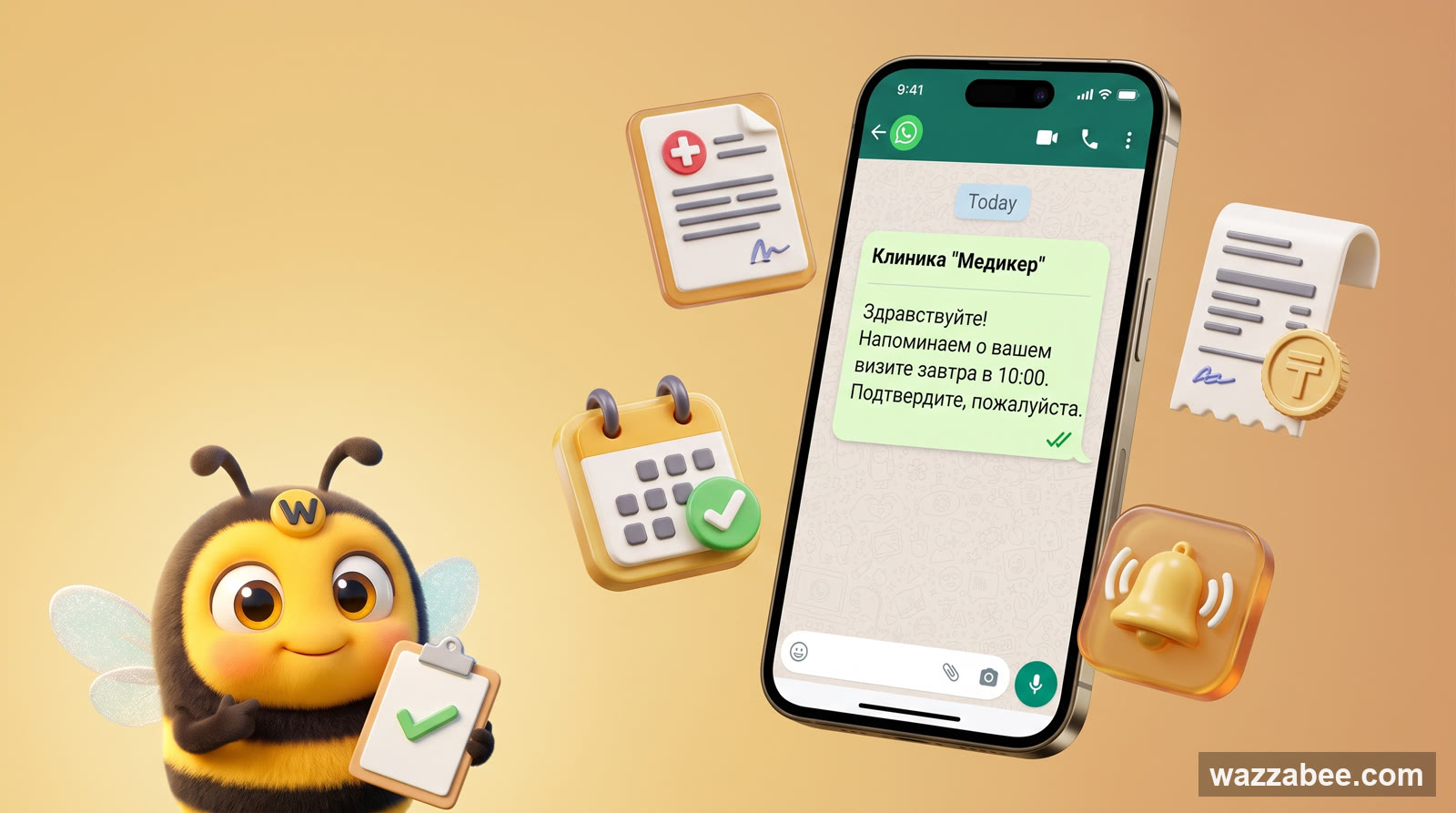
WhatsApp HSM templates in WazzaBee: reaching customers outside the 24-hour window
How clinics, medical centers and service companies use WhatsApp HSM templates in WazzaBee: lab results sent as a link, reminders, invoices, Bitrix24 and CRM robots.
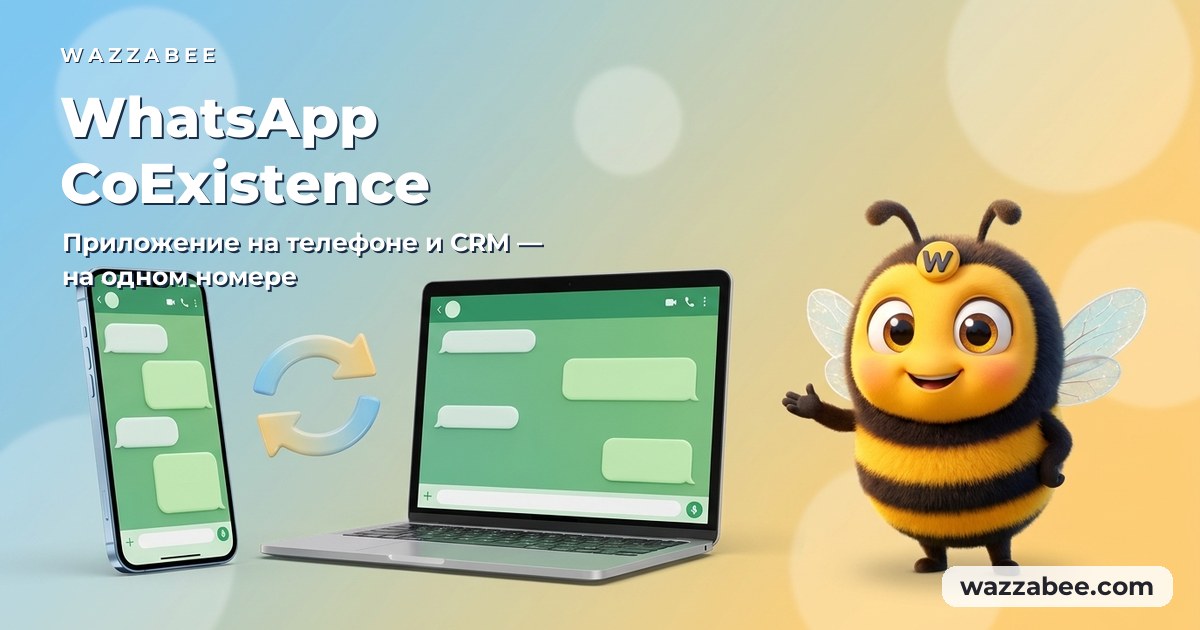
WhatsApp CoExistence: connect the WhatsApp Business app to your CRM without losing the number or the history
CoExistence is Meta's official mode: the WhatsApp Business app stays on the phone, the number stays the same, and broadcasts, Meta templates and your CRM run through the API. Requirements, step-by-step setup and what it costs a business in Kazakhstan.
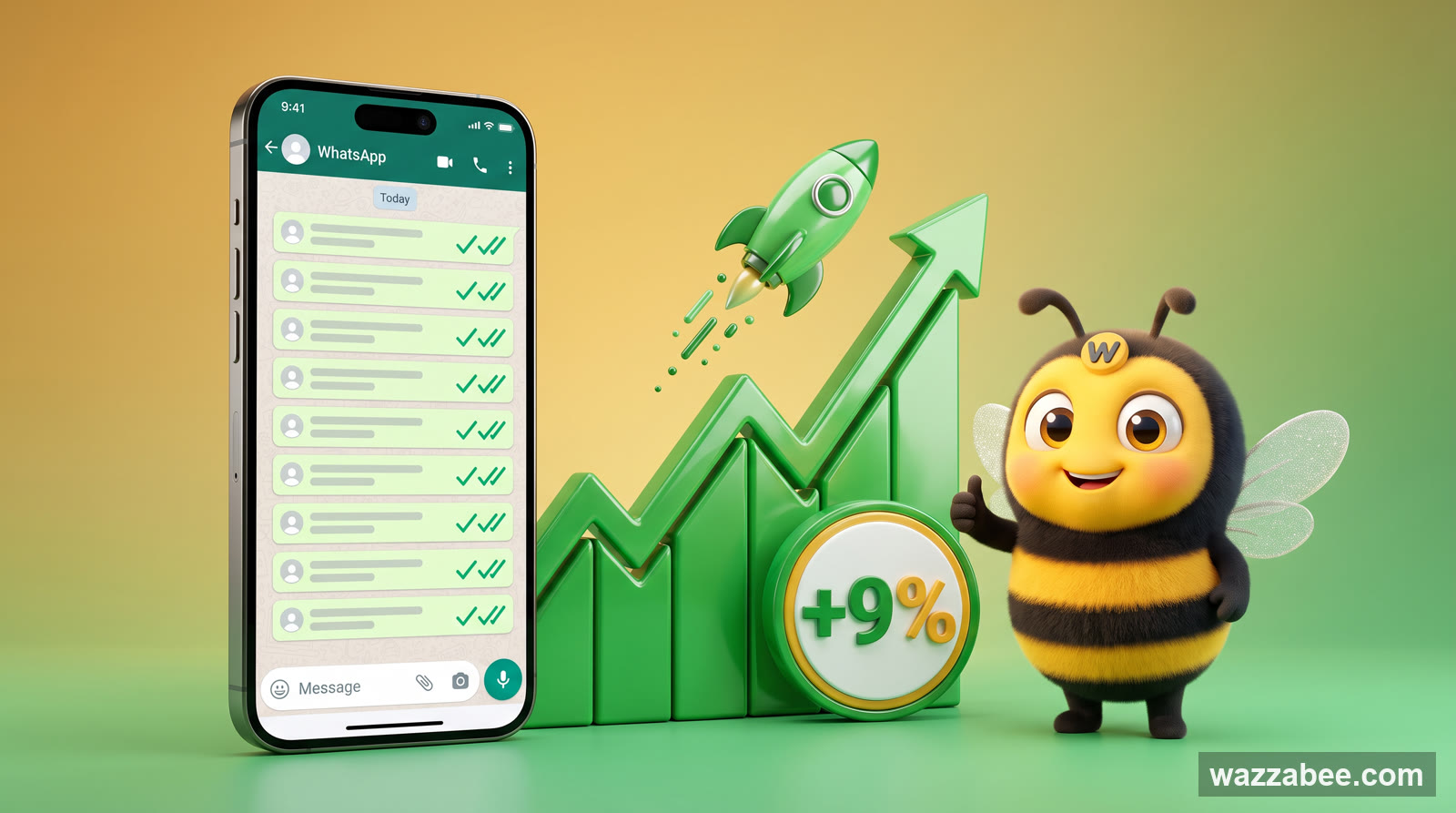
MM Lite for WhatsApp (Marketing Messages Lite): why to enable it and how to set it up for WABA broadcasts
MM Lite (Marketing Messages Lite API) increases WhatsApp broadcast deliverability by up to 9% with no extra fees and no template rework. We explain why to enable MM Lite for WABA and how to activate it step by step.