 WazzaBee
WhatsApp Business API Integration with Bitrix24: Chats, Deals and Pipeline Automation Rules
✦ Key takeaways
- •What the official WhatsApp and Bitrix24 integration gives you
- •How WABA in Bitrix24 differs from a QR-code number
- •Three ways to send WhatsApp messages from Bitrix24
- •What appears in the CRM after connecting
- •How to connect WABA to Bitrix24: step by step
In Bitrix24 you have a tidy pipeline, reports and tasks. Yet your sales happen in WhatsApp: on managers' personal phones, where the head of sales never looks and the CRM sees nothing at all. The official WhatsApp Business API closes this gap: conversations land in the customer card, the deal is created automatically, and template messages about the order are sent by an automation rule at the right stage. Let's look at how it works and what you can set up in a single evening. How to connect the integration with us is described on the WhatsApp and Bitrix24 integration page.
What the official WhatsApp and Bitrix24 integration gives you
In short: every conversation becomes a company asset rather than a manager's personal matter. In detail: five things you get right after connecting.
- Chats inside the CRM. Messages arrive in Bitrix24 Open Channels, and managers reply from the familiar interface without switching to their phones.
- Customer and deal are created automatically. When a new number writes in, a contact and a lead or deal appear in the CRM according to your rules, with a responsible person and a source.
- History in the card. The whole conversation is linked to the customer: you can see what was agreed six months ago, even if the manager left long ago.
- Sending from the card. You can message a customer on WhatsApp right from the deal, without copying the number into a phone.
- Pipeline automation. Move a deal to the "Paid" stage and the customer receives a template message. No human involved.
If you need a general overview of messenger and CRM integration without focusing on the official API, start with the article WhatsApp integration with Bitrix24: how to connect and handle all chats from the CRM. Here we focus specifically on the official channel and automation inside the pipeline.
How WABA in Bitrix24 differs from a QR-code number
Technically, you can also connect a regular number to the CRM by scanning a QR code, as in WhatsApp Web. The difference does not show up at the moment of connection, but after a month of work.
| Parameter | Official WABA | QR-code number |
|---|---|---|
| Status with Meta | Legitimate business channel | Bypasses the rules, number is under scrutiny |
| Risk of being banned | Minimal when working with templates | High, especially with broadcasts |
| Company name in the chat | Displayed instead of the number, verification available | Phone number only |
| Messages outside 24 hours | Approved templates | Formally not allowed, in practice a reason for a ban |
| Automation rules and business processes | Sending a template at a deal stage | Sending plain text, at a risk to the number |
| What happens if the number is lost | The number is tied to the company in Business Manager | The entire customer base and chat history are gone |
Meta deliberately cleans out unofficial connections, and a banned number can almost never be restored: we described how this works in the article why WhatsApp was banned. For a company that keeps its customer base in chats, the official channel is not an overpayment but insurance.
Three ways to send WhatsApp messages from Bitrix24
After connecting, you get three different mechanisms: they do not replace but complement each other.
1. Open Channels: live conversation. An incoming message creates a chat in an Open Channel, Bitrix24 distributes it according to the queue rules, and the manager replies from the CRM or the mobile app. The familiar Bitrix tools work here too: transferring a conversation to another employee, quality rating, history.
2. Sending from the card: a one-off message. WazzaBee registers in Bitrix24 as a messaging provider, so you can write to a customer on WhatsApp directly from a lead, deal or contact card. Other channels are available as separate providers: a Telegram bot and personal Telegram, if you have them connected.
3. Pipeline automation rule: automation. The list of automation rules gets the action "WazzaBee: send WhatsApp template (WABA)". You place it at a deal stage, choose the line and an approved template, fill in variables from CRM fields, and the customer receives the message the moment the deal is moved. This is how order confirmations, payment notifications and delivery statuses are done.
The third point is the main reason to connect the official channel specifically: only it lets you legally message a customer first after the 24-hour window closes. How templates themselves and their moderation work is covered in the article on WhatsApp HSM templates.
What appears in the CRM after connecting
Besides chats, the integration adds WazzaBee service fields to lead and deal cards: the customer's messenger IDs (Telegram, Instagram, Facebook, OLX), a universal customer login and the line through which they came. These fields are also visible in automation rules, which makes it easy to build conditions: for example, sending a template only to those who contacted you via a specific line.
The contact is created with the customer's phone number, so duplicates do not pile up: if the person is already in the database, the conversation is linked to the existing card instead of creating a new one.
How to connect WABA to Bitrix24: step by step
- Connect a WABA line in WazzaBee. You need a number not used in the WhatsApp app and access to Business Manager. The full procedure with requirements and pitfalls is in the step-by-step guide to connecting official WhatsApp. If the number has been working in the WhatsApp Business app for a year and you cannot lose the history, see the Coexistence mode.
- Install the WazzaBee app in Bitrix24. It is installed from your portal and requests permissions for the CRM, Open Channels and business processes.
- Activate the line in the Contact Center. A WazzaBee icon will appear in the Contact Center: choose the connected line and the Open Channel where chats will go.
- Check the queue rules. In the Open Channel settings, specify who replies, what to do outside working hours, and whether to create a lead or a deal right away.
- Prepare templates. Submit for moderation the messages you will need in the pipeline: order confirmation, payment, delivery, appointment reminder.
- Add an automation rule to a stage. In the pipeline settings, add the action "WazzaBee: send WhatsApp template (WABA)", specify the line, the template, the recipient's phone from the deal field and the variables.
- Run a test deal. Move it through all stages and make sure the messages arrive with the correct text and filled-in data.
Usually the whole thing takes one evening; the longest part is template moderation on Meta's side.
How much it costs
Payment consists of a subscription for the line and payment for messages at Meta's rates. The Bitrix24 integration itself is included in the subscription and is not paid for separately.
| What you pay for | How much |
|---|---|
| Official WhatsApp line (ENTERPRISE plan, unlimited conversations) | $68 per month |
| Bitrix24 integration, Open Channels, automation rule, CRM fields | Included in the subscription |
| Template messages | At Meta's rates, per delivered message |
| Replies to the customer within 24 hours of their message | Not charged as template messages |
Current message prices in tenge are in the breakdown how much WhatsApp Business API costs in Kazakhstan. Meta's pricing changes: for example, service messages become paid from October 1, 2026, which is worth keeping in mind when planning your budget.
Common setup mistakes
- An automation rule at every stage. The customer gets five messages a day and complains to Meta. Keep only the notifications they actually expect: payment, shipping, delivery.
- Marketing text in a utility template. Discounts and promotions move the template into the marketing category: it is more expensive and more often hits frequency limits. Keep notifications plain.
- Phone numbers in arbitrary formats. The automation rule sends to the number from the deal field: make sure numbers in the CRM are stored in international format.
- Expecting to message the customer first without a template. Outside the 24-hour window, free-form text is not delivered: this is Meta's rule, not a limitation of the integration.
- Managers working in parallel from their phones. If an employee keeps replying to a customer from personal WhatsApp, part of the conversation ends up outside the CRM again.
Who needs it most
The WABA and Bitrix24 integration pays off best where an order goes through several stages and the customer needs to be informed about each one: online stores and delivery, car services and repair shops, medical centers and salons with appointments, real estate, wholesale with a long deal cycle. The more messages like "we received your payment" and "your order is ready" there are in your process, the faster automation will replace a manager's manual work.
If besides WhatsApp you accept requests in Telegram, Instagram or on OLX, all these channels go into the same Open Channels. How to build a single process is covered in the article on order automation via WhatsApp and Telegram. If you work in amoCRM, see the separate article on WhatsApp integration with amoCRM.
Where to start
Connect an official WhatsApp line, install the app in your Bitrix24 and activate it in the Contact Center. Already at this step, conversations will start collecting in customer cards, and managers will stop replying from personal phones. Templates and automation rules can be added as the next step, once you see which notifications customers expect most often.
FAQ

An omnichannel platform that connects messengers to your CRM. We link WhatsApp, Telegram, Instagram and 5 more channels to your business in Kazakhstan.
You may also like
How to Connect Official WhatsApp (WABA): A Step-by-Step Guide for 2026
Official WhatsApp (WABA) takes 15 minutes to set up. What to prepare, how to get through sign-up step by step, what the subscription and messages cost in tenge, what to do if the number is already in the WhatsApp Business app, and what most often derails the process.
WhatsApp CoExistence: connect the WhatsApp Business app to your CRM without losing the number or the history
CoExistence is Meta's official mode: the WhatsApp Business app stays on the phone, the number stays the same, and broadcasts, Meta templates and your CRM run through the API. Requirements, step-by-step setup and what it costs a business in Kazakhstan.
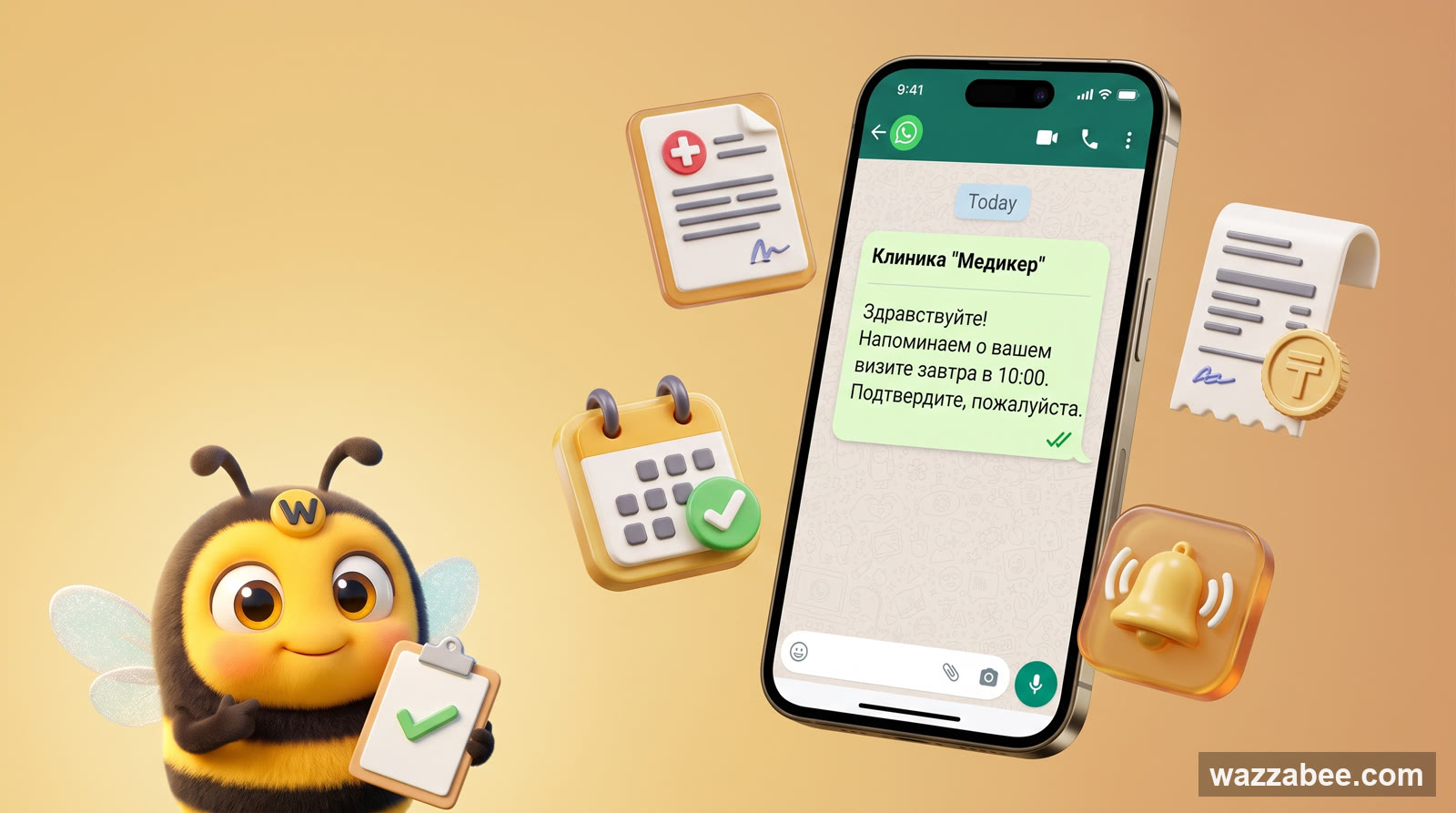
WhatsApp HSM templates in WazzaBee: reaching customers outside the 24-hour window
How clinics, medical centers and service companies use WhatsApp HSM templates in WazzaBee: lab results sent as a link, reminders, invoices, Bitrix24 and CRM robots.