 WazzaBee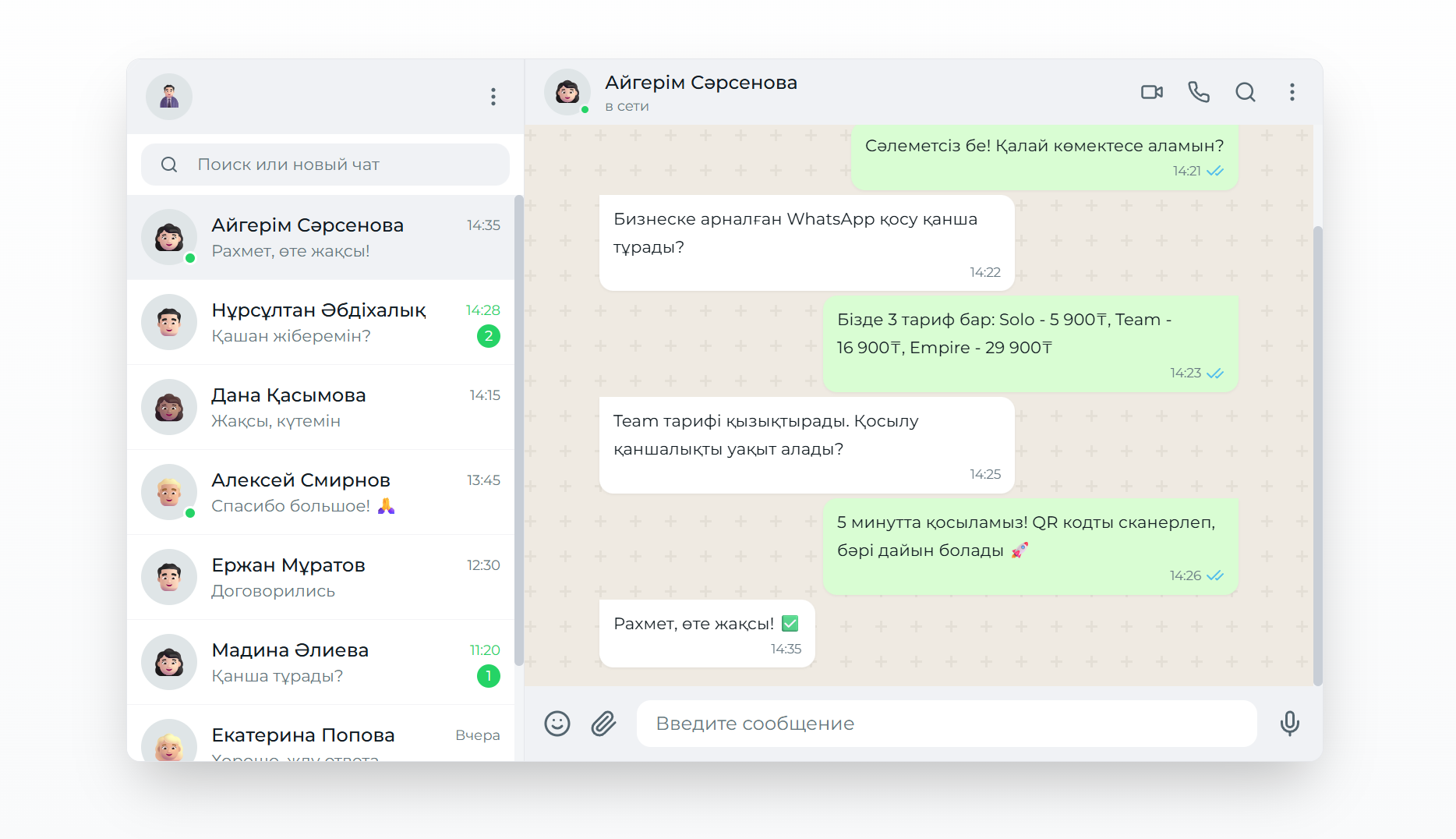
Official WhatsApp broadcasts: how to send bulk messages through WABA
✦ Key takeaways
- •What are WABA broadcasts and how do you send them?
- •What an official WhatsApp broadcast actually is
- •Types of HSM templates for official broadcasts
- •Setting up an official WhatsApp broadcast in WazzaBee
- •Building official broadcast campaigns that work
An official WhatsApp broadcast means sending bulk messages through the WhatsApp Business API (WABA) using pre-approved HSM templates. Unlike ordinary messages, official broadcasts land in the inbox far more reliably, come from the company's official account and let you message first customers who have agreed to receive messages.
For businesses in Kazakhstan, the official WhatsApp broadcast has become a core tool for both customer service and marketing. Companies use it for order updates, promotions, appointment reminders and any other message that has to be seen.
What are WABA broadcasts and how do you send them?
WABA broadcasts are bulk messages sent through the official WhatsApp Business API using templates approved by Meta. The company messages first only people who agreed to receive messages and pays for each message at Meta rates. The number is not banned for the broadcast itself, as happens with regular WhatsApp connected by QR code.
In WazzaBee a WABA broadcast is launched in four steps: line, template, recipients and speed settings. You see the cost before launch, and afterwards you see for every number whether the message was delivered and read.
a connected WhatsApp Business API line, which takes 15 minutes;
a message template approved by Meta;
a list of recipients who agreed to receive messages, as an .xlsx, .xls, .csv or .txt file;
enough money on the line balance for the whole broadcast.
What an official WhatsApp broadcast actually is
An official WhatsApp broadcast is bulk messaging through the WhatsApp Business API using HSM (Highly Structured Message) templates that Meta has approved in advance. Every message goes out from the company's official business account.
So what are HSM templates? They are structured messages with fixed wording and variable parameters that Meta reviews before you can use them. Templates guarantee that your messages follow WhatsApp policy and that they get delivered.
What sets an official broadcast apart
The message comes from the company's official account with its name and logo
You can message first any customer who agreed to receive messages
Images, documents, video and buttons in the template
For every recipient you see whether the message was delivered and read
Broadcasts follow Meta's rules instead of working around them like QR-connected numbers
A blue tick does not come with broadcasts: it is a separate Meta badge with its own criteria, and you do not need it to send broadcasts.
Types of HSM templates for official broadcasts
HSM templates fall into three main categories depending on their purpose and price. Each type has its own pricing rules and content limits.
Marketing templates
Marketing templates are built for promotions, sales, product launches and announcements. Sending one costs $0.086. These templates face the strictest review.
Typical Marketing templates:
Discount and sale announcements
New product or service launches
Event invitations
Seasonal greetings with a special offer
Utility templates
Utility templates cover transactional notifications and essential information. The price is $0.0286 per message, and review is faster than for Marketing templates.
Where Utility templates fit:
Order confirmations and status changes
Delivery updates
Appointment and booking reminders
Payment and invoice information
Authentication templates
Authentication templates carry one-time passwords (OTP) and verification codes. They cost $0.0286 per message. Their text is standard and set by Meta: the code and a warning not to share it.
Template type | Price | Purpose |
|---|---|---|
Marketing | $0.086 | Promotional campaigns |
Utility | $0.0286 | Transactional notifications |
Authentication | $0.0286 | OTP and verification codes |
Setting up an official WhatsApp broadcast in WazzaBee
Getting official broadcasts running in WazzaBee takes only a few steps. The platform handles most of the technical work for you and gives you a clean interface for building campaigns.
Step 1: connect the WhatsApp Business API
To start sending official broadcasts you need the ENTERPRISE plan at $68/month, which includes a shared inbox for conversations, broadcast features and a starting WABA balance. Messages themselves are paid at the rates on top of the subscription.
Sign up for WazzaBee
Choose the ENTERPRISE plan
Verify your business account through Facebook Business Manager
Confirm your phone number with a code by SMS or call
Step 2: build your HSM templates
In WazzaBee, open the Templates section and create the HSM templates you need:
Pick the template type (Marketing, Utility or Authentication)
Write the message text with variable parameters
Attach media files if you need them
Submit the template to Meta for review
Wait for approval: Meta sets the review time
Step 3: import your audience
Upload the audience as a CSV, TXT or Excel file, or paste the list straight into the window. A ready table template can be downloaded in the dashboard.
WazzaBee removes duplicate numbers on its own and shows how many it found. Keep numbers with the country code, for example +7 701 123 45 67 or +996 555 123 456. A Kazakhstan number written with a leading 8 is converted to +7 automatically. Only send broadcasts to people who agreed to receive messages from your company.
Building official broadcast campaigns that work
The success of an official WhatsApp broadcast comes down to planning, content quality and precise targeting. WazzaBee gives you every tool you need to run campaigns that pay off.
Planning your content strategy
An effective broadcast starts with a clear picture of your goals and your audience. Decide which type of message will actually be relevant to your customers:
Informational notifications (order status, reminders)
Promotional campaigns (discounts, sales, new arrivals)
Service messages (support, instructions)
Personalised offers
Personalising messages
HSM templates support variable parameters, so every message can be tailored to the recipient:
{{1}}: customer name
{{2}}: order number
{{3}}: purchase amount
{{4}}: delivery date
Here is what a personalised template looks like:
“Hi {{1}}! Your order No. {{2}} for {{3}} ₸ is ready for pickup. We're waiting for you at 150 Abay Street, Almaty.”
The best time to send
Looking at how WhatsApp users in Kazakhstan behave, a clear pattern emerges:
Weekdays: 10:00-12:00 and 16:00-19:00
Weekends: 11:00-14:00
Never send between 22:00 and 8:00
Account for time zones across regions
Official broadcast statistics and analytics
For every broadcast WazzaBee shows a status card and a recipient table. While the broadcast is running, the figures refresh on their own every 5 seconds.
Which metrics you see for a broadcast
Total numbers: how many recipients are in the audience;
Sent: the message has left for WhatsApp;
Delivered: the message reached the phone;
Read: the recipient opened the message;
No WhatsApp: the number has no WhatsApp;
Error: not delivered, the reason is recorded for each recipient;
Remaining: numbers the queue has not reached yet.
What to do with undelivered messages
The dashboard splits errors into three groups: can be resent later, do not resend because Meta will not let it through, and fix the template or data first. Each group, as well as delivered or read recipients, can be downloaded as a CSV file and uploaded as a new audience.
Across WazzaBee client broadcasts in 2026, 63% of numbers received the message and 70% of those read it. How to read these figures and what to do with errors is covered in the article WhatsApp broadcast analytics via WABA.
WhatsApp policy compliance and best practices
Working successfully with official WhatsApp broadcasts means following Meta's policies and international communication standards to the letter. Break the rules and you risk losing the account, and everything you invested in setting up WABA.
Core WhatsApp Business Policy requirements
Meta sets firm rules on the content and frequency of official broadcasts:
No spam and no intrusive messaging
An opt-out option is mandatory
Content must match your declared business category
Prohibited goods and services may not be sold
Copyright must be respected in media content
Controlling send frequency
WazzaBee automatically paces your sending so the account stays safe:
Meta limits how often one recipient gets marketing messages: over the limit the message is not delivered, with error 131049
Utility messages: unlimited when there is a legitimate business reason
Authentication messages: only when the user asks for one
Automatic delay between messages in bulk campaigns
Content quality and review
To get HSM templates through review on the first try, follow these rules:
Write in clear, correct language
Avoid pushy sales phrasing
Include a clear call to action
Show how to get in touch and how to opt out
Test templates before you send at scale
CRM integrations that automate your broadcasts
A bulk broadcast to your base is launched from the WazzaBee dashboard. From Bitrix24 and amoCRM, templates go out automatically on a pipeline event: to one customer at the right moment rather than to the whole base at once.
Bitrix24 integration
Once the WazzaBee app is installed in Bitrix24, you get robots:
"Send WABA template". Put it on a deal stage or in a business process, and it sends an approved template when the deal reaches that stage.
"Send SMS" via WazzaBee. The standard Bitrix24 robot messages the customer in WhatsApp or Telegram.
Customer replies arrive in Bitrix24 open channels. More on the WhatsApp for Bitrix24 page.
Working with amoCRM
The WazzaBee widget has a Salesbot step. It sends an approved template with deal fields filled in, and the bot gets the result, sent or not, and moves the deal down the right branch. More on the WhatsApp for amoCRM page.
Bulk broadcast statistics are not passed to the CRM: check delivery and reads in the broadcast report in the WazzaBee dashboard.
Universal REST API
For any other CRM there is the WazzaBee REST API: sending messages and templates, message history, contacts and webhooks. A message is sent with POST https://api.wazzabee.com/api-gateway/v1/messages/send and the header Authorization: Bearer with your API key. Request fields and examples are in the API documentation.
What an official WhatsApp broadcast costs
The price of an official WhatsApp broadcast in WazzaBee has two parts: your monthly platform subscription and the per-message fee set by Meta.
WazzaBee plans
Official broadcasts run on the ENTERPRISE plan:
Price: $68/month
Included: conversations in a shared inbox, broadcast features, a starting WABA balance (messages are paid at the rates on top of the subscription)
Discounts: six months −10%, a year −20%
Trial: 7 days free on your first connection
Meta's per-message pricing
What you pay per message depends on the HSM template type:
Marketing: $0.086 per message
Utility: $0.0286 per message
Authentication: $0.0286 per message
Service: $0.0286 per message (replies to incoming messages)
You top up your WABA balance inside WazzaBee with a Visa/Mastercard, or by invoice if you are a registered company.
Working out the cost of a campaign
Here is the maths for a 1,000-message Marketing broadcast:
ENTERPRISE subscription: $68/month
Message cost: 1000 × $0.086 = $86.0075
Total: the subscription plus $86.0075 for messages
How businesses use official WhatsApp broadcasts
Companies across Kazakhstan are already putting official WhatsApp broadcasts to work in very different industries. Here are the scenarios that pay off best.
Online stores and e-commerce
Online retailers use official broadcasts for:
Order confirmations and delivery status updates
Abandoned cart reminders
Sale and seasonal promotion announcements
Personalised product recommendations
In e-commerce WhatsApp broadcasts usually bring more orders than email marketing.
Medical and dental clinics
Healthcare providers use broadcasts for:
Appointment reminders
Alerts that test results are ready
Information about preventive care programmes
Booking confirmations and schedule changes
Training centres and courses
Education providers use official broadcasts for:
Class start notices and schedule changes
Homework and exam reminders
Announcements of new courses and programmes
Graduation congratulations
Financial services and banks
Financial institutions use broadcasts for:
Transaction and balance change alerts
Loan payment reminders
News about new products and terms
One-time passwords for authorisation
Alternatives to official broadcasts in WazzaBee
Beyond official WhatsApp broadcasts through WABA, WazzaBee offers other ways to reach customers at scale through messengers.
Why not to broadcast through a QR code
An ordinary number connected by QR code works around Meta's rules. Meta bans such numbers for bulk sending, and the contact list and the whole chat history go with the number. The right way to broadcast is the official WhatsApp Business API.
What about broadcasts in Telegram?
A Telegram bot connects to WazzaBee with a BotFather token and works as a chat channel: customer messages arrive in the shared inbox. The starter bot costs $0 a month, the unlimited plan $45 a month.
There are no bulk Telegram broadcasts in the WazzaBee dashboard. You can message a customer in Telegram automatically from Bitrix24 with the "Send SMS" robot via WazzaBee.
Can one broadcast go to WhatsApp and Telegram at once?
No. One WazzaBee broadcast goes out through one WhatsApp line, and each broadcast has its own statistics. To duplicate an important notification in Telegram, use a Bitrix24 robot triggered by a deal event.
An official broadcast through WazzaBee follows Meta's rules, and you see delivery and reads for every recipient.
To start, sign up for WazzaBee and connect your number: it takes 15 minutes. A new line works on a 7-day trial, and a welcome bonus of $1.11 lands on the balance.
FAQ

An omnichannel platform that connects messengers to your CRM. We link WhatsApp, Telegram, Instagram and 5 more channels to your business in Kazakhstan.
You may also like
MM Lite for WhatsApp (Marketing Messages Lite): why to enable it and how to set it up for WABA broadcasts
MM Lite (Marketing Messages Lite API) increases WhatsApp broadcast deliverability by up to 9% with no extra fees and no template rework. We explain why to enable MM Lite for WABA and how to activate it step by step.
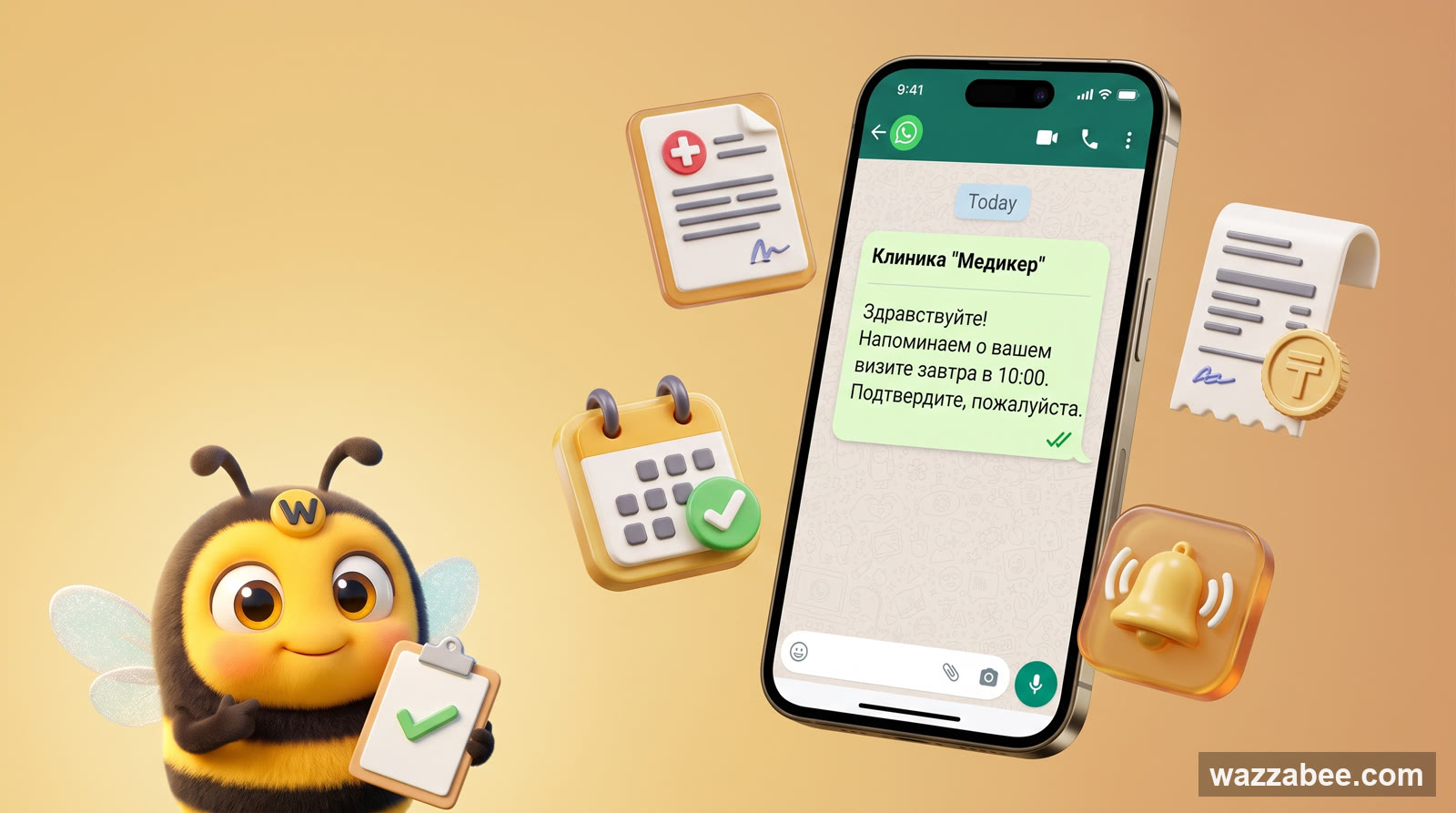
WhatsApp HSM templates in WazzaBee: reaching customers outside the 24-hour window
How clinics, medical centers and service companies use WhatsApp HSM templates in WazzaBee: lab results sent as a link, reminders, invoices, Bitrix24 and CRM robots.
WhatsApp broadcast analytics via WABA: which figures to watch and what to do with them
WhatsApp broadcast analytics via WABA: what sent, delivered and read mean, what figures real broadcasts get, why messages fail and whom to resend to.