 WazzaBee
How to officially connect the WhatsApp Business API in Kazakhstan: which method to choose and what to prepare
✦ Key takeaways
- •Which official way to connect the WhatsApp API should a company in Kazakhstan choose?
- •How do the official ways to connect the WhatsApp API differ?
- •What does a business in Kazakhstan need to connect the WhatsApp API?
- •Is business verification required to connect the WhatsApp Business API?
- •How much does the official WhatsApp Business API cost in WazzaBee?
The easiest way to officially connect the WhatsApp Business API in Kazakhstan is through a provider: in WazzaBee it takes 15 minutes, you log in with Facebook right from the dashboard, and the subscription is $66 per month per channel. To start, you need a Facebook account, a Meta business portfolio and a phone number that can receive an SMS or a call. Business verification is not required at the start.
It usually begins with a search for «how to connect the WhatsApp API» and a dozen different answers. Some send you to the Meta developer dashboard, others promise a one-minute setup with no documents. As a result, a company either gets stuck with a half-built integration or uses an unofficial method and one morning loses the number printed on its sign and in its ads.
Here is the short version: which official method fits your company, which Meta requirements you need to meet and how to connect step by step. A detailed guide with every screen is in the article how to connect official WhatsApp (WABA) step by step.
Which official way to connect the WhatsApp API should a company in Kazakhstan choose?
Most companies are best served by connecting through a WhatsApp Business API provider: the number is connected in 15 minutes without a developer, and chats, broadcasts and CRM work in one dashboard. Meta offers three official routes, and the choice depends on two questions: do you have your own developer, and do you need to keep the number in the phone app.
- Through a provider (WABA in WazzaBee). You log in with Facebook right from the dashboard, the number appears in the Channels section, and messages are paid from the channel balance in tenge.
- Direct WhatsApp Cloud API on your own. The company creates an app in the Meta developer dashboard, issues a permanent token, sets up a webhook and builds its own software where agents reply to customers. Meta charges the company card.
- Coexistence. The same official API, but the number keeps working in the WhatsApp Business app on the phone. It suits you if customers have known the number for years and it cannot be changed.
If your number already works through the WhatsApp API with another service, you do not need to connect it from scratch. You can migrate the number to WazzaBee: the company name, quality rating, limits and approved templates are kept.
How do the official ways to connect the WhatsApp API differ?
The main difference is who handles the technical side. With a provider, the server, webhooks and the agent workspace are already in place. With the direct Cloud API, the company builds all of this itself.
| Parameter | Through WazzaBee (WABA) | Cloud API on your own | Coexistence in WazzaBee |
|---|---|---|---|
| How it connects | Log in with Facebook from the dashboard | Meta app, system user, token, webhook | Log in with Facebook and confirm in the phone app |
| Developer needed | No | Yes | No |
| Connection time | 15 minutes | Depends on the developer | On request via support |
| Who pays Meta | WazzaBee, you top up the channel balance | The company, with a Visa or Mastercard enabled for international payments | WazzaBee, you top up the channel balance |
| App on the phone | No, the number works via the API | No, the number works only via the API | Yes, it stays as before |
| Where agents reply | Dashboard with chats, Bitrix24, amoCRM | In the system your developer builds | In the dashboard and on the phone at the same time |
| Old conversations | Not transferred | Not transferred | Up to 6 months of one-to-one chats, text only |
The direct Cloud API makes sense when you have an in-house developer and your own system to embed WhatsApp into. In other cases, connecting through a provider is faster. What WABA is and how it differs from the regular app is covered in the overview official WhatsApp for business in Kazakhstan.
What does a business in Kazakhstan need to connect the WhatsApp API?
There are three mandatory requirements: a personal Facebook account, a Meta business portfolio and a phone number that receives an SMS or a call and is not used in regular WhatsApp. You can create the portfolio right in the Meta window during connection.
| Requirement | What matters |
|---|---|
| Facebook account | The personal profile of a company admin, used to log in to the Meta window |
| Meta business portfolio | Name, address, phone and website match the registration documents |
| Phone number | Receives an SMS or a call. If the number is used in the WhatsApp app, free it up or connect via Coexistence |
| Display name | Related to the company or brand name, with no promotional words |
| Business category | Not on the WhatsApp Business Messaging Policy restricted list |
Meta checks some requirements later, during broadcasts and verification. It is better to meet them right away so the number is not restricted early on:
- a website on your own second-level domain showing the legal entity, BIN (IIN for sole proprietors) and address;
- Meta can open the website: the Sharing Debugger shows response code 200;
- the portfolio has at least two admins from company staff, each with two-factor authentication on;
- the domain is registered to your company, not to a web agency.
WhatsApp Business cannot be used to sell or promote weapons, alcohol and tobacco, prescription drugs and medical products, gambling, currency and cryptocurrency, microloans and several other categories. Meta will block such a number even after a successful connection. All points with pictures are collected in the checklist before connecting WABA.
Is business verification required to connect the WhatsApp Business API?
No, the number connects and works without verification. Until you verify, you can start conversations with 250 unique recipients in a rolling 24 hours. Verification raises the limit to 2 000, and after that Meta upgrades the tier automatically if the number quality is good and you use at least half of the current limit.
| Tier | Recipients per 24 hours |
|---|---|
| TIER_250, starting | 250 |
| Second | 2 000 |
| Third | 10 000 |
| Fourth | 100 000 |
| Maximum | Unlimited |
The limit applies to the whole business portfolio, not to a single number: several numbers in one portfolio share it. Incoming messages and replies within the 24-hour window are not limited. Read more in the article on limits, tier and number quality. Verification is also needed to apply for the blue badge.
For companies in Kazakhstan, Meta accepts these documents:
| Document | What it confirms |
|---|---|
| Certificate of state registration (egov.kz) | Name and address of an LLP |
| Notice of commencement of business for a sole proprietor | Name and address of the sole proprietor |
| Bank statement with the company name | Name and address |
| Utility or phone bill | Address and phone only |
Documents must be valid, and the name in them must match the portfolio data. Meta does not accept self-made documents. How to pass the check and the most common reasons for rejection are covered in the article Meta business verification for LLPs and sole proprietors.
How much does the official WhatsApp Business API cost in WazzaBee?
The official WhatsApp channel subscription is $66 per month, and connecting the channel costs $0. Messages are paid separately from the channel balance. Meta prices them by its own rules, and since 1 October 2026 Kazakhstan is a separate Meta market, so replies within the 24-hour window are now paid too.
| Item | Price |
|---|---|
| Channel subscription | $66 per month |
| Channel connection | $0 |
| Broadcast (marketing template) | $0.086 per message |
| Order or booking notification | $0.0286 per message |
| Verification code | $0.0286 per message |
| Reply to a customer within 24 hours | First 1000 per month per number at the minimum price, then $0.0286 |
| Incoming message | $0.0021 |
For example, a promo broadcast to 1000 customers costs $86.0113.
The subscription includes the dashboard with chats, a shared team chat, the owner and 3 agents (each extra seat is $6.61), broadcasts to your contact base (the messages themselves are paid at the prices above), Bitrix24 and amoCRM integrations, the public API and webhooks. WazzaBee CRM, the AI office and telephony are connected separately.
How to officially connect the WhatsApp Business API: step by step
Connecting a new number in the WazzaBee dashboard takes 15 minutes. Keep the phone with this number nearby: the code will be sent to it.
- Sign up for WazzaBee, open the Channels section and click «Add channel».
- Choose WhatsApp, then WABA (Official API). If the dashboard asks you to pick a mode, click «Connect a new number».
- Enter the channel name. Only your agents see it, for example «Sales».
- Click «Log in with Facebook». In the Meta window, log in as an admin, choose or create a business portfolio, create a WhatsApp Business account and fill in the display name.
- Enter the number, choose SMS or call verification and enter the code.
- Return to the dashboard and click «Done». You will see «Authorization successful!», then pick the number from the list.
- After the «WABA channel connected!» message, the channel appears in Channels and you can message customers right away.
If Meta says «This phone number is already registered», the number is used in the WhatsApp app. Delete the account on the phone (WhatsApp → Settings → Account → Delete account), wait 3 minutes and try again. Screenshots of every step are in the WABA connection documentation.
How to connect a number via Coexistence
In WazzaBee, Coexistence is enabled on request: write to support, we check the number together, and after the connection is paid the dashboard shows the option «Keep WhatsApp Business on your phone (Coexistence)». Meta requirements:
- WhatsApp Business app version 2.24.17 or higher;
- the number works in WhatsApp Business specifically and is not connected to the WhatsApp API with another service;
- linked devices are unlinked during connection, supported ones can be linked again later;
- the app on the phone must be opened at least once every 14 days.
History transfer is chosen before connecting: Meta shares one-to-one chats from the last 6 months, text only, and only within the first 24 hours. Group chats do not reach the dashboard. All mode limitations are described in the Coexistence guide.
Why are unofficial connection methods dangerous for a business?
Unofficial methods give a business no protection: Meta blocks such numbers for broadcasts and first messages, and together with the number the company loses its customer base. The official API works under Meta rules. Broadcasts go through approved templates, the company has a profile with a logo, address and website, and limits grow along with the number quality.
FAQ

An omnichannel platform that connects messengers to your CRM. We link WhatsApp, Telegram, Instagram and 5 more channels to your business in Kazakhstan.
You may also like
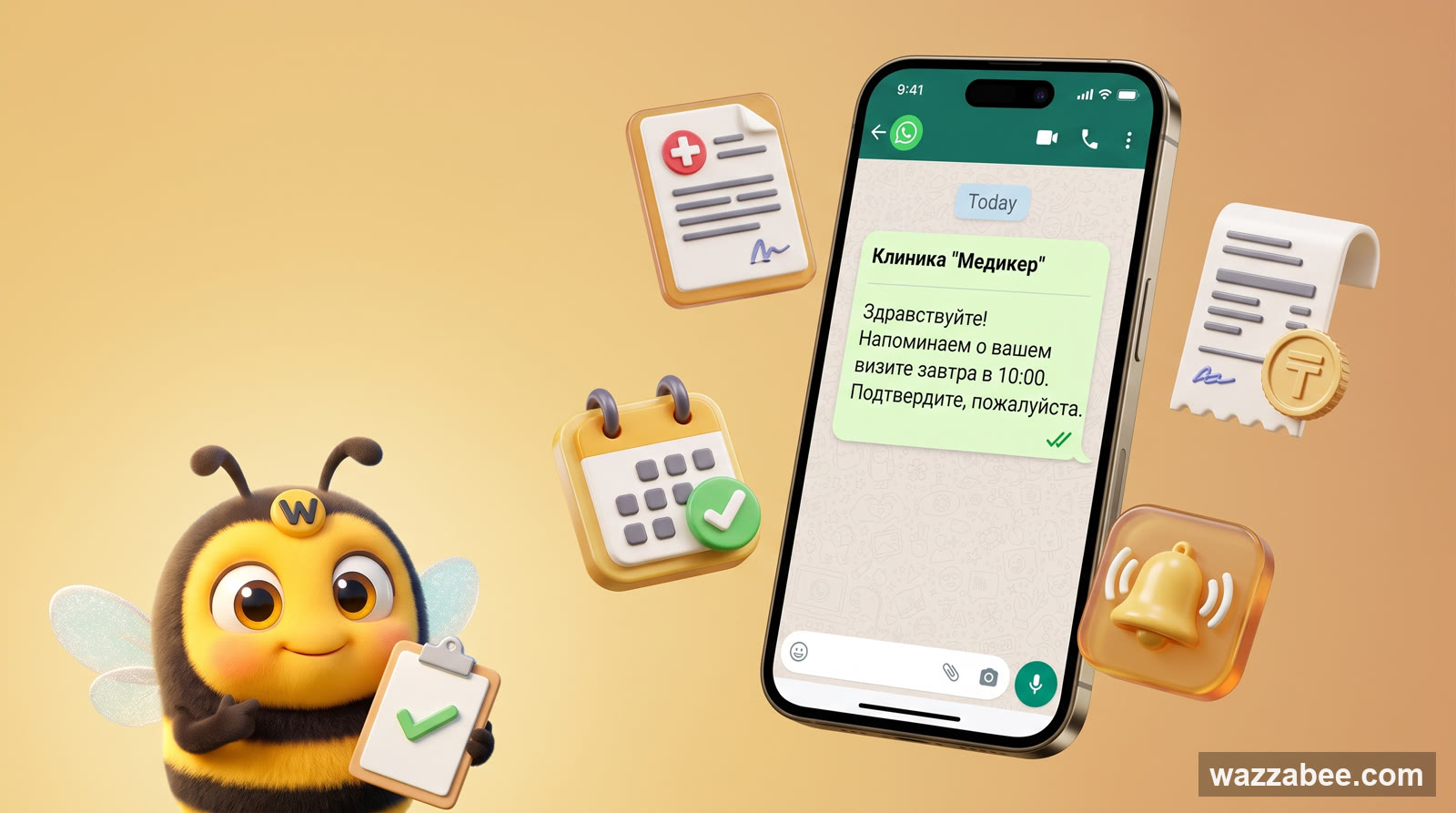
WhatsApp HSM templates in WazzaBee: reaching customers outside the 24-hour window
How clinics, medical centers and service companies use WhatsApp HSM templates in WazzaBee: lab results sent as a link, reminders, invoices, Bitrix24 and CRM robots.
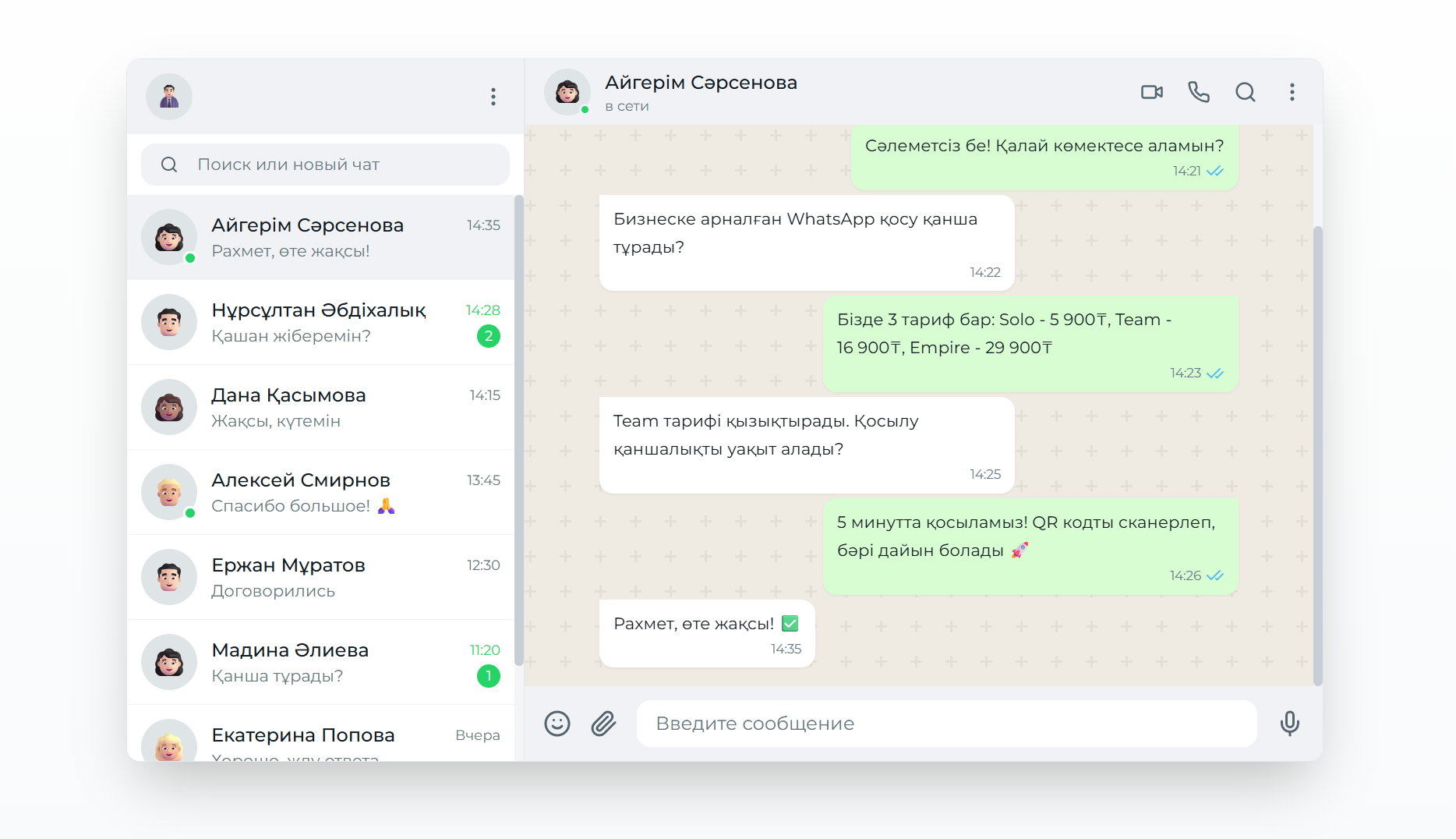
Подключение WhatsApp Business API: Полное руководство для бизнеса
Подробное руководство по подключению WhatsApp Business API к CRM-системам через платформу WazzaBee с официальными тарифами и пошаговыми инструкциями.
How to Connect Official WhatsApp (WABA): A Step-by-Step Guide for 2026
Official WhatsApp (WABA) takes 15 minutes to set up. What to prepare, how to get through sign-up step by step, what the subscription and messages cost in tenge, what to do if the number is already in the WhatsApp Business app, and what most often derails the process.