 WazzaBee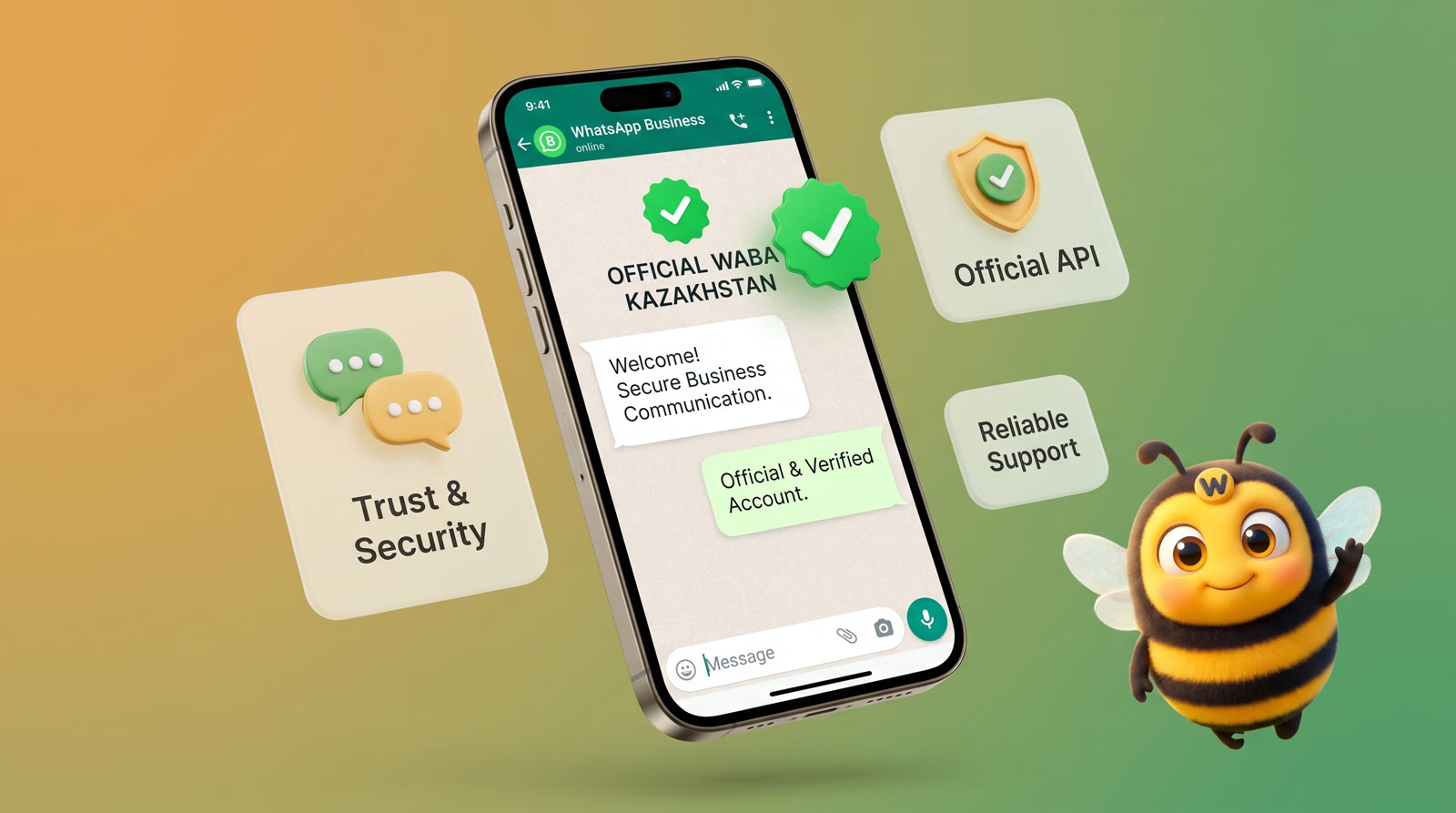
Official WhatsApp for business: what WABA is and how to connect it in Kazakhstan
✦ Key takeaways
- •What does WABA mean and stand for?
- •How is WABA different from regular WhatsApp and WhatsApp Business?
- •Who in Kazakhstan needs official WhatsApp
- •What does a WABA account consist of?
- •Who owns a WABA account?
Official WhatsApp for business works through a WABA. WABA (WhatsApp Business Account) is a company account in Meta's WhatsApp Business Platform. It holds your phone number, company name, message templates, limits and quality rating. Through it, a business replies to customers from a CRM and sends broadcasts without bans for normal work. Registration takes 15 minutes.
The word WABA comes up in almost every conversation about WhatsApp for business, but people mean different things by it. Some call the official channel itself WABA, others mean the API, and others the WhatsApp Business app. Because of this confusion, companies pay to connect "WABA" and get a QR connection that Meta bans after the first broadcast. Below, in plain words: what WABA is, what the account consists of, who owns it and how to register it.
What does WABA mean and stand for?
WABA stands for WhatsApp Business Account. This is what Meta calls a company account inside its business platform. Phone numbers, templates and message billing are all attached to it.
In everyday speech, WABA also means the WhatsApp Business API itself: "connect WABA" means connecting a number to the official API through a company account. That is not a mistake, these are two sides of one thing: the account stores the data, and the API gives software access to the conversations.
| Term | What it really is |
|---|---|
| The regular app for personal chats on a phone | |
| WhatsApp Business | A free app for small businesses on one phone |
| WABA | A company account in Meta's business platform that holds the number, name, templates and limits |
| WhatsApp Business API | Official programmatic access to a WABA: CRMs, broadcasts and chatbots work through it |
| Meta business portfolio | The company folder in Meta that holds the WABA, pages and staff access |
| Meta partner | A service that connects the number to the API and provides the chat window, broadcasts and integrations |
How is WABA different from regular WhatsApp and WhatsApp Business?
The main difference is that WABA works through Meta's official API, not through an app on one phone. So the whole team works with one number, conversations go into the CRM, and broadcasts are allowed with approved templates.
| What we compare | WhatsApp Business (app) | WABA |
|---|---|---|
| Where it works | A phone and a few linked devices | CRM, service dashboard, API |
| How many agents | As many as linked devices | The whole team on one number |
| Broadcasts | Only lists of up to 256 contacts, mass sending is prohibited | With templates approved by Meta |
| Ban risk | High with active sending | Low if you follow the rules |
| CRM integration | Only unofficial methods | Official, in Bitrix24 and amoCRM |
| Price | Free | Platform plus messages at Meta rates |
When the free app is still enough and when it is time to switch is covered in detail in the article WhatsApp Business or WhatsApp Business API.
Who in Kazakhstan needs official WhatsApp
Official WhatsApp for business pays off especially well if you recognize your situation in at least one of these points:
You send broadcasts. Order status notifications, appointment reminders, promotions and abandoned carts: all of this is legal only through WABA templates.
You work as a team. Several agents need to reply from one number and see a shared conversation history instead of passing a phone from hand to hand.
You use a CRM. You need conversations inside Bitrix24, amoCRM or your own system via API.
You are worried about bans. If your number has already been banned for broadcasts, the official channel sharply reduces this risk. Read more about the reasons in the article "Why WhatsApp was banned".
You want trust. A blue badge and a complete business profile increase the conversion of incoming inquiries.
What does a WABA account consist of?
A WABA account consists of six parts. Meta checks each of them separately, so it helps to know where everything lives before you register.
- Business portfolio. The top level: the company in Meta, its admins and verification.
- The WABA itself. Created inside the portfolio; numbers and the message payment method are attached to it.
- Phone number. Any number that receives SMS or calls, mobile or landline.
- Display name and profile. Company name, logo, description, address and website that the customer sees in the chat card.
- Message templates. Texts pre-approved by Meta for broadcasts and notifications outside the 24-hour window.
- Limit and quality rating. How many new customers per day you can message first and how customers react to your messages.
A WABA number can also have a short username like @yourbrand, so customers can find you without a phone number. How to set it up is described in the article WhatsApp username for business.
Who owns a WABA account?
A WABA account belongs to the business portfolio it was created in. If it was created in your portfolio, the number is yours: you can move it to another service together with the name, quality rating, approved templates and blue tick.
If a service created the account in its own portfolio, you will have to register the number again when you switch. So before paying, ask where the WABA will be created. Other questions worth asking a service are collected in the guide how to choose a WhatsApp Business API provider.
In WazzaBee the account is created only in your portfolio: you choose or create it yourself in Meta's official window, and we never see your Facebook login and password. A number that already works through the API with another service can also be moved to WazzaBee.
What do you need to register a WABA?
To register a WABA you need three things: the admin's personal Facebook account, a Meta business portfolio and a phone number that receives SMS or calls. The portfolio can be created during registration, and company documents are not needed at the start.
- Facebook account. Personal and real; you use it to sign in to Meta's business platform.
- Business portfolio. Write the name and address exactly as in the company documents right away: this will speed up verification later.
- Number. Not used in regular WhatsApp. If the number must stay in the WhatsApp Business app on the phone, connect in Coexistence mode.
- Website with company details. Not required to start, but it helps pass Meta's checks: legal entity, BIN and address on your own domain.
- Allowed industry. You cannot sell alcohol, tobacco, weapons, prescription drugs, cryptocurrency and a number of other goods through WhatsApp. Such a number will be banned even after successful registration.
The full step-by-step preparation checklist is in the documentation: WABA connection checklist. Business verification will be needed later to raise the limit and apply for the blue tick; see the article business verification in Meta.
How to register a WABA and connect official WhatsApp in 15 minutes?
WABA registration happens in Meta's official window, which opens from the service dashboard. No developer is needed, and the whole process takes about 15 minutes.
- Sign up at wazzabee.com, open "Channels" and add a WhatsApp Business API line.
- Click "Log in with Facebook" and sign in as the admin.
- Choose a business portfolio or create a new one, then create a WhatsApp Business account and fill in the display name.
- Enter the number and confirm it with a code from SMS or a call.
- Return to the dashboard, choose the number and click "Done". The line can send and receive messages right away.
Write the display name the way the company or brand is named on the website: Meta checks the name, and something like "Sales Astana" will not pass. A detailed guide with common mistakes at each step is in the article how to connect official WhatsApp (WABA).
Common connection problems and how to solve them
| What happened | What to do |
|---|---|
| "Number already registered" | The number is active in regular WhatsApp. Delete the account in the app (Settings → Account → Delete account) and wait 2-3 minutes. |
| The Facebook tab didn't open | The browser blocked the pop-up. Allow pop-ups for the site and click "Open the registration window again". |
| No numbers in the list | Go back to Facebook and make sure you confirmed the phone number with the code. |
| "Connection error" | Try again. If that doesn't help, write to our support team, we will help in Kazakh, Russian or English. |
What limits does a WABA have after registration?
A new WABA can message 250 unique customers first within 24 hours. Replying to customers who wrote to you is not limited. The limit then grows in steps: 2,000 after company verification, then 10,000, 100,000 and unlimited, if broadcasts do not cause complaints.
The second rule is the 24-hour window: after the customer's last message you can write free text for a day, and after that only with an approved template. How it works in practice is described on the page the 24-hour rule.
The third limit is the quality rating: green, yellow or red. It drops when customers block the number or report messages. Meta usually reviews templates within a few minutes, sometimes up to 24 hours, and checks marketing templates more strictly than utility ones.
How much does a WABA cost in Kazakhstan?
Meta itself does not charge for creating a WABA account. You pay for the platform your agents work in and for outgoing template messages depending on their category. Since October 1, 2026, replies within the 24-hour window are paid too: the first 1,000 per month per number go at the minimum price.
| What | Price in WazzaBee |
|---|---|
| Registration and number connection | $0 |
| WhatsApp Business API line | $68 per month |
| Marketing template message | $0.086 |
| Utility template notification | $0.0286 |
| Verification code | $0.0286 |
| Reply in the 24-hour window above the first 1,000 per month | $0.0286 |
| Agents | Unlimited in Bitrix24 and amoCRM at no extra cost; three seats in the WazzaBee dashboard, then $6 per seat |
Messages are paid from the line balance, with no foreign card payments. A detailed breakdown of categories with monthly examples is in the article how much WhatsApp Business API costs in Kazakhstan.
Official WhatsApp and broadcasts
The main reason to switch to official WhatsApp is legal broadcasts. With approved templates you can send notifications and offers to customers in bulk without the risk of a ban. How it works and how to launch your first broadcast is covered in detail in the article "Official WhatsApp broadcasts through WABA".
What do you get when you register a WABA with WazzaBee?
You get not just an account in Meta, but a ready workplace for your team. WazzaBee is an official Meta partner and works online: connection and support happen in the dashboard, with no office visit. A WABA line costs $68 per month and includes:
- a chat dashboard where the whole team replies from one number;
- integrations with Bitrix24 and amoCRM with any number of agents;
- broadcasts to your own base with template management right in the dashboard;
- a public API and webhooks for your own systems;
- Coexistence mode if the number must also stay on the phone;
- number transfer from another service with the name and templates.
The risk at the start is almost zero: a new line works on a 7-day trial, and the first line's message balance gets a welcome bonus of $1.11. The account is created in your portfolio, so the number stays yours no matter what. The service has been running since January 2026, more than 500,000 messages have gone through it, and support answers in the dashboard and by phone at +7 777 261 11 16.
Want to try WABA on your own number? Connect a line in 15 minutes and send your first message today.
FAQ

An omnichannel platform that connects messengers to your CRM. We link WhatsApp, Telegram, Instagram and 5 more channels to your business in Kazakhstan.
You may also like
MM Lite for WhatsApp (Marketing Messages Lite): why to enable it and how to set it up for WABA broadcasts
MM Lite (Marketing Messages Lite API) increases WhatsApp broadcast deliverability by up to 9% with no extra fees and no template rework. We explain why to enable MM Lite for WABA and how to activate it step by step.
Official WhatsApp broadcasts: how to send bulk messages through WABA
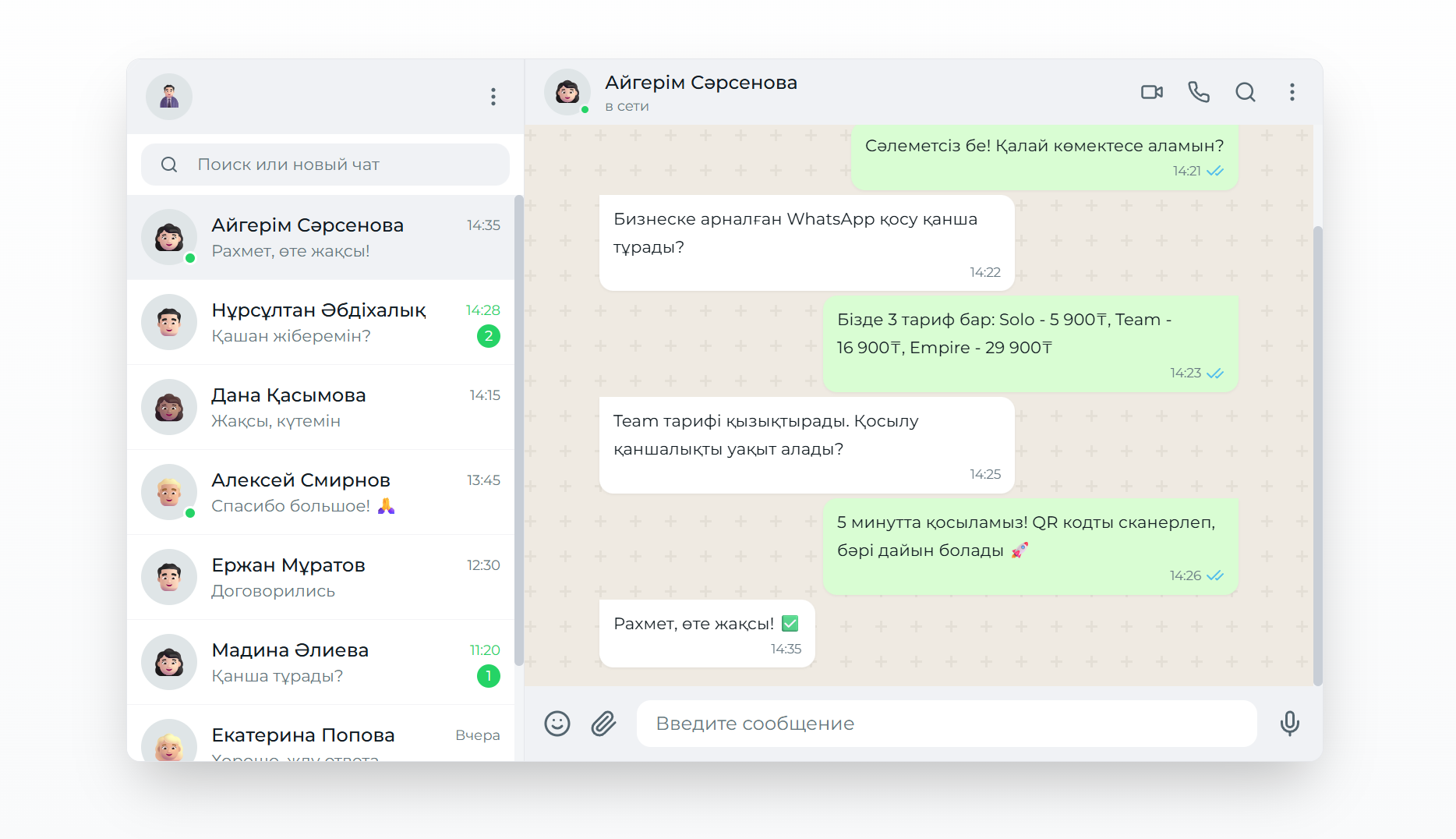
A complete guide to official WhatsApp broadcasts through the Business API. Learn how to set up HSM templates and launch bulk campaigns that actually get delivered.
WhatsApp CoExistence: connect the WhatsApp Business app to your CRM without losing the number or the history
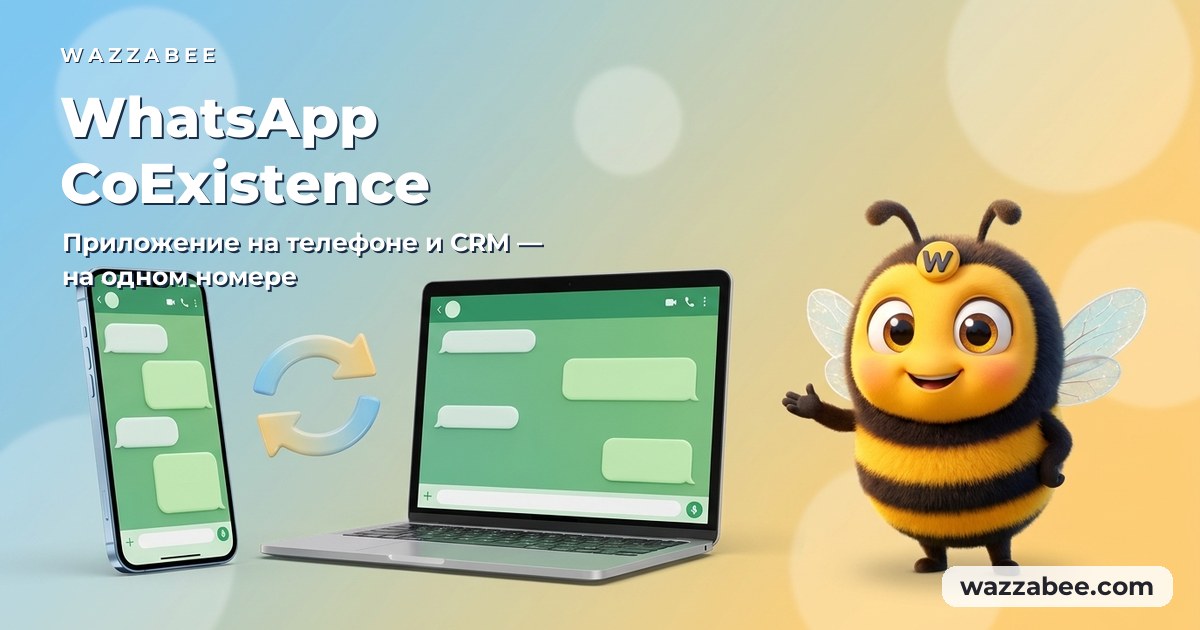
CoExistence is Meta's official mode: the WhatsApp Business app stays on the phone, the number stays the same, and broadcasts, Meta templates and your CRM run through the API. Requirements, step-by-step setup and what it costs a business in Kazakhstan.