 WazzaBee
Why Is a WhatsApp Message Not Delivered
✦ Key takeaways
- •What do the check marks under a WhatsApp message mean?
- •Why is a message stuck on one check mark for a regular user?
- •Why is the WhatsApp SMS verification code not arriving?
- •What does “WhatsApp number blocked” mean for a business?
- •How does non-delivery differ between regular WhatsApp and the WhatsApp Business API?
A single grey check mark under a WhatsApp message means it has reached the server but not the recipient’s phone. Usually it is one of three reasons: the person has no internet or the phone is off, they blocked your number, or the number is not on WhatsApp. For businesses on the WhatsApp Business API, the 24-hour rule, unapproved templates and Meta restrictions come on top.
A familiar picture: you messaged a customer about an order, an hour has passed, and there is still one check mark. The customer is silent, the deal is cooling down. After a broadcast there may be a hundred such messages, and it is unclear whom to message again and where it is pointless. The good news: the reason is almost always clear. Below are both cases, for a regular user and for a business.
What do the check marks under a WhatsApp message mean?
One grey check mark means “sent”, two grey check marks mean “delivered to the phone”, two blue check marks mean “read”.
| Icon | Status | What it means |
|---|---|---|
| ✓ one grey | Sent | The WhatsApp server accepted the message, the recipient’s phone has not received it yet |
| ✓✓ two grey | Delivered | The message reached the phone but has not been opened yet |
| ✓✓ two blue | Read | The recipient opened the chat |
Your WazzaBee dashboard shows the same check marks under every outgoing message. If WhatsApp refuses delivery, a red “Not delivered” note with the reason appears under the message.
Why is a message stuck on one check mark for a regular user?
If you write from a personal WhatsApp, one check mark usually means one of four situations.
- The recipient has no internet or the phone is off. The message will arrive once the phone is back online.
- The recipient blocked your number. Messages from a blocked contact do not get through, so the second check mark never appears.
- The number is not on WhatsApp or has a typo. Use the international format with the country code and no extra characters.
- Your number has been restricted. If many people show one check mark at once, WhatsApp may have restricted your number over complaints or bulk messages. First steps are in the article “WhatsApp blocked: what to do in the first hours”.
Why is the WhatsApp SMS verification code not arriving?
SMS codes most often fail to reach virtual numbers and numbers recently used on WhatsApp. Choose verification by phone call instead of SMS: when you connect the official WhatsApp Business API, the Meta window offers both options.
If your number was just banned, do not request the code again and again, do not move the SIM card and do not turn on a VPN. Never share the code: real WhatsApp support never asks for it, and whoever gets the code gets your account.
What does “WhatsApp number blocked” mean for a business?
“WhatsApp number blocked” means Meta has restricted the whole number: not a single message goes out from it. This most often follows bulk messaging from a personal number and unofficial ways of connecting to a CRM: Meta bans such numbers, and your chat history goes with them.
On the WhatsApp Business API, a similar case comes with code 131031 “Business account has been locked”: incoming messages arrive but outgoing ones are not delivered. Usually the company profile in Meta is incomplete (website, address, name, logo) or the details differ between the business account, WhatsApp Business and the number. Fill in the profile in Meta Business Manager, check “Account Quality” and appeal if needed. Still blocked? Contact WazzaBee support with code 131031.
How does non-delivery differ between regular WhatsApp and the WhatsApp Business API?
In the regular app you have to guess the reason from the check marks, while the WhatsApp Business API returns an error code from Meta.
| Question | Regular WhatsApp | WhatsApp Business API in WazzaBee |
|---|---|---|
| How you see the problem | One check mark, no explanation | “Not delivered” note with the reason |
| Messaging a customer first | Bulk messages lead to a ban | With an approved template |
| Time limit | None | Regular messages within 24 hours of the customer’s message |
| Undelivered report | None | List of numbers with advice on whether to resend |
Why is a message not delivered through the WhatsApp Business API?
There are usually six reasons: the 24-hour window closed, the template did not match, Meta restricted marketing, the number has no WhatsApp, the number hit its limit or the channel balance ran out. WazzaBee turns Meta’s response into plain language and shows it under the message, and you will see the same reason in your CRM. Every note explained: “Why a message is not delivered in WhatsApp”.
The grey note “Waiting to be sent. We will retry automatically, no need to send it again.” is not an error: the message will go out by itself in a few minutes. Resending gives the customer two identical messages.
Which WhatsApp Business API error codes are the most common?
The most common are 131047 (24-hour window closed), 131049 (Meta restricted marketing), 131026 (no WhatsApp) and 131031 (account locked).
| Code | What happened | What to do |
|---|---|---|
| 131047 | More than 24 hours since the customer’s message | Send an approved template |
| 131049 | Meta limited delivery: too much marketing or the recipient rarely replies | Wait at least 24 hours or for the customer to reply |
| 130472 | The number is in a Meta experiment, some marketing templates are not delivered | Send a utility template |
| 131026 | The recipient has no WhatsApp or the number is wrong | Check the number, reach out another way |
| 130429, 131048 | Too many messages in a short time | Try again later |
| 131009, 132012 | Variable values do not fit the template | Check the variables |
| 132000 | The number of variables does not match the template | Fill in all variables |
| 132001 | The template does not exist or is not approved in this language | Check the template and language |
| 132005 | The template text changed after approval | Wait for the new review |
| 132015, 132016 | Meta paused or disabled the template | Create a new template |
| 131052, 131053 | WhatsApp did not accept the file | Image JPG or PNG up to 5 MB, video MP4 up to 16 MB, document up to 100 MB |
| 131031 | Meta locked the account | Complete the company profile, contact support |
| 131000, 131016 | Temporary WhatsApp failure | Resend in a few minutes |
In the broadcast report, each undelivered number has a hint: “Can be resent later”, “Do not resend: Meta will not deliver it” or “Fix the template or data first”.
Why does a regular message fail if the customer has been silent for over a day?
WhatsApp allows free-form messages only for 24 hours after the customer’s last message, after that you get error 131047. You can restart the conversation with an approved template.
Only the customer’s reply opens the window, reading is not enough. Add quick reply buttons such as “Let’s continue here” to the template: a button tap counts as a reply. How to build a template: “Message templates: quick replies and HSM”. Scenarios for clinics and sales: “WhatsApp HSM templates in WazzaBee”.
Replies within an open window are paid too: the first 1000 per month per number at the minimum price, then $0.0286 per message.
Why was a marketing template not delivered while a utility one got through?
Meta applies error 131049 and the experiments with code 130472 to marketing templates. Utility notifications and verification codes are not affected.
| Category | Used for | Price | Meta restrictions |
|---|---|---|---|
| Marketing | Promotions, discounts, first contact | $0.086 | Yes |
| Utility | Request status, appointment reminder | $0.0286 | No |
| Authentication | One-time login codes | $0.0286 | No |
In the WazzaBee chat you see the category when picking a template: a green “Utility” label or a yellow “Marketing” one. You cannot change the category of an existing template, and words like “discount”, “promotion” or “hurry” make Meta move it to marketing. For marketing broadcasts Meta has a separate delivery method: “MM Lite for WhatsApp”.
How do the number’s tier and quality affect delivery?
At the start, a number can open conversations with 250 unique recipients in a rolling 24 hours. New conversations above the limit will not go out until the window ends, while replies in open chats keep working.
| Tier | Recipients per 24 hours |
|---|---|
| TIER_250 (starting) | 250 |
| Next | 2 000 |
| Next | 10 000 |
| Next | 100 000 |
| Maximum | Unlimited |
The limit is shared across the whole Meta business account. Business verification is the fastest way from 250 to 2 000. Blocks, complaints and cold lists lower quality, and a red rating freezes limit growth. You can see the tier and quality under “Channels”, “Profile” tab. More: “Message limits, tier and number quality”.
What happens when the channel balance runs out?
The balance can go down to −$0.44. Below that, outgoing messages stop: broadcasts and templates do not go out.
Incoming messages are not blocked, and you can reply to customers even at a zero balance. A broadcast will not start with less than $0.22 on the balance, and if money runs out mid-broadcast, it pauses until you top up. How messages are charged: “WABA message pricing”. What changed on 1 October 2026: “WhatsApp pricing from 1 October 2026”.
How much does official WhatsApp cost in WazzaBee?
A subscription to an official WhatsApp channel costs $66 per month, and connection takes 15 minutes.
| Item | Value |
|---|---|
| Channel connection | $0, 15 minutes |
| Channel subscription | $66 per month |
| Extra seat | $6.61 per agent |
The subscription includes a dashboard with chats, a shared team chat, the owner and 3 agents, broadcasts to your own list (messages are paid), Bitrix24 and amoCRM integrations, the API and webhooks. WazzaBee CRM, AI Office and telephony are connected separately.
What should you do if a WhatsApp message is not delivered?
- Read the note under the message or the error text in the broadcast report.
- See “Waiting to be sent”? Do nothing, the message will go out by itself.
- Check the number: international format, country code.
- More than 24 hours passed: send a utility template with buttons.
- Error 131049 or 130472: do not repeat the marketing template, wait a day.
- Template error: check the variables, language and status in “Templates”.
- Check the balance, tier and number quality in “Channels”.
- Number banned: contact WazzaBee support with the error code.
FAQ

An omnichannel platform that connects messengers to your CRM. We link WhatsApp, Telegram, Instagram and 5 more channels to your business in Kazakhstan.
You may also like
How to Connect Official WhatsApp (WABA): A Step-by-Step Guide for 2026
Official WhatsApp (WABA) takes 15 minutes to set up. What to prepare, how to get through sign-up step by step, what the subscription and messages cost in tenge, what to do if the number is already in the WhatsApp Business app, and what most often derails the process.
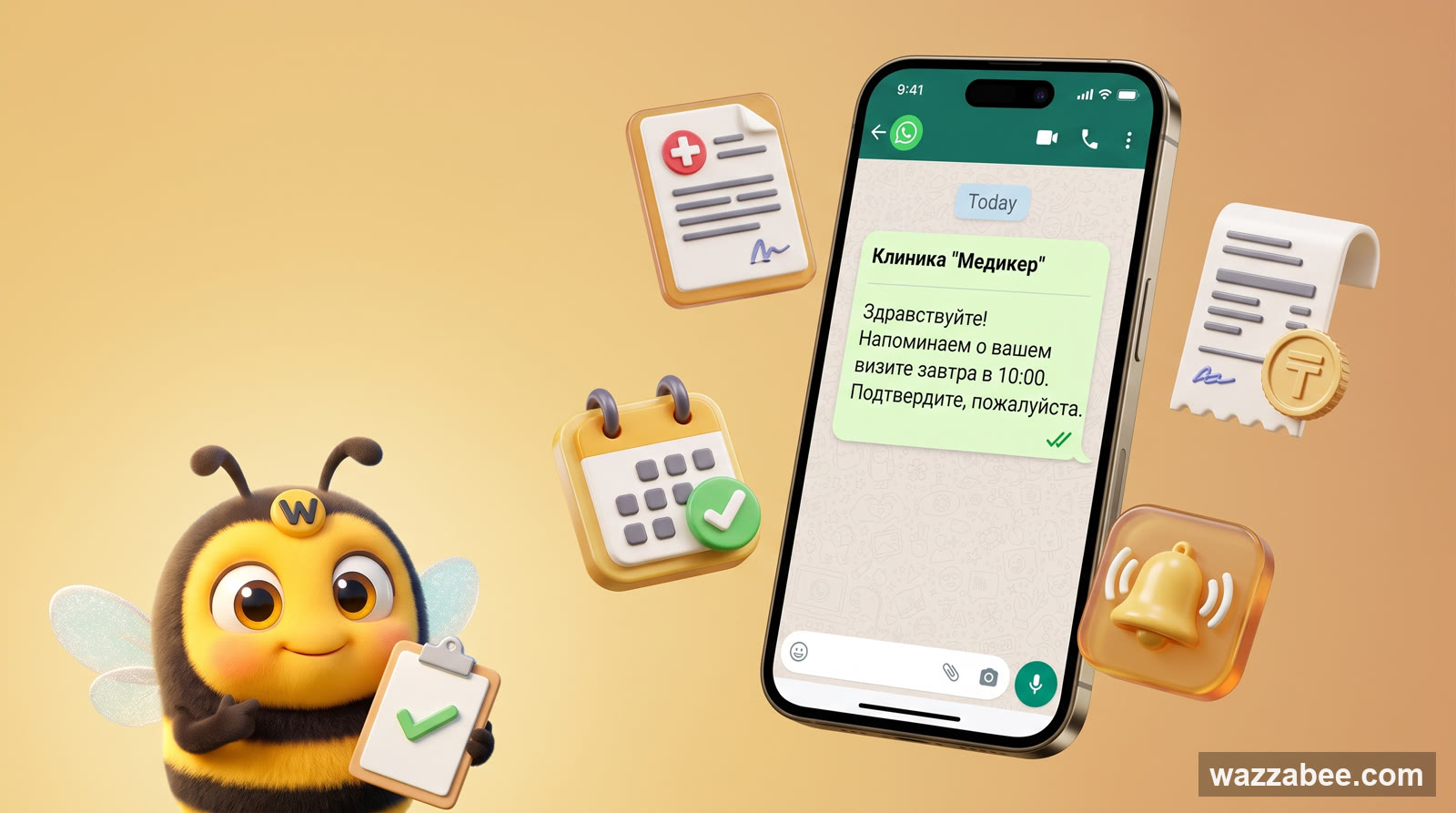
WhatsApp HSM templates in WazzaBee: reaching customers outside the 24-hour window
How clinics, medical centers and service companies use WhatsApp HSM templates in WazzaBee: lab results sent as a link, reminders, invoices, Bitrix24 and CRM robots.
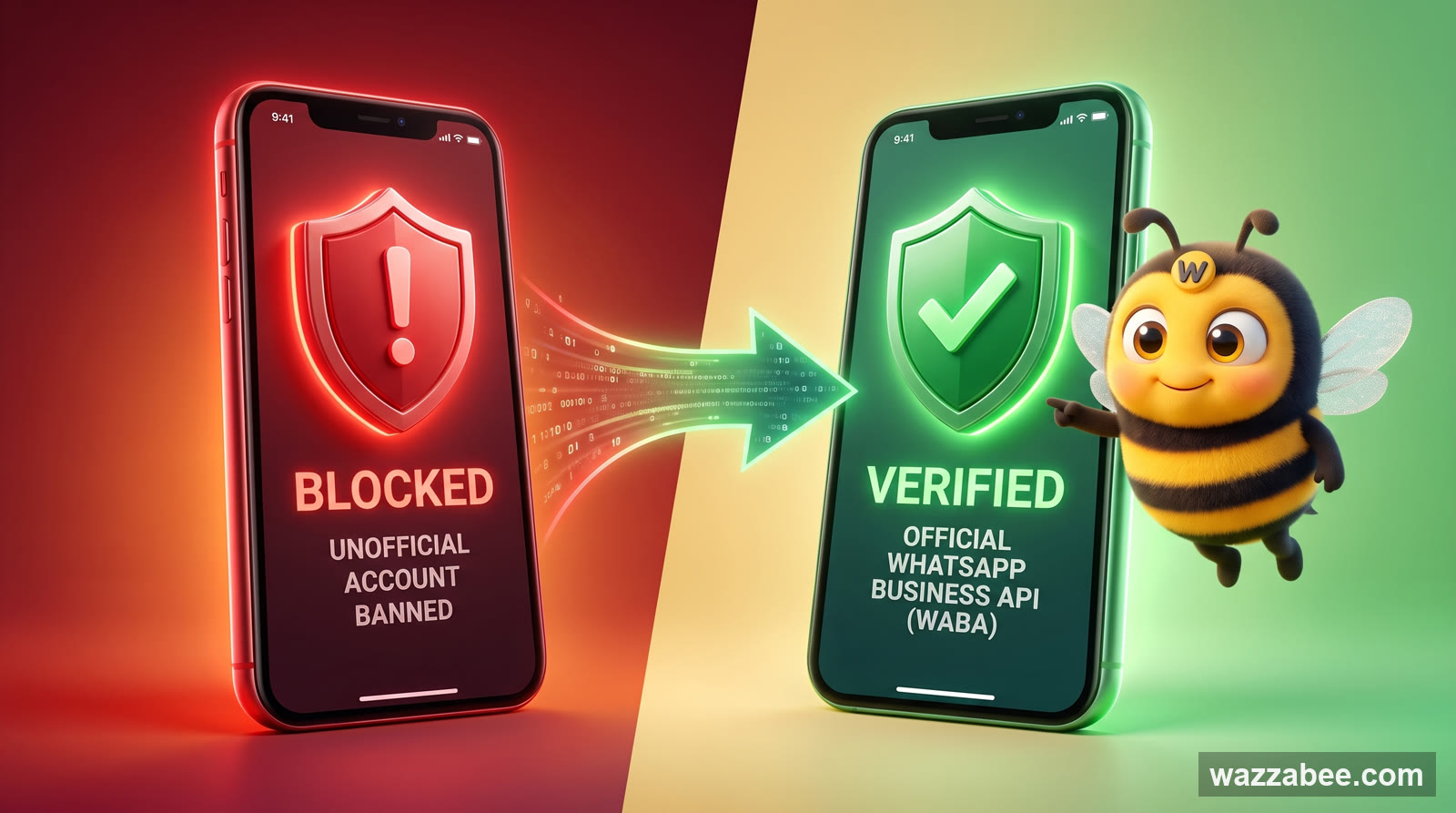
Why Your WhatsApp Got Blocked: What Bans a Business Number and How WABA Gets You Back to Work
Why Meta is banning business WhatsApp accounts en masse in 2026: grey bulk-messaging services, broken rules, customer complaints. What to do the moment you are blocked, and how to move to the official WhatsApp Business API (WABA), which does not get banned for campaigns.