 WazzaBee
WhatsApp Banned: What to Do in the First Hours and How to Keep Your Customers
✦ Key takeaways
- •The first 30 minutes: above all, do nothing with the number
- •How to tell what exactly happened to the number
- •How to file an appeal without ruining your chances
- •What to do in the first hour so you don't lose customers
- •Can you keep the same number?
If WhatsApp has banned your business number, the next couple of hours matter more than anything you do afterwards. Below is a calm action plan: how to figure out what exactly happened, how to file an appeal properly, what to do right now so you don't lose customers, and how to get your messaging back on track for good.
The first 30 minutes: above all, do nothing with the number
It sounds strange, but this is the most valuable advice in the whole article. When a business sees "This account is not allowed to use WhatsApp due to a violation of the Terms of Service", the first reaction is to start rescuing it: reinstall the app, request the code again, put the SIM into another phone, turn on a VPN, try another bulk messaging service. Every one of these actions lowers your chances of getting the number back.
Meta tracks not only the account itself, but also the number, the device and your behavior after the ban. Re-registering reads as a second violation, logging in via VPN as an attempt to bypass the restriction, connecting to yet another grey service as confirmation of exactly what you were banned for.
Stop list for the next hour: do not reinstall the app, do not request the SMS code again, do not move the SIM card to another phone, do not turn on a VPN, do not connect the number to third-party bulk messaging services. Just leave the phone alone and keep reading.
While the number "rests", focus on two things: figure out what kind of ban you have, and at the same time plug the hole your customers are leaking through. We will go through both step by step.
How to tell what exactly happened to the number
The word "banned" covers five different situations, and each is handled differently. Compare the symptoms with yours.
| What you see | What it is | What to do |
|---|---|---|
| "You can't use WhatsApp. Try again in N hours" | Temporary restriction | Wait until it expires, don't press anything. It usually lifts by itself |
| "This account is banned for violating the Terms of Service", the app won't open | Full ban | One appeal, and in parallel a move to the official channel |
| The app works, but messages hang with a single tick | Shadow delivery restriction | Stop all bulk messaging immediately, only write to people who message you first |
| "Account under review" | Manual moderation | Wait for the decision, don't provoke it with new messages |
| Incoming messages arrive, outgoing ones fail with the error "Business account has been locked" | Official channel restriction (code 131031) | Complete the business profile in Meta (details below) |
A separate case is the "account under review" status. It is not a ban yet, and it has its own procedure, which we covered in detail: WhatsApp Business "Account under review": what to do and how to keep your number.
If you want to understand why exactly it happened and which triggers make Meta ban business numbers in Kazakhstan, there is a separate breakdown: why WhatsApp bans numbers: causes and solutions. Here we focus on actions only.
How to file an appeal without ruining your chances
An appeal is a single attempt. Meta accepts one request per restriction, and repeated requests only slow down the review and make things look worse. So treat it as your one and only shot.
Step 1. Find the button in the app
On the ban screen, below the text, there is usually a "Request a Review" or "Support" button. This is the main route: the request goes out already linked to your number and device. If there is no button, write to support@whatsapp.com with your number in international format (+7 7XX…).
Step 2. Keep it short and to the point
Long emotional letters don't help: requests are read quickly. This structure works: who you are, what the company does, how you use the number, what happened, what you have already fixed.
"Hello! The number +7 7XX XXX XX XX is used to communicate with clients of a beauty salon in Almaty: we confirm appointments and answer questions. We do not send bulk messages to purchased databases. Please review the ban and restore access. We are ready to provide company documents."
Step 3. Wait and don't duplicate the request
A response on temporary restrictions usually comes within one or two days, on complex cases it takes longer. Sending a second request, writing from other addresses or asking customers to complain to support is useless: requests from third parties are not considered, and duplicates make your position worse.
⚠️ Important: nobody can guarantee an unban.
The decision is made by Meta. If someone promises to "unban you for money" or "through an insider in support", it is a scam, after which you will lose both your money and whatever chances of recovery you had left.
What to do in the first hour so you don't lose customers
While the review is underway, your customers keep writing to a dead number and get no reply. Every hour of silence means lost leads. Deal with this in parallel with the appeal.
Switch on a second channel today. A backup number, Telegram, Instagram Direct, a chat on your website: anything you can redirect the flow to. The key is that a real person is answering within an hour.
Replace the number everywhere customers see it. Website, the widget in the corner of the screen, Instagram bio, 2GIS, Google Maps, listings on OLX, business cards in your shop. People usually remember this on day three, while the traffic is lost from day one.
Pause paid ads with a "Message on WhatsApp" button. Otherwise you keep paying for clicks that lead nowhere.
Notify your customer base through another channel. SMS, Telegram, an email newsletter, a social media post: "Our WhatsApp is temporarily unavailable, write to us here".
Save your contacts while they are still accessible. If the app still opens, export contacts and important chats. After a full ban, access to them is lost.
A free website widget takes five minutes to install and switches to a new channel with a single setting. It is a handy emergency exit for situations like this.
Can you keep the same number?
Sometimes, yes. The official WhatsApp channel (WABA) runs on top of a different authorization system, so a number banned in the app can in some cases be connected to Meta's official infrastructure, letting you continue working with the same customer base.
Your chances are higher if:
you did nothing with the number after the ban: you did not re-register it, did not try a VPN, did not move the SIM;
this is the first ban, not the third in a row;
the number was not connected to grey bulk messaging services after the ban.
Your chances are close to zero if: there were several re-registrations, the number was moved between different services, a VPN was used, or bans followed one after another.
The check doesn't take long and costs nothing: we look at the state of the number and tell you honestly whether it is worth saving or cheaper to start with a new one. The second option is not a disaster either: your base and customers can be moved over, and the old number can be kept for forwarding.
Why going back the same way means waiting for the next ban
The most common mistake after an unban is to breathe out and carry on as before. A month or two later it all happens again, only this time the number is gone for good.
The reason is that the regular app and QR code connections are simply not designed for business workloads. You write first, send dozens of messages in a row, send promotions, and the anti-spam algorithm sees exactly the same thing it sees from a spammer and doesn't care about your motives.
The official channel (WhatsApp Business API, WABA) removes this conflict: bulk messaging is allowed and goes through templates approved by Meta, writing first is legal, limits are known in advance and grow by clear rules, and the number's quality is visible in your dashboard: a drop is noticeable before it is too late.
The official channel is not a free pass: it also gets restricted for cold messaging without consent and a stream of complaints. The difference is that here you can see the gauges (quality rating, limits, template statuses) and can slow down in advance.
If the official channel is restricted: error 131031
This is a separate story that is often confused with a ban. The symptom: incoming messages from customers arrive normally, but your messages fail with the note "Business account has been locked" (code 131031).
This is not about spam and not about limits. Most often the company simply hasn't completed its profile in Meta, or the details don't match between the business account, the WhatsApp account and the number. What to do:
Open Meta Business Manager → "Business info" and fill in all fields: name, website (one of the main reasons for a lock is the lack of one), address, description, logo.
Check that the details are identical in the Meta business account, in WhatsApp Business and for the number.
If needed, complete business verification: upload the company's official documents.
While you're at it, check the number's quality rating: 🟢 green: all good, 🟡 yellow: there are warning signs, 🔴 red: many complaints, limit growth is frozen, the limit may be lowered. How this works and how to keep the number in the green zone is explained in the documentation: limits, tier and number quality. Why a specific message wasn't delivered is covered in the article why a message wasn't delivered.
How to move your messaging to the official channel
Connection takes 15 minutes and is done by logging in with Facebook: you choose a line, confirm the number with a code, and reply to customers from a shared inbox. The full step-by-step guide: how to connect official WhatsApp (WABA).
If your business number is still alive and you don't want to remove the app from your phone, there is Coexistence mode: the number works in the app and in the official cloud at the same time, and chat history is pulled into the CRM. For a business that has already been banned once, this is the gentlest way to play it safe.
Clear pricing, no surprises:
$68 per month: the ENTERPRISE plan with the official channel, unlimited conversations, bulk messaging, templates, integrations with Bitrix24 and amoCRM, a free website widget.
7-day trial and a welcome bonus of $1.11, which is automatically credited to the balance of your first official line.
Messages are paid separately at Meta rates: marketing $0.086, utility $0.0286, reply to a customer within the 24-hour window $0.0286, incoming $0.0021. Details: WABA message pricing, budget calculation: how much WhatsApp Business API costs in Kazakhstan.
Pay for six months and get 10% off, for a year 20% off.
Five actions that finish off a number for good
Registering the same number again. It reads as a repeat violation.
Logging in via VPN. A change of location after a ban looks like bypassing the restriction.
Moving the SIM to another phone. The device itself may also get restricted.
Connecting the number to yet another grey service. Exactly what got you banned in the first place.
Asking customers to write to Meta support. Requests from third parties are not considered, and a flood of identical emails counts as manipulation.
In short: your plan for today
Leave the number alone. Use the table to identify what kind of ban you have. File one careful appeal. Within that same hour, switch customers to a backup channel and pause ads that lead nowhere. Then make the main decision: go back to a setup that has already cost you a number once, or move your messaging to the official channel, where bulk messaging is allowed and the number's quality is visible in advance.
FAQ

An omnichannel platform that connects messengers to your CRM. We link WhatsApp, Telegram, Instagram and 5 more channels to your business in Kazakhstan.
You may also like
WhatsApp Business "Account under review": what to do and how to keep your number
The "Account under review" screen in WhatsApp Business is a temporary restriction (up to 24 hours), not a verdict. What to do during this day, what to avoid, how to pass the review and move straight to the secure official WhatsApp (WABA) to keep your number and avoid future bans.
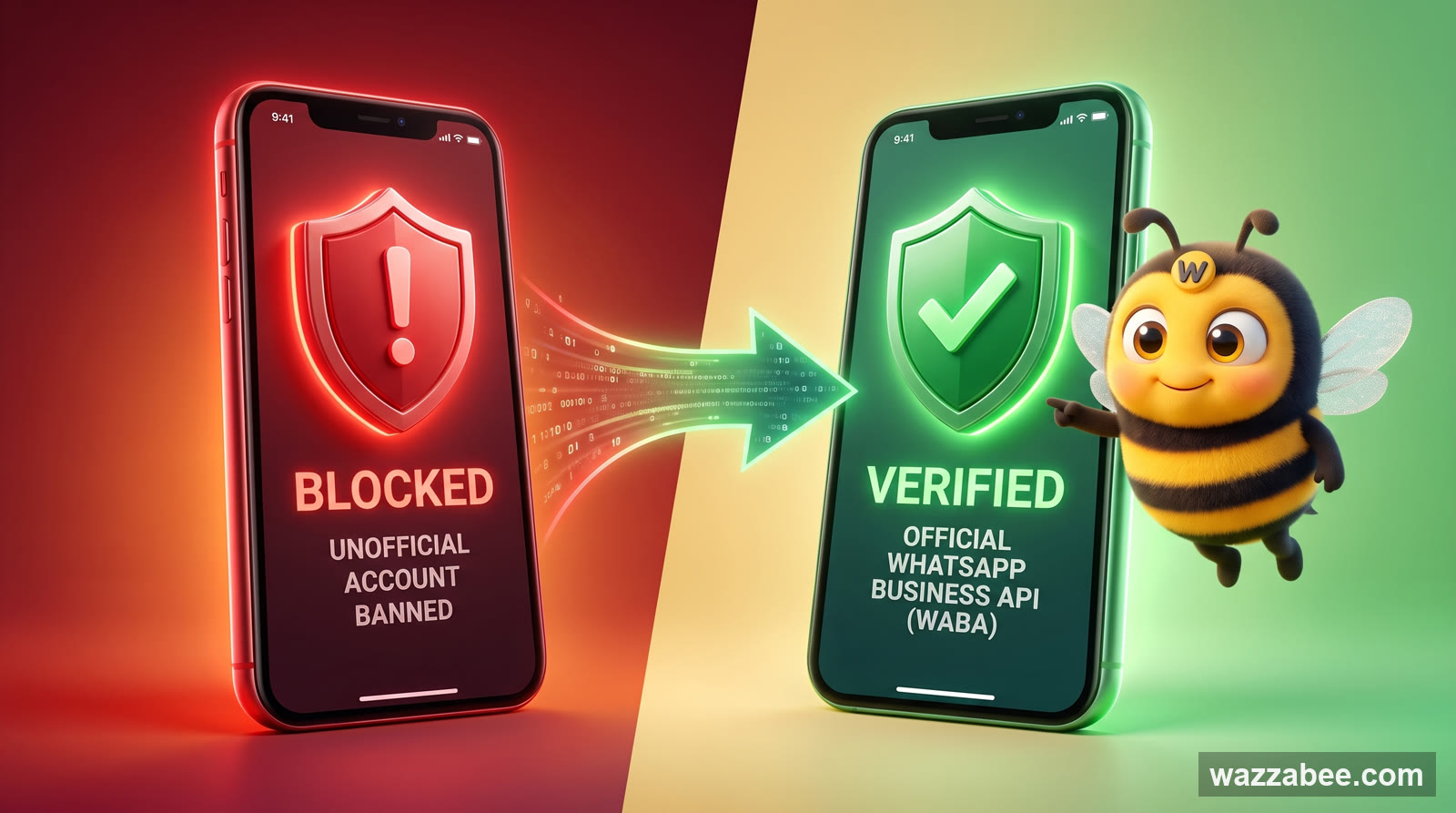
Why Your WhatsApp Got Blocked: What Bans a Business Number and How WABA Gets You Back to Work
Why Meta is banning business WhatsApp accounts en masse in 2026: grey bulk-messaging services, broken rules, customer complaints. What to do the moment you are blocked, and how to move to the official WhatsApp Business API (WABA), which does not get banned for campaigns.
WhatsApp Support in Kazakhstan: Where to Write and Who Answers a Business
WhatsApp has no hotline phone number, in Kazakhstan or anywhere else. We look at the real support channels: the Help Center, the in-app form, a ban appeal. How to tell real support from scammers and why support works differently for a business on the official channel.