 WazzaBee
How to connect WhatsApp to Bitrix24: 4 ways and what each one costs
✦ Key takeaways
- •What are the ways to integrate WhatsApp with Bitrix24?
- •Way 1. Why is an unofficial WhatsApp QR code connector risky?
- •Way 2. How does WhatsApp Bitrix24 integration via the official API work?
- •Way 3. Can you keep WhatsApp Business on your phone and handle chats in Bitrix24?
- •Way 4. What can the built-in WhatsApp channels of Bitrix24 do?
WhatsApp Bitrix24 integration can be done in four ways: an unofficial QR code connector, the official WhatsApp Business API through a Meta partner, Coexistence mode where the app stays on your phone, and the built-in channels of the Bitrix24 Contact Center. Below we explain how each one works, where the ban risk is and what it costs. With WazzaBee the official channel goes live in 15 minutes, and chats and deals land straight in Open Channels.
It usually starts the same way. Bitrix24 is already paid for, the pipeline is set up, and customers message managers on their personal WhatsApp. The deal card is empty, leads are entered by hand, some get lost, and when an employee leaves, the conversations leave with their phone. The head of sales sees the pipeline but not the conversations behind it.
There are plenty of solutions, and they all promise something similar: «WhatsApp in Bitrix24 in a couple of clicks». The difference is in the details: who owns the channel, what happens to the number in six months, whether the customer's name and phone reach the CRM, whether you can message first. Below we go through four types of solutions without promoting specific services, put them in one table and answer honestly whether you can connect WhatsApp to Bitrix24 for free.
What are the ways to integrate WhatsApp with Bitrix24?
There are four, and the main difference is the channel the messages travel through. The official channel follows Meta's rules, the unofficial one imitates an ordinary phone, and the built-in widget does not pass on the customer's number at all.
- Unofficial QR code connector. The service connects to your WhatsApp as one more device and forwards messages to Bitrix24.
- Official WhatsApp Business API through a Meta partner. The number runs on the official channel, chats arrive in Open Channels, deals are created automatically. This is how WazzaBee works.
- Coexistence. The same official API, but the WhatsApp Business app stays on your phone and works alongside the CRM.
- Built-in Bitrix24 Contact Center channels. A connection through a foreign API provider or «Virtual WhatsApp» in a website widget.
The apps in the Bitrix24 marketplace, and there are dozens of them, belong to the first, second or third type under the hood. So when you choose a connector, ask not «how much does it cost» but «which channel does it run on».
There is also a zero option many companies start with: managers chat from personal phones and copy the results into the CRM by hand. It costs nothing, but it is exactly why Bitrix24 is full of empty cards and lost leads, so we leave it out of the comparison.
Way 1. Why is an unofficial WhatsApp QR code connector risky?
The main risk of an unofficial connector is a number ban. Such a service connects to regular WhatsApp or WhatsApp Business via a QR code, like WhatsApp Web, and Meta does not treat this as an allowed form of automation.
Technically it looks simple. You scan the QR code with your phone, messages start arriving in Bitrix24, managers reply from the CRM. Setup takes a couple of minutes, the connector costs less than the official channel, so it is often the first choice.
The trouble comes later. Meta bans numbers that run through unofficial connections on a large scale, especially when they message people first or send similar texts to many contacts. The ban comes without warning, and together with the number the business loses touch with the customers who knew it by that number. We covered why numbers get banned and how to get back to work in the article why WhatsApp banned your number and how to restore it.
The second limitation: a QR connector depends on the phone. The battery dies, the connection drops, the app updates, and chats in the CRM stop. There are no official Meta templates and no API calls here: these are features of the official channel only.
Way 2. How does WhatsApp Bitrix24 integration via the official API work?
The number is connected to the WhatsApp Business API through a Meta partner, and the partner passes the chats to Bitrix24 Open Channels. WazzaBee is an official Meta partner for WABA onboarding, and our app is available in the Bitrix24 marketplace.
Here is the flow. You create a WhatsApp Business API line in your WazzaBee dashboard and fill in the Meta form: company name, number, channel name. The verification code arrives by call or SMS. Then you install the WazzaBee app from Bitrix24 Market, sign in via OAuth, and the connector appears in the Contact Center on its own. All that is left is to choose the Open Channel the number will go to.
What the sales team gets:
- chats arrive in Open Channels, and the manager replies where they handle the deal;
- a contact and a deal are created by the rules you set in Bitrix24 itself, in the right pipeline;
- the Open Channels queue distributes requests between employees;
- the conversation history is attached to the card and stays when the deal is handed over;
- a robot at a pipeline stage sends an approved template: order confirmation, payment reminder, delivery status;
- several numbers can be routed to different Open Channels and pipelines.
The key difference from QR: the number works by Meta's rules, and template broadcasts are allowed. One rule applies to every service equally: you can reply with free text within 24 hours of the customer's last message, after that only with a template. We explain how it works on the page the WhatsApp 24-hour rule. Step-by-step setup of robots and pipelines is in the article WhatsApp Business API and Bitrix24 integration: chats, deals and robots.
A word about calls. A customer can call you from a WhatsApp chat, a manager picks up in Bitrix24 telephony, and the call recording appears in the card. This is connected as a cloud PBX, see the details on the page WhatsApp calls in Bitrix24. Calls only work on the official API, and Meta does not enable them right away: you need a verified company and a limit of at least 2000 new conversations a day.
Way 3. Can you keep WhatsApp Business on your phone and handle chats in Bitrix24?
Yes, that is what Coexistence mode is for. The number you already use in the WhatsApp Business app is connected to the official API, and the app on your phone keeps working. Messages are visible both on the phone and in Bitrix24.
Companies choose this when customers have known the number for years and the owner is not ready to give up the app: for example, they answer regular customers from the phone themselves. During connection Meta can transfer up to 6 months of chats from the app. Template broadcasts and the Bitrix24 integration work the same way as on a regular WhatsApp Business API line.
The mode has its own conditions. You need WhatsApp Business App version 2.24.17 or newer and a number that is actually in use: Meta looks at the number's age and chat quality, and a freshly created account may not qualify. The app has to be opened on the phone at least once every 14 days. WhatsApp calls do not work in Coexistence, they are only available on a regular API line. We explain how to connect without losing history in the article how to connect the WhatsApp Business app to a CRM with Coexistence.
Way 4. What can the built-in WhatsApp channels of Bitrix24 do?
The Bitrix24 Contact Center has its own WhatsApp channels, but for businesses in Kazakhstan and the CIS they come with caveats. According to the official Bitrix24 help center, there are two options: a connection through a foreign API provider and «Virtual WhatsApp» in a website widget.
The first option works through a third-party provider: you get keys and a number in its account and then enter them in the channel settings. As the Bitrix24 help article on the WhatsApp channel says, it is available only on commercial plans, the provider requires a paid plan, and it does not rent out Kazakhstan numbers. You can link your own number, but with restrictions. Messages are paid to the provider separately.
«Virtual WhatsApp» works differently: it is a button in the widget on your website. A visitor picks WhatsApp, sends an auto-generated message, and a lead or deal is created in the Open Channel. But as the Virtual WhatsApp description says, the customer appears as «Guest»: the name and phone number from WhatsApp are not passed on. The channel connects to one Open Channel only, you must reply within 24 hours, and it is not available on every plan.
The bottom line: the built-in widget helps catch requests from the website, but it does not replace a full channel. You cannot message a customer first, run a broadcast or chat from the number your customers know.
How do the ways to integrate WhatsApp with Bitrix24 compare: a table
Below are all four ways by the criteria that usually decide the choice. In short, the official API and Coexistence cover every sales team task, QR is cheaper but riskier, and the built-in widget only suits the website.
| Criterion | QR connector | Official API (WazzaBee) | Coexistence (WazzaBee) | Bitrix24 «Virtual WhatsApp» |
|---|---|---|---|---|
| Number ban risk | High: Meta bans unofficial connections | The number works by Meta's rules | The number works by Meta's rules | The company number is not used |
| Customer name and phone in the CRM | Yes | Yes | Yes | No, the customer shows as «Guest» |
| History in the card | While the phone is online | Yes, the whole conversation | Yes, plus up to 6 months of chats from the app | Yes, the dialog is in the card |
| Automatic contact and deal | Depends on the service | Yes, by Open Channels rules | Yes, by Open Channels rules | Yes, a lead or deal |
| Meta template broadcasts | No, bulk messages raise the ban risk | Yes | Yes | No |
| WhatsApp calls in Bitrix24 telephony | No | Yes, after company verification and the 2000 limit | No | No |
| Dependence on the phone | Complete | None | Open the app once every 14 days | None |
| Price | Cheapest, but you pay with risk | $68 a month plus Meta messages | At the WhatsApp Business API line rate | Included in Bitrix24, not on every plan |
All the features of the official integration, sample dialogs and a calculator are on the page WhatsApp for Bitrix24.
How much does WhatsApp Bitrix24 integration cost, and can it be free?
There is no fully free way that actually works. Someone always pays: you pay for the official line, for an unofficial connector, or for a commercial Bitrix24 plan plus the provider. The only free option is «managers with phones», and you pay for it with lost leads.
With WazzaBee the math is simple. A WhatsApp Business API line costs $68 a month, the Bitrix24 integration is included in that price, and there is no separate fee for the app. Setup and consultation are included in the plan too. On top of that you pay for messages at Meta's rates, charged to the line balance:
| Message type | When it is used | Price |
|---|---|---|
| Marketing | Broadcasts, promotions, winning customers back | $0.086 |
| Utility | Order status, payment reminder, verification code | $0.0286 |
| Inbound | The customer writes to you first | $0.0021 |
Message prices change along with Meta's price list, and current figures are always shown in your dashboard. On the Bitrix24 side, Open Channels are available on the free plan too, with limits on the number of channels and employees. Bitrix24 sets the exact terms, not us, so check them against your plan.
We also offer QR lines, from $14 a month. We do not recommend them for CRM work: the price difference is not worth the risk of losing the number together with your customer base.
How to tell whether the official channel pays off. A hypothetical example: imagine one lead a month that got lost in a manager's personal phone, though it could have reached payment. Compare the margin on that deal with the plan price, and the answer usually becomes obvious. And if a QR number gets banned, the loss is not one deal but the whole base that wrote to that number.
What do you risk if you try it?
Almost nothing. A WhatsApp Business API line comes with 7 days free: you can connect the number, install the app in Bitrix24 and test everything on real leads before you pay.
- a 7-day trial period per line;
- a bonus to your balance when you sign up;
- setup and consultation are included in the plan;
- the line goes live in 15 minutes, and we are with you at every step;
- if the number already runs in the WhatsApp Business app, Coexistence keeps the app on your phone.
If after a week you find this is not right for you, you simply do not renew the line. The number stays yours.
Who is this not for?
The official channel does not suit everyone, and it is better to know the limits in advance.
- Those who want to message a bought database without people's consent. Meta forbids this, the official channel will not help, and a QR connector leads to a ban even faster.
- Owners of a brand-new number who specifically need Coexistence: Meta looks at the number's age and chat quality. In that case we connect a regular API line.
- Companies with an on-premise Bitrix24 closed off from the internet. Connection is possible when the portal is reachable from outside and incoming webhooks are allowed on it.
- Those who need calls on day one. Meta enables calls after company verification and reaching the 2000 limit, and that is not instant.
- Those who reply to customers once every few days. Free text is allowed only within 24 hours of the customer's message, after that you need a template.
- Those who do not have Bitrix24 and do not plan to. Then it is easier to work in the WazzaBee dashboard or WazzaBee CRM.
Expert opinion
«WhatsApp Bitrix24 integration should take routine off managers, not add risk. A QR number is cheaper in the first month, but if it gets banned, it takes with it the customer base you have built for years. The official channel works by Meta's rules, and every lead goes straight to the CRM instead of staying in someone's phone. We are also honest about the limits: the 24-hour rule and Meta templates apply to everyone.»
Sergey Maestro, founder of WazzaBee
How do you connect WhatsApp to Bitrix24 with WazzaBee?
Remotely, with no site visit and no developer. The line goes live in 15 minutes, and linking it to the portal takes a few more minutes.
- Sign up for WazzaBee and create a WhatsApp Business API line. If the number already runs in the WhatsApp Business app and you want to keep it there, choose Coexistence.
- Fill in the Meta form right from the dashboard: company name, number and channel name. Confirm the number with the code from a call or SMS.
- Install the WazzaBee app from Bitrix24 Market and sign in via OAuth. The connector appears in the Contact Center on its own.
- Choose an Open Channel for the number and set up in Bitrix24 what to create for each request, which pipeline to use and how to distribute chats between managers.
- Message the number from your own phone and check that a deal appeared in the CRM and the message in the Open Channel.
- Meanwhile, complete Meta's company verification: it does not interfere with chats, and the limit on new conversations grows after it.
- When you need it, add robots with templates at pipeline stages and, once the company is verified, WhatsApp calls in telephony.
If you want to go through the setup with screenshots, open the detailed guide on connecting WhatsApp to Bitrix24 through the Contact Center.
FAQ

An omnichannel platform that connects messengers to your CRM. We link WhatsApp, Telegram, Instagram and 5 more channels to your business in Kazakhstan.
You may also like
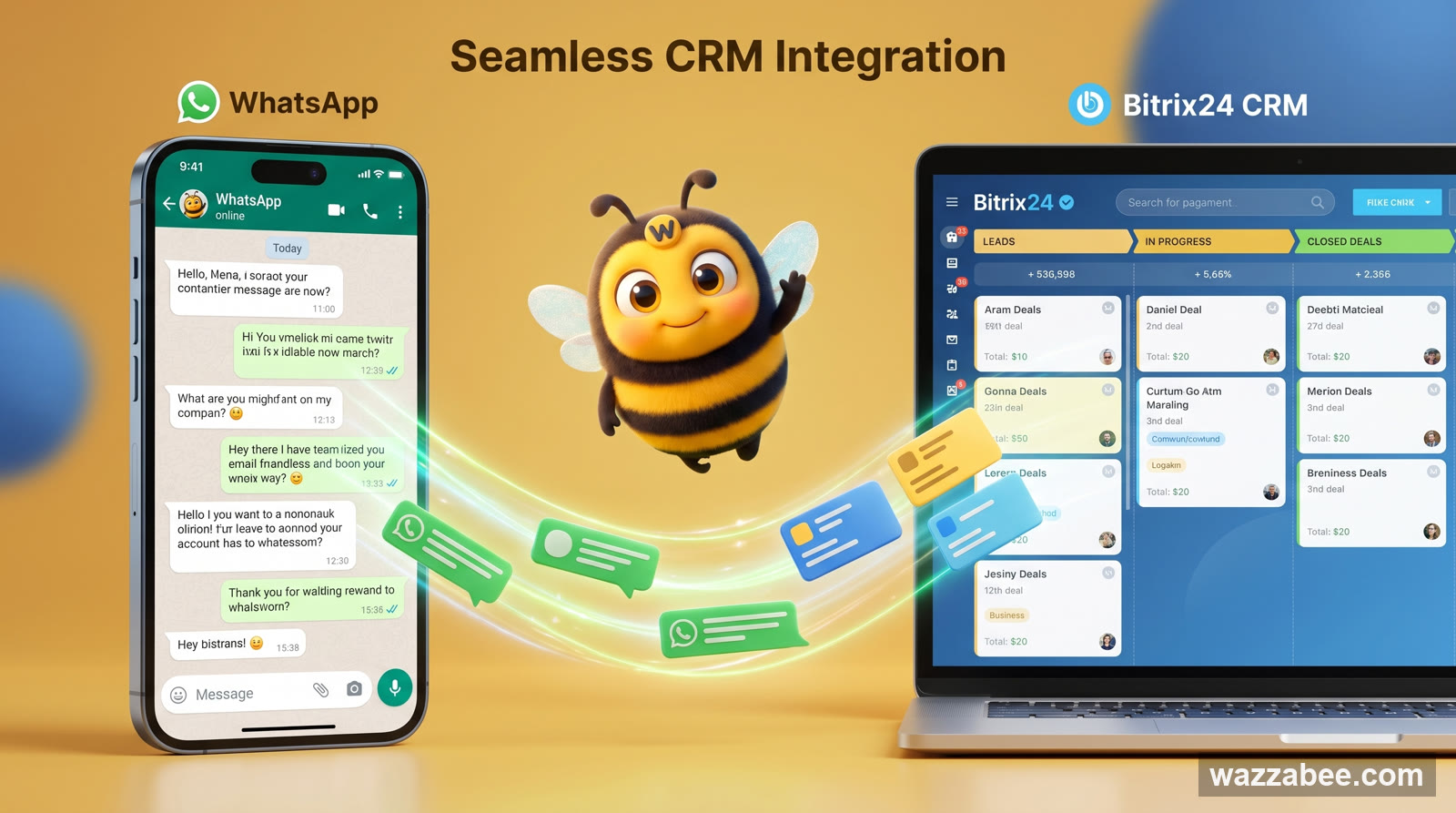
WhatsApp integration with Bitrix24: how to connect it and handle all chats in the CRM
WhatsApp integration with Bitrix24: WhatsApp conversations land in the Contact Center automatically, create leads and deals and stay with the company. How it works and how to connect it in minutes through WazzaBee, without coding.
How to Connect Official WhatsApp (WABA): A Step-by-Step Guide for 2026
Official WhatsApp (WABA) takes 15 minutes to set up. What to prepare, how to get through sign-up step by step, what the subscription and messages cost in tenge, what to do if the number is already in the WhatsApp Business app, and what most often derails the process.
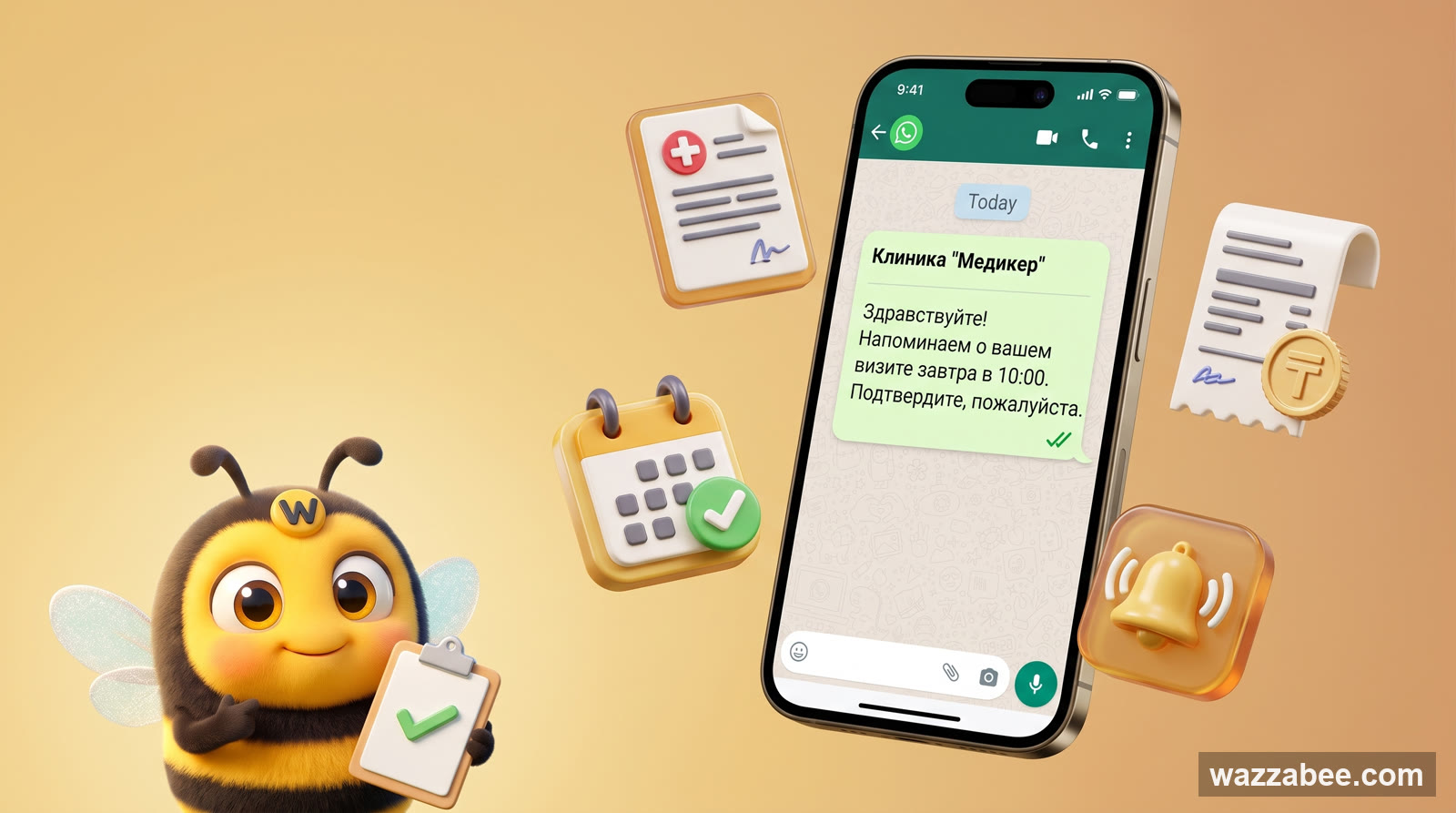
WhatsApp HSM templates in WazzaBee: reaching customers outside the 24-hour window
How clinics, medical centers and service companies use WhatsApp HSM templates in WazzaBee: lab results sent as a link, reminders, invoices, Bitrix24 and CRM robots.