 WazzaBee
What is Bitrix24 in simple terms and when does a small business need it
✦ Key takeaways
- •What is Bitrix24 in simple terms?
- •What does Bitrix24 consist of?
- •How does the CRM in Bitrix24 work?
- •What are automation rules and workflows in Bitrix24?
- •Who is Bitrix24 for, and who doesn't need it?
Bitrix24 is a cloud workspace for a company: a CRM with a sales pipeline, tasks and projects, team chats, Open Channels for customer messages, telephony, websites and automation rules that handle routine work. A small business needs it when leads start getting lost between managers' phones, spreadsheets and messengers.
Below, in plain words: what Bitrix24 is made of, who it suits, what to check before rolling it out, and how to make messages from WhatsApp, Telegram and Instagram, and even WhatsApp calls, land in the CRM instead of staying on personal phones.
A typical picture in a five-person company: leads arrive in WhatsApp on the owner's phone, some in Instagram, some by phone. A manager writes customers down in a notebook or a spreadsheet and keeps reminders in their head. While orders are few, it works. At 20–30 a day, someone forgets to call back, someone answers a day late, and the owner has no idea how many leads came in and how many bought. That is when people start searching for what Bitrix24 is and whether it will help.
What is Bitrix24 in simple terms?
Bitrix24 is a set of business tools in one service: customers and deals, tasks, team communication, documents and customer channels. It runs in a browser and a mobile app, so there is nothing to install on each computer.
People often confuse Bitrix24 with 1C-Bitrix. Both come from the same developer but they are different products. 1C-Bitrix: Site Management is an engine for websites and online stores. Bitrix24 is a system for working with customers and a team. When someone searches for "what is Bitrix", they usually mean Bitrix24 and its CRM.
There is a cloud version hosted by the developer and an on-premise version installed on your own server. For a small business, the cloud almost always fits: you can open it in a few minutes and start working without a developer.
What does Bitrix24 consist of?
Bitrix24 has six main blocks, and you don't have to use them all at once. Most companies start with the CRM and Open Channels and add the rest as they grow.
| Block | What it does | Why a small business needs it |
|---|---|---|
| CRM | Contacts, companies, leads, deals, sales pipeline, invoices | You see how many leads came in and the stage of each |
| Tasks and projects | Assignments with deadlines, owners and checklists | Agreements don't get lost, every task has an owner |
| Open Channels | Customer messages from different channels in one chat | Agents reply from the CRM, not from their own phones |
| Contact Center and telephony | Connecting channels, calls, call recording | Calls and chats come together in the customer card |
| Sites and forms | Landing page builder, lead forms, website widget | A website request becomes a lead right away |
| Automation rules and workflows | Automatic actions when a deal changes stage | Reminders, tasks and customer messages go out by themselves |
There are also team chats and video calls, a company news feed, file storage and a calendar. For a team that currently talks across several messengers, it is a way to keep work communication in one place.
How does the CRM in Bitrix24 work?
Every customer request becomes a lead or a deal, the deal moves through pipeline stages, and the full communication history stays in the card. The owner sees how much money is in progress and where customers get stuck.
You set up the pipeline to match your process, for example "New request", "Consultation", "Invoice sent", "Paid", "Done". You can have several pipelines: retail, wholesale and service. The deal card shows chats, calls, tasks and comments, so if a manager goes on leave or quits, a colleague picks up from the same point without asking the customer again.
End-to-end analytics in Bitrix24 links ads to sales: you see which channel a customer came from and how much they brought. For these numbers to be honest, every lead must reach the CRM, including messenger chats. If half of your customers write to a manager's personal WhatsApp, the analytics will only show the other half.
What are automation rules and workflows in Bitrix24?
Automation rules are actions that run when a deal reaches a certain stage. Workflows are longer chains with conditions and approvals. Together they take routine work off managers.
What automation rules usually do:
- create a task for the manager to call the customer a day after a consultation;
- send the customer a message when the deal moves to "Paid";
- change the owner if a deal sits idle for too long;
- create an invoice or a document from a template;
- remind about a meeting or an appointment.
With WazzaBee, the list of automation rules gets the action "WazzaBee: send WhatsApp template (WABA)". You place it on a deal stage, choose an approved template and insert CRM fields: customer name, amount, date. We covered this setup in detail in the article on integrating the WhatsApp Business API with Bitrix24.
Who is Bitrix24 for, and who doesn't need it?
Bitrix24 suits companies where at least two people work with customers and there are more leads than anyone can keep in their head. If you work alone with a dozen customers a month, a notebook and WhatsApp Business are enough.
Bitrix24 shines where a deal goes through several stages and the customer needs updates on each: online stores and delivery, car services, clinics and salons with appointments, real estate, wholesale, education. Another sign: the owner wants sales figures every day, not at the end of the month.
Don't expect miracles. Bitrix24 doesn't sell on its own: it shows where customers are lost and removes routine work. If managers keep replying from personal phones, the CRM stays empty. That is why customer channels are connected to it first.
What should you check when implementing Bitrix24?
Start not by configuring every module but with one sales process: where leads come from, who handles them and what counts as success. Everything else can be added later.
- Map the customer journey. Which stages a request goes through from the first message to payment. These stages become the pipeline.
- Gather all channels. WhatsApp, Telegram, Instagram, calls, website, OLX. Every channel left outside the CRM is a hole in your analytics.
- Decide: lead or deal right away. For a small business it is often simpler to create a deal immediately and skip the extra step.
- Set queue rules. Who answers new requests, what happens outside working hours, who gets a request if the manager didn't reply.
- Add two or three automation rules. Not on every stage, only where the customer actually expects a message: order confirmation, payment, ready for pickup.
- Check your plan. Features depend on the Bitrix24 plan: Open Channels, automation rules and the number of users differ. Check current terms on the Bitrix24 website or in your account.
You can implement it yourself or with a Bitrix24 partner. A partner makes sense when there are many processes and complex workflows. To start with one pipeline and messengers, companies usually manage on their own in one or two evenings.
How do you connect WhatsApp to Bitrix24?
WhatsApp is connected to Bitrix24 through an app from the Bitrix24 Market. With WazzaBee, customer messages arrive in Open Channels, a contact and a deal are created by your rules, and the agent replies right from the CRM.
The order is simple: in the WazzaBee dashboard you connect an official WhatsApp channel (WhatsApp Business API), which takes 15 minutes. Then you install the WazzaBee app in your Bitrix24 and choose in the Contact Center which Open Channel the chats go to. You can message a customer in WhatsApp from a deal or contact card, and an automation rule on a pipeline stage sends a template message by itself. You can see how it looks for an agent on the WhatsApp for Bitrix24 page.
If the number has long been used in the WhatsApp Business app and you don't want to lose the history, it can be connected in Coexistence mode: the app on the phone keeps working and the chats also flow into the CRM. The Bitrix24 integration itself is included in the channel subscription of $68 per month; template messages are charged at Meta rates.
Can Bitrix24 receive Telegram, Instagram and WhatsApp calls?
Yes. Through WazzaBee, Telegram (bot and personal account), Instagram Direct and OLX arrive in Bitrix24 Open Channels, and incoming WhatsApp calls ring in Bitrix24 telephony like regular calls.
For calls, Bitrix24 connects to the WazzaBee server as a cloud SIP PBX, a standard feature of its telephony. The customer taps "Call" in the chat with your WhatsApp Business number, and agents in Bitrix24 see the usual incoming call window. The conversation is recorded according to your telephony settings, and a new number becomes a lead or contact. Incoming calls don't need a SIP connector license. If the account is offline at the moment of the call, it goes to agents in the WazzaBee dashboard, so the customer still gets through. Details are on the WhatsApp calls in Bitrix24 page.
There are separate guides for the other channels: how to connect Telegram to Bitrix24 and how to connect Instagram to Bitrix24. As a result, every customer request, whatever channel it came from, ends up in one card.
Bitrix24 or a simpler CRM: what should a small business choose?
If your team already works in Bitrix24 or you need tasks, documents and an internal team chat, stay with it and connect messengers. If you only need order in WhatsApp leads and customer appointments, a simpler CRM may be enough.
WazzaBee has its own CRM for those who don't want to deal with a large system: deals, customers, tasks and WhatsApp, Telegram and Instagram chats in one window. How it differs and who it suits is covered in the article about a CRM with WhatsApp for business. And if Bitrix24 is already in place, nothing needs to change: messengers and calls connect to it like to any CRM.
FAQ

An omnichannel platform that connects messengers to your CRM. We link WhatsApp, Telegram, Instagram and 5 more channels to your business in Kazakhstan.
You may also like
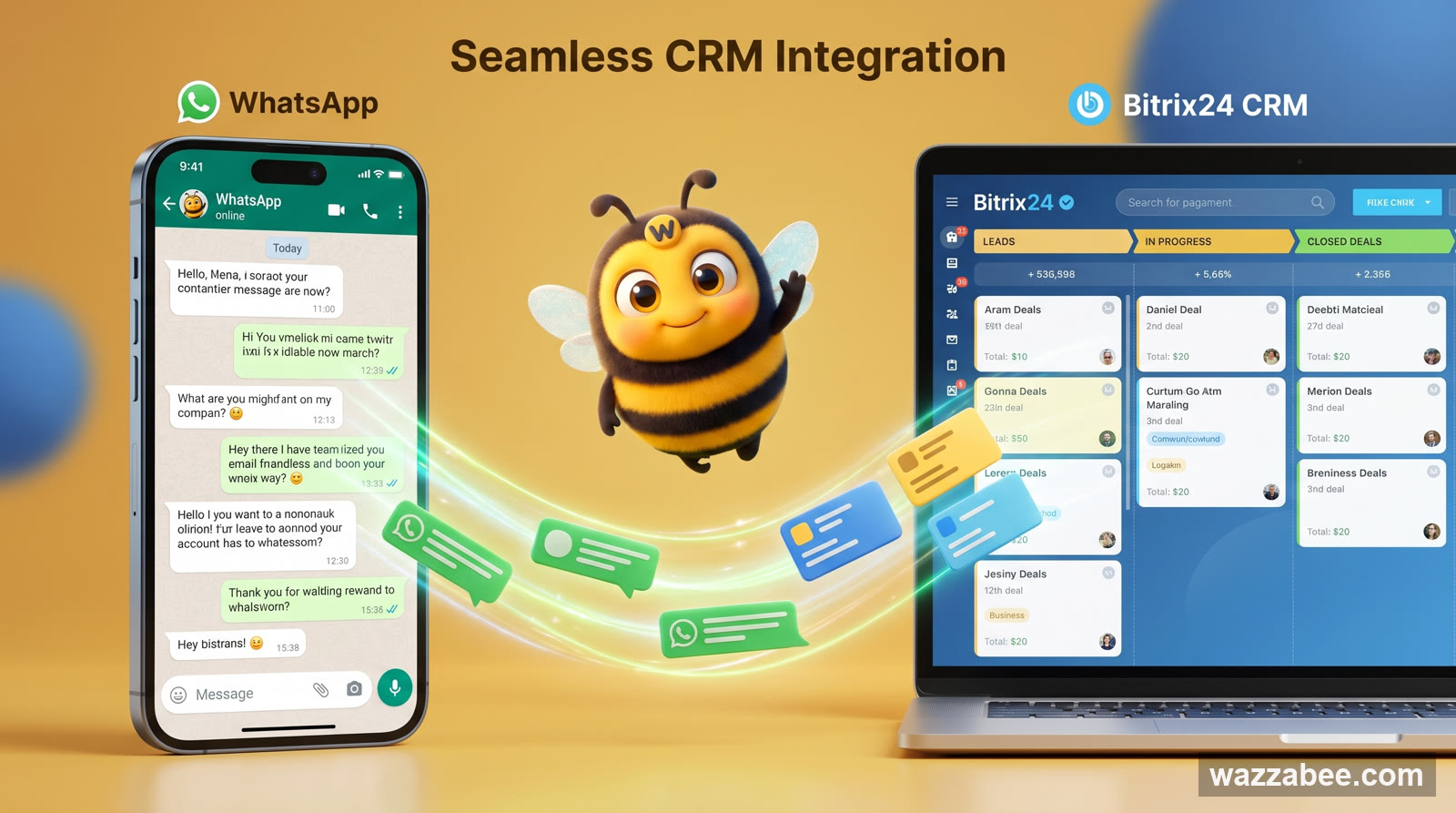
WhatsApp integration with Bitrix24: how to connect it and handle all chats in the CRM
WhatsApp integration with Bitrix24: WhatsApp conversations land in the Contact Center automatically, create leads and deals and stay with the company. How it works and how to connect it in minutes through WazzaBee, without coding.
WhatsApp Business API Integration with Bitrix24: Chats, Deals and Pipeline Automation Rules
Official WhatsApp inside Bitrix24: conversations land in the customer card, leads and deals are created automatically, and an automation rule at a pipeline stage sends the customer an approved template on its own. We cover three ways to send messages, the setup steps, pricing and common configuration mistakes.
WhatsApp Business on a computer: how three people can reply from one number
How to open WhatsApp Business on a computer and a second phone, what limits linked devices have, and how a team can reply from one number through a shared workspace, a CRM or Coexistence.