 WazzaBee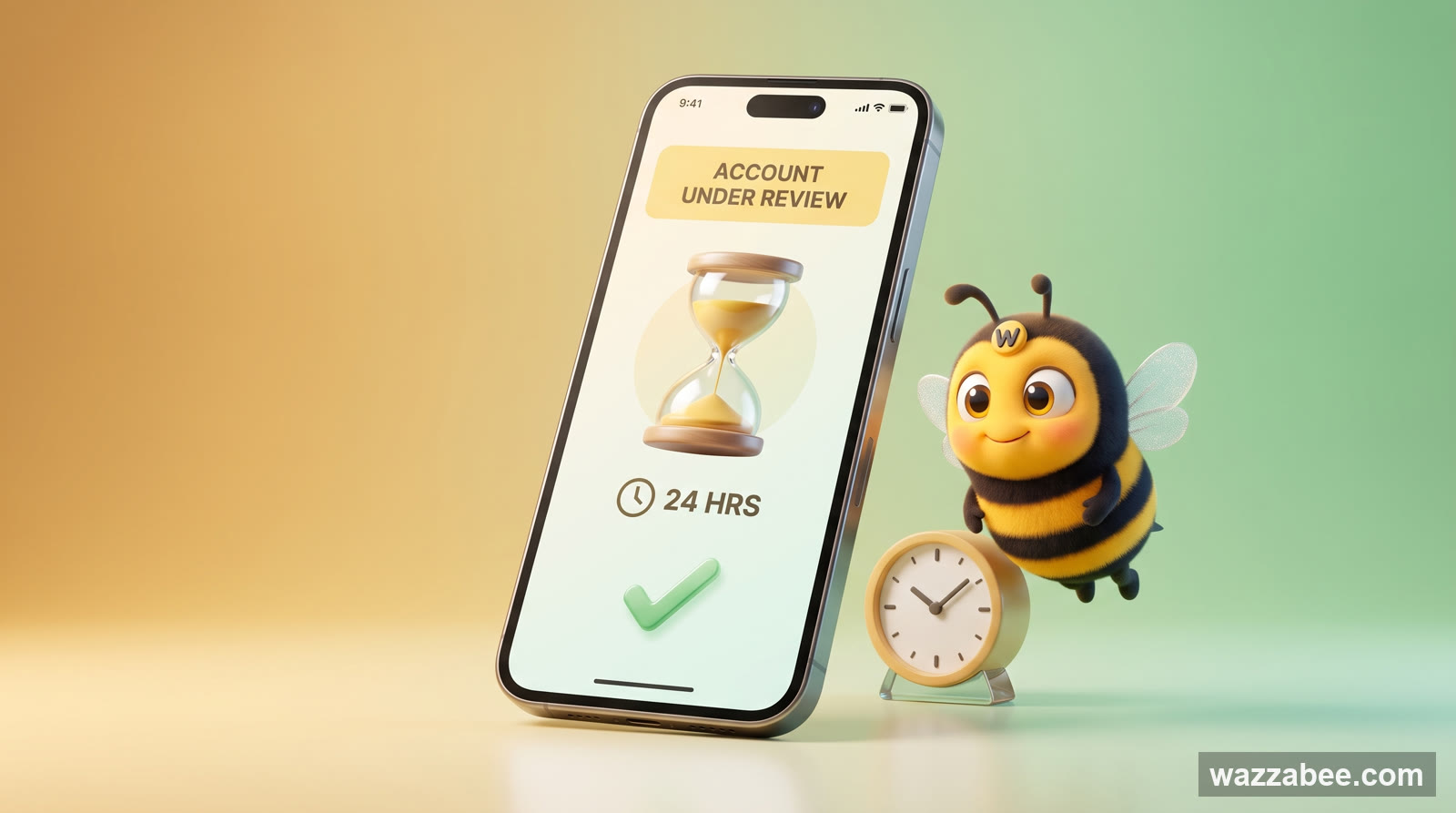
WhatsApp Business "Account under review": what to do and how to keep your number
✦ Key takeaways
- •What "Account under review" means in WhatsApp Business
- •Why WhatsApp put the account under review
- •What you must NOT do while the account is under review
- •How to pass the review and get the number back: step by step
- •Step 4 (the main one). Move to the official WhatsApp (WABA) right away
You open WhatsApp Business and instead of your chats you see the "Account under review" screen with an hourglass and the text "We're reviewing your account's activity… reviews usually take no more than 24 hours". The first thought: "that's it, the number is gone". In fact, an account under review in WhatsApp is not a final ban yet, it is a chance: if you act correctly, the number can usually be saved. In this article: what is happening, what you must never do during these 24 hours, how to pass the review and how to move to the official WhatsApp (WABA) right after it, so you never get banned again. A practical guide for businesses in Kazakhstan from WazzaBee.
What "Account under review" means in WhatsApp Business
It is a temporary restriction for the duration of moderation. Meta noticed something suspicious in the number's behavior (most often a broadcast or a sudden spike in outgoing messages) and paused the account while the algorithm and moderators check it against the WhatsApp Business rules. The key things to understand:
This is not a final ban. A permanent ban looks different: "This account is banned for violating our Terms of Service", and the app does not open at all.
The review takes up to 24 hours. Sometimes less. In the end Meta either restores access or bans the number permanently.
What you do during this day decides the outcome. You can calmly wait for the account to be unlocked, or turn the review into a permanent ban with the wrong steps.
The "Account under review" screen is a warning light, not a verdict. A business has roughly a day to avoid mistakes and, in parallel, prepare the move to a safe channel. Those who panic at this point and start "fixing" the number by hand usually lose it for good.
WazzaBee expert
Why WhatsApp put the account under review
The reason is almost always one of these, and almost always tied to working through the regular app rather than the official API:
Mass broadcast. You sent a promotion or notification to dozens or hundreds of contacts from regular WhatsApp, and the algorithm treated it as spam.
Messages to unknown numbers. You messaged people first who had not saved you as a contact, and some of them tapped "Block/Report".
Sudden spike in activity. The number was silent for a long time, and then 50–100 messages went out in an hour.
Unofficial connection. The number ran through an unofficial broadcast service (a WhatsApp Web emulator); Meta detects this and bans it.
A full breakdown of all triggers is in the article "Why WhatsApp was banned: causes and how to get back to work".
What you must NOT do while the account is under review
The most common reason a review ends in a permanent ban is panic and attempts to "repair" the number. While these 24 hours are running, do nothing from this list:
| ❌ Don't | Why |
|---|---|
| Reinstall WhatsApp | Registering again during a review looks like an attempt to bypass sanctions. |
| Enter SMS codes and log in again | Repeated login attempts increase the algorithm's suspicion. |
| Turn on a VPN | Changing your location during a ban triggers a device ban. |
| Swap the SIM in the same phone | Meta tracks the device: a new SIM in a "flagged" phone will be restricted too. |
| Connect the number to an unofficial service | One more violation on top of the review: an almost guaranteed final ban. |
The golden rule: during the review, it is best not to touch the number at all. Just wait for the result and prepare the move to the official channel in parallel (more on that below).
How to pass the review and get the number back: step by step
Step 1. Submit the review request correctly
If the screen has a "Request a review" button, tap it. Before that, turn off Wi-Fi and turn on mobile data: this way the request goes out from your own cellular connection, not from a shared network where other banned accounts may have "left traces". In the description, state briefly and politely that you are a regular business and only message your own customers, with no spam.
Step 2. Wait for the decision (up to 24 hours)
Don't tap anything else. If you want to improve your chances, you can also send an appeal to support@whatsapp.com with the subject "Banned account appeal" and your number in international format (+7…). A reply arrives within a day to several days.
Step 3. The number is approved: do NOT go back to old habits
This is the most important moment. As soon as access is back, do not send broadcasts or mass messages from the regular app. A repeat broadcast after the unlock is exactly what most often leads to a second ban, and that one is almost always permanent. Consider this your final warning.
⚠️ Important: nobody can guarantee recovery.
The final decision is always made by Meta. We help you prepare the move to the official channel and keep your number, but we do not control the platform's moderation. Your chances are highest when you did nothing with the number during the review.
Step 4 (the main one). Move to the official WhatsApp (WABA) right away
A review is a signal that working with customers through the regular app has become risky. To stop living in fear of the next ban, there is one reliable way out: the official WhatsApp Business API (WABA). It is Meta's own legal infrastructure: broadcasts go through approved templates, and you don't get banned for them. Why this is the safest option for business is explained in detail in the article "Official WhatsApp for business: what WABA is".
There are two ways to move to WABA; choose based on your situation:
| Standard WABA | Coexistence | |
|---|---|---|
| App on the phone | Must be deleted (to free up the number) | Keeps working as before |
| Number | The same, but released from the app | The same, with no interruptions |
| Chat history | Not transferred (stays on the phone) | Up to 6 months transferred |
| Meta broadcasts and templates | Yes | Yes |
| Who it suits | Ready to reply to customers only from the CRM/dashboard | Want to keep replying right from the phone |
Option A. Standard WABA
The number moves to Meta's official infrastructure. To do this, you need to delete WhatsApp from this phone (free up the number), and only then is it linked to WABA. The old chat history from the phone is not transferred; from then on you work from the WazzaBee dashboard or your CRM.
Option B. Coexistence: without deleting the app
The app stays on the phone, the number is the same, and up to 6 months of history is also transferred to the dashboard. Ideal if you have used this number for years and want to keep replying from the phone. Coexistence has Meta requirements that you should check in advance:
WhatsApp Business App version 2.24.17 or higher;
the number is actively used in WhatsApp Business: Meta looks at the age of the number and the quality of conversations;
the number is not connected to another WhatsApp API provider;
How it works and which option to choose is covered in the article "WhatsApp Coexistence: how to connect your business to a CRM without deleting the app".
How to avoid reviews and bans in the future
Moving to WABA removes the main risk, but Meta's rules still apply here too. To keep the number in the "green zone":
Message first only with consent (opt-in). Send broadcasts only to people who agreed to receive them.
Use approved templates (HSM). Mass messages on WABA go only through templates that have passed Meta's moderation. How this works is explained in the article "WhatsApp HSM templates".
Don't spam a cold list. Purchased contacts and contacts without consent lead straight to reports and a lower rating.
Monitor the number's quality. The dashboard shows a High / Medium / Low rating: if it drops, pause broadcasts.
Add "Unsubscribe" to marketing messages and don't send to the same list more than 1–2 times a week.
How much the move to WABA costs
The official WhatsApp channel at WazzaBee is the ENTERPRISE plan, $68/month: unlimited conversations, broadcasts through templates, integration with Bitrix24 and amoCRM, protection from bans. There is a 7-day free trial, and payment is in tenge. A full breakdown of prices is in the article "How much WhatsApp Business API costs in Kazakhstan".
Summary
The "Account under review" screen in WhatsApp Business is a temporary restriction and a chance to keep your number, not a verdict. The main thing during these 24 hours is to leave the number alone: don't reinstall, don't turn on a VPN, don't swap the SIM. Submit the review request correctly, wait for approval and move to the official WhatsApp (WABA) right away, without going back to broadcasts from the old app. WABA is the only safe way to work with customers and send broadcasts without the risk of a ban. We will help you move your number in 10–15 minutes.
Switch to secure WhatsApp (WABA) with WazzaBee →
🔒 If the review did not go your way and the number was banned after all, here is the plan for what to do next: WhatsApp banned: what to do in the first hours.
FAQ

An omnichannel platform that connects messengers to your CRM. We link WhatsApp, Telegram, Instagram and 5 more channels to your business in Kazakhstan.
You may also like
WhatsApp Banned: What to Do in the First Hours and How to Keep Your Customers
Your business WhatsApp has been banned, and the first hours decide everything. How to tell a temporary restriction from a full ban or a shadow ban, how to file an appeal without wasting your only attempt, what to do within an hour to keep your customers, and how to get your messaging back on track for good.

WazzaBee Launch: Messenger Integration for Business in Kazakhstan
WazzaBee offers a unique messenger integration for business, providing automation and analytics for your communications.

How to choose a WhatsApp Business API provider in Kazakhstan: 2026 guide and a 10-question checklist
How to choose a WhatsApp Business API provider in Kazakhstan: provider types, what the real WABA price is made of, a 10-question checklist before paying, a monthly cost example and five places where companies overpay.