 WazzaBee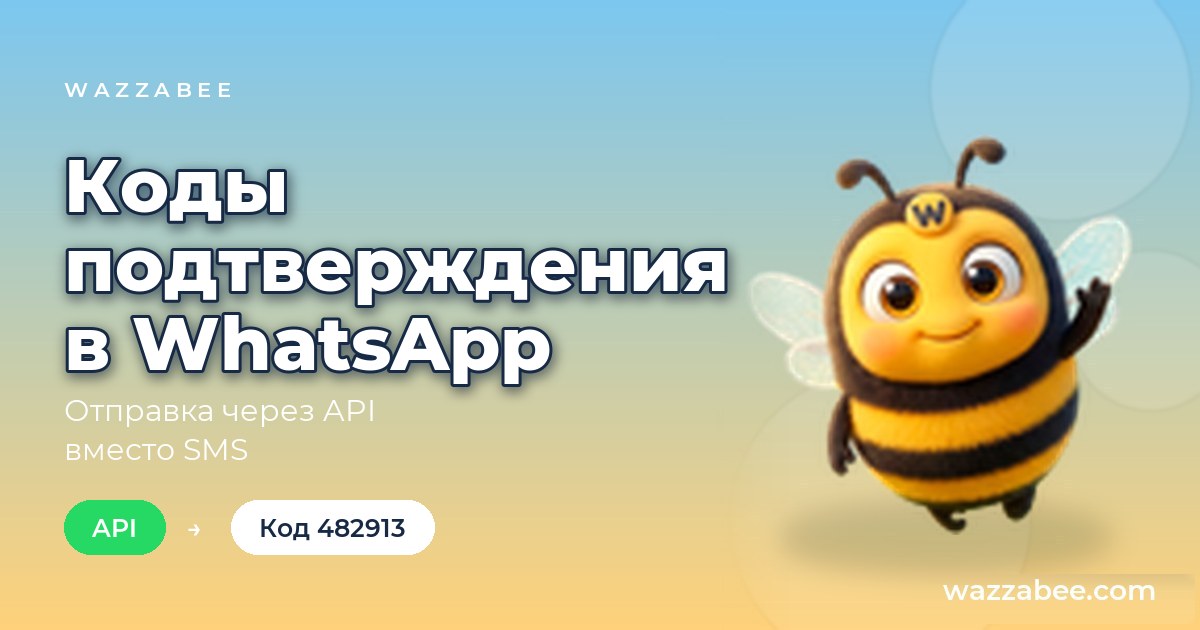
WhatsApp verification codes via API: how to send OTP instead of SMS
✦ Key takeaways
- •What is an authentication template in WhatsApp?
- •What does a code message look like?
- •How much does one verification code cost?
- •How do I create a code template in WazzaBee?
- •How do I send a code through the API?
Verification codes in WhatsApp are sent with a special template in the Authentication category: your website or app passes the code to the API, and the customer receives a message with the code and a button to copy it. One code costs $0.0286, and you can message the customer first at any time. Below we explain how to create the template, how to send a code with one request and what to do if the code does not arrive.
A code in WhatsApp is convenient for the customer: the messenger is already open, the message comes from your company under its name, and the code is copied with one tap. It works for website login, sign-up, order confirmation or a password change.
What is an authentication template in WhatsApp?
It is a separate WhatsApp Business API template category for one-time codes only. You cannot write your own text in it: Meta builds the message itself from the code, a short phrase saying it is a code, and a copy button.
This type is not suitable for broadcasts, reminders or conversations. Use the Marketing and Notifications and reminders categories for those.
What does a code message look like?
The customer sees the code itself, a phrase saying it is a verification code, and a copy button. When creating the template you can add two more things:
- a warning not to share the code with anyone;
- a footer with the code validity period, from 1 to 90 minutes;
- the copy button is always there, and Meta sets its text according to the template language.
You can create the template in Russian, Kazakh or English, for example, and each language has its own version of the text.
How much does one verification code cost?
A verification code in WhatsApp costs $0.0286 per message. This is a separate Meta rate for the Authentication category: the same as a utility message and cheaper than a marketing one. You also need a line subscription of $68 per month. You only pay for codes that reached the customer.
Prices for all categories are covered in the article on WhatsApp Business API rates.
How do I create a code template in WazzaBee?
The template is created once in the dashboard and goes to Meta for review. The steps are:
- Connect an official WhatsApp line, it takes 15 minutes.
- Open the Templates section, the HSM (WABA) tab, choose the line and click Create.
- Choose the language and the Authentication (verification codes) category.
- Turn the security warning and the validity footer on or off.
- Pick a system name in Latin letters, for example login_code, and submit the template for review.
Once the template is approved, its status in the list changes to Approved and you can send codes.
How do I send a code through the API?
A code is sent with one request to the message sending endpoint. Pass the template name and the code itself in variable "1", and WazzaBee adds the copy button on its own.
curl -X POST "https://api.wazzabee.com/api-gateway/v1/messages/send" \
  -H "Authorization: Bearer YOUR_API_KEY" \
  -H "Content-Type: application/json" \
  -d '{
    "channelId": "YOUR_LINE_ID",
    "chatId": "77001234567",
    "templateName": "login_code",
    "templateLanguage": "en",
    "templateVariables": {"1": "482913"}
}'| Parameter | What to pass |
|---|---|
| channelId | WhatsApp line ID, the GET /v1/channels request returns the list of lines |
| chatId | Customer number with country code, without the plus |
| templateName | System name of the approved template |
| templateLanguage | Template language: ru, kk or en |
| templateVariables | The code itself in variable "1" |
You get the API key in the dashboard: Connectors → API → Connect. All parameters are described in the API documentation.
How do I know the code reached the customer?
A 202 response means the code is queued and will go out within a few seconds. Whether it arrived comes by webhook: subscribe to the messages_status event, and your server receives the statuses sent, delivered, read or error with the reason.
This way your system decides what to do next on its own: wait for the code or offer the customer another way to log in.
What if the code did not arrive?
Most often the number simply has no WhatsApp or was entered incorrectly. Such a code comes back with an error status, and you do not pay for it. Here is what to check:
- the number is complete, with the country code, for example 77001234567;
- the template is approved and the language in the request matches the template language;
- the code is passed in templateVariables, without it the message is not sent and the status shows a clear error;
- the line balance has money for messages.
If the customer has no WhatsApp, offer another login method on your side, such as a call or email.
Connect an official WhatsApp line in 15 minutes, create a code template and send your first code through the API. You get 7 days to try it, and new customers receive a $1.11 welcome bonus on their balance. More about working with the API on the WhatsApp API for business page.
FAQ

An omnichannel platform that connects messengers to your CRM. We link WhatsApp, Telegram, Instagram and 5 more channels to your business in Kazakhstan.
You may also like
How to connect 1C to the WhatsApp Business API: notifications from your database via REST API
There is no ready-made 1C module for WhatsApp: 1C sends a template with one HTTP request to the open WazzaBee REST API and receives replies through a webhook. The request, prices and steps for the developer.
How WhatsApp Business differs from regular WhatsApp and the API: which to choose in 2026
The free app or the official WhatsApp Business API: how they differ, when the app is enough, how to keep your number on your phone with Coexistence and what the API costs in Kazakhstan. Connection in 15 minutes.
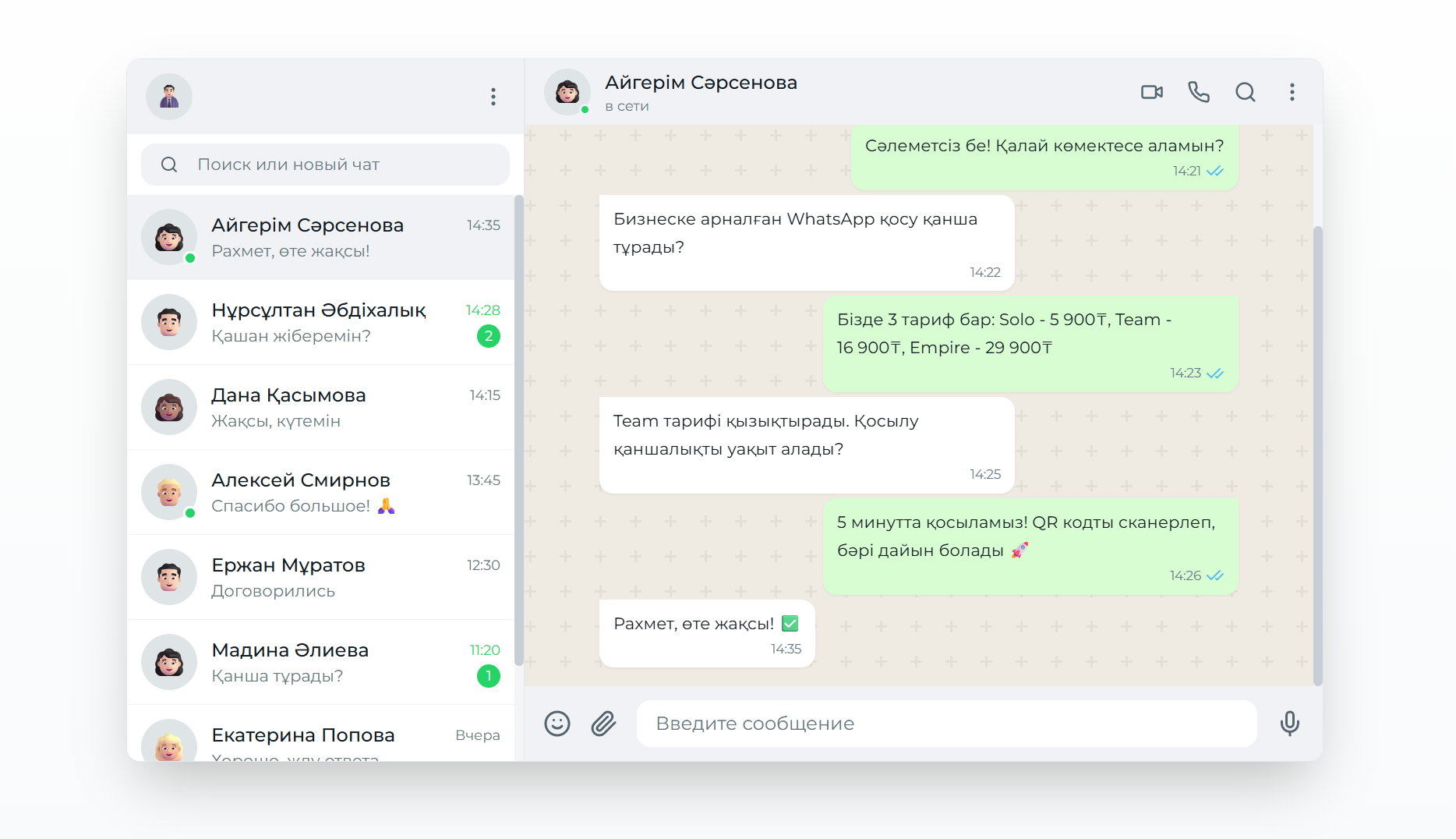
Connecting WhatsApp Business API: A Complete Guide for Businesses
A detailed guide to connecting WhatsApp Business API to CRM systems through the WazzaBee platform, with official rates and step-by-step instructions.