 WazzaBee
How to connect 1C to the WhatsApp Business API: notifications from your database via REST API
✦ Key takeaways
- •What is a WhatsApp API for 1C in plain words?
- •Which notifications can 1C send to WhatsApp?
- •Why must the first message from 1C be a template?
- •How does a request from 1C to the WazzaBee API gateway work?
- •How does 1C receive customer replies and delivery statuses?
WazzaBee has no ready-made 1C module for WhatsApp: 1C sends messages through the open REST API, and one notification takes one HTTP request, POST /v1/messages/send, with an approved template. 1C receives customer replies and delivery statuses through a webhook that WazzaBee sends to your server.
A familiar picture: the invoice is issued in 1C, the goods have shipped, and the customer has no idea. A manager copies the number from the counterparty card, opens WhatsApp on their own phone and types the message by hand. With ten orders a day that is bearable. With a hundred, hours disappear, numbers get mixed up, and payments are late simply because nobody told the customer.
Below: what you can send from 1C, why the first message must be a template, what the API request looks like, how much one notification costs and what the developer needs to do. The integration itself is described briefly on the WhatsApp and 1C page.
What is a WhatsApp API for 1C in plain words?
It is an internet address where your database sends the command "send this message to the customer". The address belongs to WazzaBee, and the message reaches the customer from your official WhatsApp Business API number. 1C does not talk to WhatsApp directly: it sends HTTPS requests to the WazzaBee API gateway.
The gateway base URL is https://api.wazzabee.com/api-gateway. Every request carries a key in the Authorization: Bearer header. You get the key in your dashboard under "Connectors" → "API". How key checks work and which errors the gateway returns is covered in API authorization.
| Manual sending | Notifications from 1C via API | |
|---|---|---|
| Who sends | A manager, by hand | The database itself, on a document event |
| From which number | Often an employee's personal phone | The official company number |
| When the message goes out | When the manager finds time | At the event the developer chose |
| Where replies show up | On the employee's phone | In WazzaBee dashboard chats and in a webhook to your server |
| Where the number and amount come from | Copied by hand | Filled in from the 1C document |
Which notifications can 1C send to WhatsApp?
Any notification that has an event in your database and a template approved by Meta. The most common scenarios:
- Order received: the order number and items go to the customer right after the document is saved.
- Invoice issued: amount and due date in the text, the PDF invoice can be attached as the template header.
- Payment due soon: a reminder a few days before the date.
- Payment received: confirmation that the money arrived.
- Goods shipped: shipping date and waybill number.
- Documents ready: the act or contract can be collected.
- Item in stock: for customers waiting for a back-ordered item.
- Feedback: a short question after a closed deal.
These are scenarios, not ready-made settings. You and your developer decide which 1C document triggers the message and what text the customer gets. Each event has its own template.
Why must the first message from 1C be a template?
Because those are Meta's rules: a business can message a customer first only with an approved template. Free text is allowed within 24 hours after the customer's last incoming message. A notification from 1C is almost always the first message, so every event needs its own template.
| Situation | What 1C can send | Request fields |
|---|---|---|
| The customer wrote to you in the last 24 hours | Plain text or a file | text or mediaUrl |
| The customer has not written for over 24 hours, or never | Only an approved template | templateName and templateVariables |
| The customer replied to the template | A new 24-hour window opens, you can write text | text |
The template is created in the WazzaBee dashboard for the official WhatsApp line and goes to Meta for review. Templates are sent through the API, but created and edited in the dashboard. Variables {{1}}, {{2}} insert the name, order number, amount or date. Sample texts and template categories are in HSM templates for WhatsApp in WazzaBee.
Watch the wording: if a notification includes a discount or a call to buy, Meta may classify the template as marketing, and every message will cost more.
How does a request from 1C to the WazzaBee API gateway work?
One notification is one POST request to https://api.wazzabee.com/api-gateway/v1/messages/send with JSON in the body. For a template you pass templateName and variables instead of the text field. Here is the request from the Sending WABA templates via API documentation:
curl -X POST "https://api.wazzabee.com/api-gateway/v1/messages/send" \
  -H "Authorization: Bearer YOUR_API_KEY" \
  -H "Content-Type: application/json" \
  -d '{
    "channelId": "550e8400-e29b-41d4-a716-446655440000",
    "chatId": "77001234567",
    "templateName": "order_shipped",
    "templateLanguage": "ru",
    "templateVariables": {"1": "Айгерим", "2": "1234"}
  }'
Here order_shipped is a sample name for your shipping template, {{1}} gets the customer name and {{2}} the order number. What each field means:
| Field | What to pass | Where to get it in 1C |
|---|---|---|
| channelId | ID of the official WhatsApp line | Once from GET /v1/channels, store it in database settings |
| chatId | Customer number with country code, no "+" | From the counterparty card, for example 77001234567 |
| templateName | System name of the approved template | From the dashboard, one per event |
| templateLanguage | Template language code, ru by default | Usually a constant |
| templateVariables | Values for {{1}}, {{2}} and so on | Number, amount, date from the document |
| templateHeader | Image, video or document in the header, if the template has one | A file link, for example the invoice PDF |
Inside 1C the request is built with the standard platform objects HTTPСоединение and HTTPЗапрос. The JSON string is easy to build with ЗаписьJSON. A sketch for the developer:
Соединение = Новый HTTPСоединение("api.wazzabee.com", 443, , , , 30, Новый ЗащищенноеСоединениеOpenSSL);
Запрос = Новый HTTPЗапрос("/api-gateway/v1/messages/send");
Запрос.Заголовки.Вставить("Authorization", "Bearer " + КлючAPI);
Запрос.Заголовки.Вставить("Content-Type", "application/json");
Запрос.УстановитьТелоИзСтроки(ТелоJSON, КодировкаТекста.UTF8, ИспользованиеByteOrderMark.НеИспользовать);
Ответ = Соединение.ОтправитьДляОбработки(Запрос);
// Ответ.КодСостояния 202: the message is queued
Code 202 means the message is queued, not that it is already delivered. The response contains queueId: save it in the 1C document, you will match the status by it later. Keep the API key in protected database settings, not in the module code. All parameters, file sending and error codes are described in Sending messages.
How does 1C receive customer replies and delivery statuses?
Through a webhook: WazzaBee sends a POST request to your server whenever a customer replies or a message status changes. You can connect the webhook in the dashboard, "Connectors" → "API" → "Webhook for incoming messages" block, or with a PATCH /v1/webhooks request.
| Subscription | What 1C receives |
|---|---|
| messages_incoming | Incoming customer messages |
| messages_status | Outgoing statuses: sent, delivered, read, failed with a reason code, matched by queueId |
| messages_button | Template button taps and which message the customer replied to |
1C can receive the webhook with an HTTP service published on a web server. Gateway requirements: https only, reachable from the internet, not local and not on an internal network. Your server must answer the test request with code 200, otherwise the webhook will not connect. Every notification is signed with HMAC-SHA256, signature checks are described in Webhooks.
If your server does not answer within 10 seconds, WazzaBee retries, up to 8 attempts over about a day. So reply 200 right away and process after replying. Retries carry the same X-Webhook-Delivery-Id, which makes it easy not to record one message twice. Customer replies are also visible in WazzaBee dashboard chats, so a manager can continue the conversation.
How much does a notification from 1C to WhatsApp cost?
One Utility template notification (order, invoice, shipment) costs $0.0286. There is no separate fee for the API: the public API and webhooks are included in the official WhatsApp line subscription at $66 per month.
| Item | Price |
|---|---|
| Official WhatsApp line subscription | $66 per month |
| Line connection | $0 |
| Public API and webhooks | Included in the subscription |
| Utility template notification | $0.0286 per message |
| Marketing template | $0.086 per message |
| Reply in an open 24-hour window | First 1000 per month per number at the minimum rate, then $0.0286 |
| Incoming message | $0.0021 |
Example: 1000 shipping notifications a month cost about $28.5515 plus the line subscription. Meta charges messages under its own rules. Since 1 October 2026 Kazakhstan is a separate Meta market, and replies in the 24-hour window are now charged too.
What should the 1C developer do, step by step?
Seven steps from an empty setup to working notifications:
- Connect an official WhatsApp line in WazzaBee. It takes 15 minutes, the order is in the step-by-step WABA connection guide.
- Create templates for 1C events in the dashboard and wait for Meta approval.
- Get the key: "Connectors" → "API" card → "Connect". The key is shown once, save it right away.
- Find the line channelId with GET /v1/channels and store it in 1C settings.
- Build sending: when the right document is saved, 1C builds the JSON, sends POST /v1/messages/send and stores queueId in the document.
- Connect a webhook with messages_incoming and messages_status subscriptions and verify the signature of every notification.
- Test the setup: the line shows in GET /v1/channels with status active, a test message reaches your second number, the reply appears in the dashboard chat and in the webhook.
A short route with ready requests is in API quick start. A 1C developer usually needs a few hours for basic notification sending. We do not modify 1C ourselves: we provide the key, the documentation and answer questions about API methods.
FAQ

An omnichannel platform that connects messengers to your CRM. We link WhatsApp, Telegram, Instagram and 5 more channels to your business in Kazakhstan.
You may also like
How WhatsApp Business differs from regular WhatsApp and the API: which to choose in 2026
The free app or the official WhatsApp Business API: how they differ, when the app is enough, how to keep your number on your phone with Coexistence and what the API costs in Kazakhstan. Connection in 15 minutes.
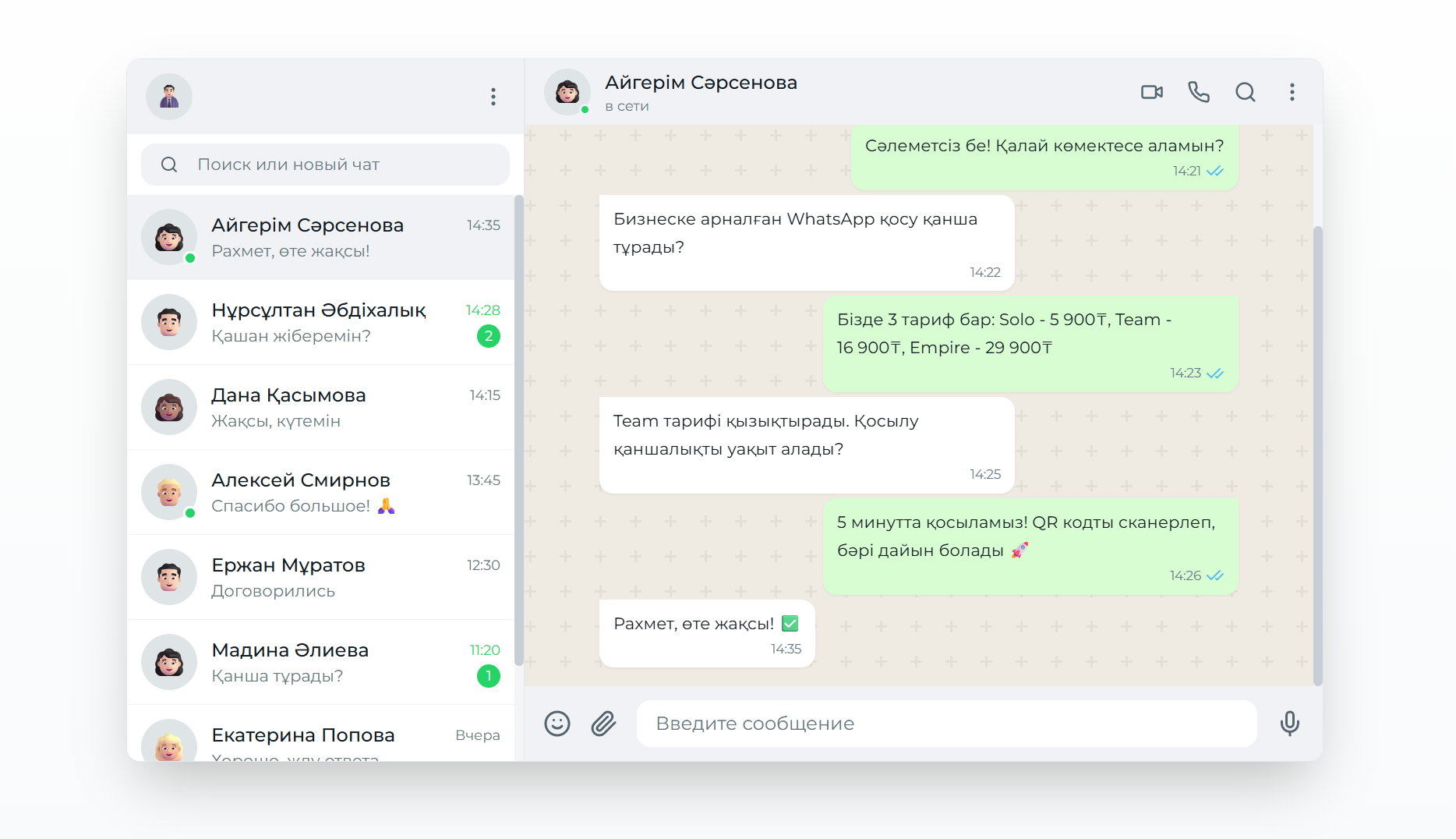
Подключение WhatsApp Business API: Полное руководство для бизнеса
Подробное руководство по подключению WhatsApp Business API к CRM-системам через платформу WazzaBee с официальными тарифами и пошаговыми инструкциями.
How to reduce the risk of a WhatsApp Business ban during bulk messaging
What to choose for bulk messaging, why WhatsApp bans numbers for broadcasts and which Meta rules actually reduce the risk. Official broadcast pricing and how to check the results.