 WazzaBee
How to connect Telegram to Bitrix24: bot or account, step-by-step guide
✦ Key takeaways
- •What ways to connect Telegram to Bitrix24 does WazzaBee offer?
- •How is a Telegram bot different from a Telegram account?
- •How much does the Telegram and Bitrix24 integration cost?
- •How do you connect a Telegram bot to Bitrix24 step by step?
- •How do you connect a personal Telegram account to Bitrix24?
Telegram connects to Bitrix24 through WazzaBee in two ways: a company Telegram bot or a regular Telegram account. Customer messages arrive in Bitrix24, a lead or deal is created automatically for every new inquiry, and a Telegram bot channel starts at $0 per month for 300 conversations.
You have probably seen this before: the deal lives in Bitrix24, while the conversation with the customer lives in the agent's personal Telegram. The CRM card is empty, nobody sees what was agreed, and the manager learns about a dispute last. Agents create Telegram leads by hand, and some leads simply get forgotten.
The second problem shows up later: an agent leaves the company, and the whole conversation history leaves with their phone. Below is a step-by-step guide: which option to choose, how to connect Telegram to Bitrix24, what the agent sees in the CRM and how much it costs.
What ways to connect Telegram to Bitrix24 does WazzaBee offer?
WazzaBee offers two options: Telegram Bot (a company bot you create via @BotFather) and Telegram Account (the regular Telegram account you already use to talk to customers). Both are added as a channel in your WazzaBee dashboard, and then that channel is linked to your Bitrix24 portal.
- A bot works well for leads from your website and ads: the customer taps a button, lands in the bot and writes. The full guide is in the Telegram bot documentation.
- An account fits when customers already write to your work Telegram. They change nothing and keep writing as before. The steps are in the Telegram account guide.
Both options are summarized on one page: Telegram and Bitrix24.
How is a Telegram bot different from a Telegram account?
The key difference: a bot can only reply to customers who messaged it first, while an account can message a customer first. The rest is in the table.
| Parameter | Telegram Bot | Telegram Account |
|---|---|---|
| What you connect | A separate company bot | Your regular Telegram account |
| Who starts the conversation | Only the customer, the bot replies to those who wrote first | You can message the customer first |
| How the customer finds you | By the bot's username, for example via a button on your website | Writes to your usual account, as before |
| What you need to connect | A bot token from @BotFather | Signing in to your Telegram account following the steps in the dashboard, plus the cloud password if it is enabled |
| What appears in WazzaBee | Messages customers send to the bot | Private chats and groups, channels and messages from bots are not loaded |
| Channel price | $0 (300 conversations) or $45 with unlimited conversations | $14, $45 or $68 per month |
If you are not sure, start with a bot: it has a $0 plan, and you can safely put it on your website. Choose an account when your customers already chat with you in Telegram and you cannot afford to lose those conversations.
How much does the Telegram and Bitrix24 integration cost?
You do not pay separately for the WazzaBee app in Bitrix24: installation is $0, and you only pay the subscription for the Telegram channel. Channel prices as of October 7, 2026 are below.
| Channel | Plan | Conversations per month | Price per month |
|---|---|---|---|
| Telegram Bot | BOT SOLO | 300 | $0 |
| Telegram Bot | BOT EMPIRE | Unlimited | $45 |
| Telegram Account | SOLO | 75 | $14 |
| Telegram Account | TEAM | 600 | $45 |
| Telegram Account | EMPIRE | Unlimited | $68 |
Current prices are always shown on the Telegram and Bitrix24 page, they are pulled from our system. Bitrix24 itself is paid separately under its own plans, and the WazzaBee app also works on the Bitrix24 free plan.
How do you connect a Telegram bot to Bitrix24 step by step?
A bot is connected in three stages: create the bot in Telegram, add it as a channel in WazzaBee, link the channel to Bitrix24. The first two stages look like this.
Step 1. Create a bot via @BotFather
- Open Telegram and search for @BotFather, the official Telegram bot for creating bots.
- Tap "Start" or type /start, then send the /newbot command.
- Enter a name for the bot, for example "My Shop".
- Choose a username that ends with bot, for example myshop_support_bot.
- Copy the token BotFather sends you. The token is the bot's password, never share it.
Step 2. Add the bot to WazzaBee
- In your WazzaBee dashboard, click "Add channel".
- Choose "Telegram", then "Telegram Bot".
- Paste the bot token and click connect.
- In a few seconds you will see the bot details: name and username. The channel is ready.
If WazzaBee shows "Invalid bot token", check that you copied the whole token without spaces. If the bot is already connected somewhere else, create a new bot via @BotFather.
How do you connect a personal Telegram account to Bitrix24?
An account is connected from the "Channels" section: click "Add channel", choose "Telegram", then "Telegram Account". After that, just follow the prompts in the dashboard.
- In the "Channel name" field, enter a name you will recognize, for example "My Telegram".
- Sign in to your Telegram account following the steps the WazzaBee dashboard shows you.
- If two-step verification is enabled in Telegram, enter your Telegram cloud password in the "Cloud password" field and click "Confirm". It must be the cloud password, not the SMS code.
- You will see "Telegram account connected!". The 10 most recent conversations load right away, the rest load as new messages arrive.
Telegram may end the WazzaBee session on its own, for example if you terminate it under "Devices". The channel in "Channels" then turns red: click "Reconnect" and connect Telegram again. Your chats, plan and settings are kept, but messages that arrived while the session was closed will not be pulled into WazzaBee.
How do you link a Telegram channel to Bitrix24 in the dashboard?
The link to Bitrix24 is set up once through the WazzaBee app from the Bitrix24 Marketplace, and then for each channel separately. The full guide with screenshots is in the Bitrix24 connection documentation.
- In your WazzaBee dashboard, open "Connectors" and click the "Bitrix24" card.
- Click "Open Bitrix24 Market" and install the WazzaBee app on your portal.
- Click "The app is installed", then "The app is open".
- Enter your portal address as a domain only, without https://, for example mycompany.bitrix24.kz.
- Click "Connect", allow access on the Bitrix24 authorization page and click "Go to settings".
On the settings page you choose the following options for the Telegram channel.
| Setting | What it controls |
|---|---|
| Sync | Turns on sending this channel's chats to Bitrix24 |
| Entity type | Where the inquiry goes: a deal or a lead |
| Pipeline and starting stage | Which pipeline and stage the deal is created in |
| Distribution | First to reply or round-robin |
| Open Channel | Routing through Bitrix24 Open Channels |
The final step is access setup. Choose a role for each employee: Auditor sees all conversations but cannot reply, Operator replies only in their own chats, Supervisor sees and replies everywhere, and the leads role receives new inquiries. The "Apply to everyone" row gives the same role to everyone at once.
What does the agent see in Bitrix24 after connecting?
The agent sees the Telegram conversation in the contact or deal card and replies right from Bitrix24, and the customer gets the reply in Telegram. Here is what the integration gives you:
- Automatic leads and deals. A new message from an unknown contact automatically creates a lead or deal in the selected pipeline.
- Chat inside the CRM. Messages are visible in the contact and deal card, no need to switch to a phone.
- Open Channels. Inquiries are distributed among agents according to your settings.
- History stays with the company. Conversations are kept in the CRM and in the dashboard, even if an employee leaves.
- Several portals. You can connect several Bitrix24 portals to one WazzaBee account, each one separately.
All Telegram chats are also visible in the "Chats" section of the WazzaBee dashboard, where your team can work with them. How to bring several messengers into one CRM is covered in the article on CRM and messenger integration.
Can you connect official WhatsApp alongside Telegram?
Yes. You can connect the official WhatsApp Business API (WABA) to the same Bitrix24: connection takes 15 minutes, the channel subscription is $66 per month, and channel setup is $0. Both channels arrive in one CRM and one shared chat, so agents do not have to switch between apps.
The official WhatsApp subscription includes the dashboard with chats, a shared team chat, the owner plus 3 employees, broadcasts to your contact base and integrations with Bitrix24 and amoCRM. WhatsApp messages themselves are paid separately at Meta rates. Unofficial ways to connect WhatsApp are risky: Meta bans such numbers, and your customer base goes with the number.
See how it works in Bitrix24 on the WhatsApp for Bitrix24 page and in the article on WhatsApp Business API and Bitrix24 integration.
FAQ

An omnichannel platform that connects messengers to your CRM. We link WhatsApp, Telegram, Instagram and 5 more channels to your business in Kazakhstan.
You may also like
Автоматизация заказов через WhatsApp и Telegram: от заявки до отгрузки
Заказы из мессенджеров теряются чаще, чем заявки с сайта: переписка в личном телефоне менеджера, ночные сообщения без ответа, статусы, о которых никто не вспомнил. Разбираем, как выстроить путь заказа из WhatsApp и Telegram: единое окно, автоответы, шаблоны статусов, связка с CRM и своей системой по API.
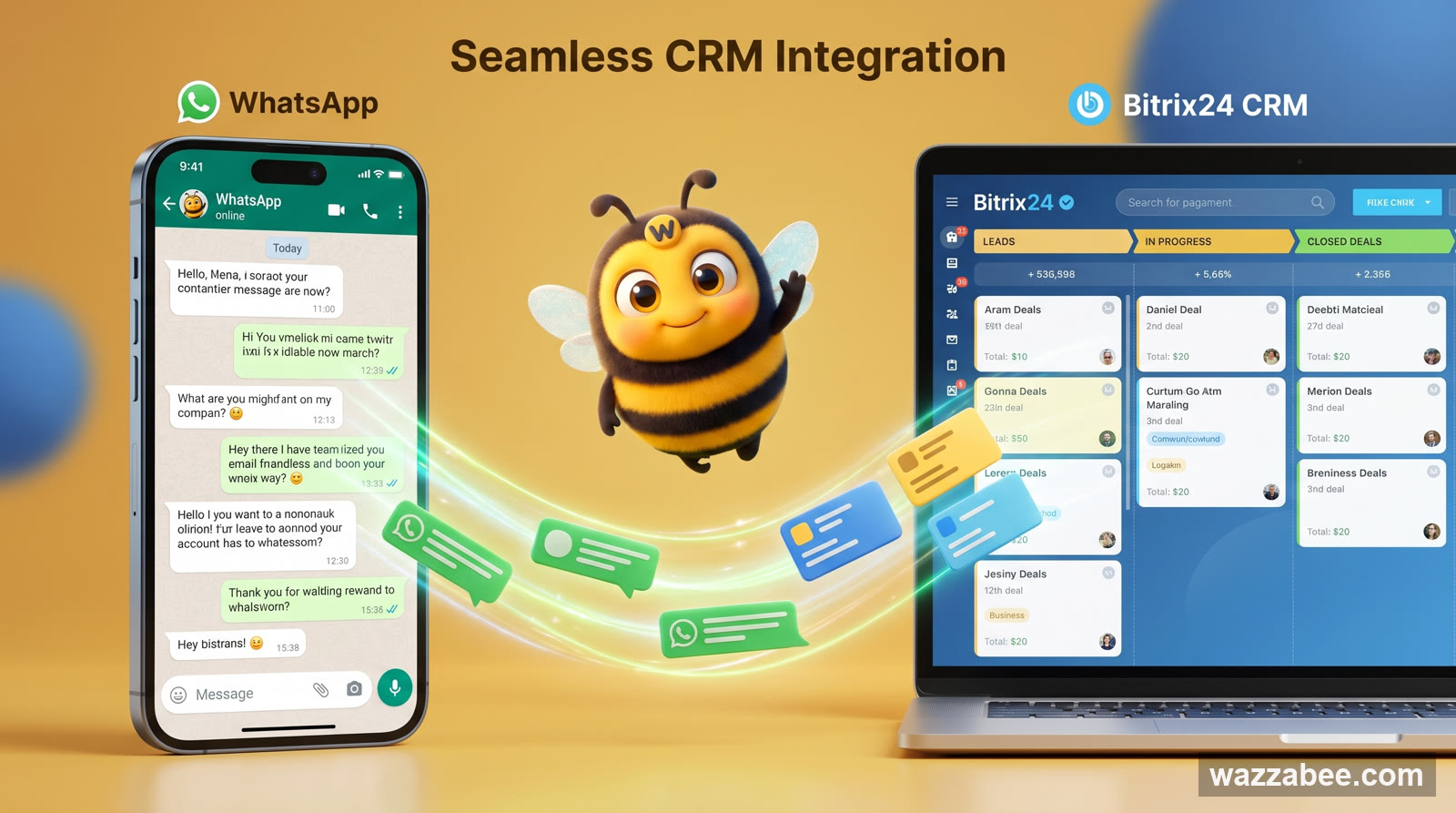
Интеграция WhatsApp с Bitrix24: как подключить и вести все чаты из CRM
Интеграция WhatsApp с Bitrix24: диалоги из WhatsApp автоматически попадают в Контакт-центр, создают лиды и сделки и остаются в компании. Как работает и как подключить за минуты через WazzaBee, без программирования.

Интеграция CRM с мессенджерами: WhatsApp, Telegram, Instagram Direct
Узнайте, как интеграция CRM с мессенджерами может повысить эффективность вашего бизнеса. WazzaBee предлагает простые и быстрые решения для объединения всех каналов коммуникации.