 WazzaBee
WhatsApp broadcast analytics via WABA: which figures to watch and what to do with them
✦ Key takeaways
- •What does WABA broadcast analytics show?
- •What figures do real broadcasts get?
- •Why are broadcast messages not delivered?
- •How do you know whom to message again?
- •How do you use statistics for the next broadcast?
WhatsApp broadcast analytics via WABA shows for every number whether the message arrived, whether it was read and why it failed. Three figures matter most: the share of delivered messages, the share of read messages among delivered ones and the reasons for errors. Below we explain what each status means and what to do with the results.
Many companies send a broadcast, see "100%" and close the tab. A week later they send the next one to the same list and pay again for messages that will not arrive. Good analytics saves money: it tells you whom to message again, whom never to message and what to fix in the template.
What does WABA broadcast analytics show?
In the WazzaBee dashboard every broadcast has a status card and a recipient table. While the broadcast is running, the figures refresh on their own every 5 seconds, no need to reload the page.
| Metric | What it means | What to do with it |
|---|---|---|
| Total numbers | How many recipients are in the selected audience | Check it against your list before launch |
| Sent | The message has left for WhatsApp | This is not delivery yet, wait for confirmation |
| Delivered | The message reached the recipient's phone | The main measure of list quality |
| Read | The recipient opened the message | Shows whether the template text works |
| No WhatsApp | The number has no WhatsApp | Remove it from the list, you do not need to pay for it |
| Error | Not delivered, the reason is shown in the table | Split into "retry", "do not retry" and "fix" |
| Remaining | Numbers the queue has not reached yet | Check that the line balance is enough |
The large percentage at the top of the card shows sending progress, not broadcast success. Success is measured by delivered and read messages.
What figures do real broadcasts get?
We counted all broadcasts that WazzaBee clients sent via WABA from March to October 2026: 31 campaigns and 3,299 numbers. Of the 2,985 numbers the queue reached, 1,869 received the message, which is 63%. Among delivered messages, 1,310 were read, which is 70%.
- delivered, including read: 63%;
- read among delivered: 70%;
- not delivered with an error: 31%;
- number without WhatsApp: 5%.
Every company has its own figures: a clean list of regular customers gives more deliveries, a bought or old list gives fewer. Still, the benchmark is useful. If clearly less than half of your messages are delivered, deal with the errors first instead of rewriting the text.
Why are broadcast messages not delivered?
More than 80% of errors in our statistics are caused not by WhatsApp or the list, but by the broadcast settings themselves: an empty balance and too high a sending speed. The reason is recorded for each recipient, and it shows what to do next.
| Reason | Share of errors | What to do |
|---|---|---|
| The line balance ran out | 45% | Top up before launch, the dashboard calculates the broadcast cost in advance |
| Too many messages in a short time | 40% | Lower the speed: smaller batches, longer pauses. These numbers can be retried |
| Meta limited delivery under its frequency rules | 8% | Do not retry: the person has already received a lot of advertising from different companies |
| The number is in a Meta experiment | 4% | Do not retry, Meta will not let the marketing template through |
| No data for a template variable | under 1% | Fill in the column in the audience or choose another value |
More about error codes and how to read them is in the article why a WhatsApp message is not delivered.
How do you know whom to message again?
The dashboard splits undelivered numbers into three groups by the error text: "can be resent later", "do not resend: Meta will not let it through" and "fix the template or data first". This way you do not pay for messages that are doomed from the start.
Each group can be downloaded as a separate CSV file. The file contains the phone, status, time sent, delivered and read, the error text and the advice. A convenient way to resend: download the "can be resent" group, upload it as a new audience and launch it at a lower speed.
How do you use statistics for the next broadcast?
Statistics are not for a report, they are for the next step. One broadcast gives you three new lists, and each needs its own message.
- Read. The warmest audience: send them a follow-up offer or a reminder that the promotion ends soon.
- Delivered but not read. Try a different headline, image or sending time.
- No WhatsApp. Remove these numbers from the list, otherwise they will take up space in every broadcast.
Compare broadcasts by the share of read messages: on the "Completed" tab each campaign shows how many messages were sent, delivered and failed. If one template is read more often, use it as the basis.
Why can "read" be lower than in reality?
If the recipient has turned off read receipts in WhatsApp, WhatsApp does not tell the business that the message was opened. The number stays "delivered" even if the person read everything. So compare the share of read messages between your broadcasts rather than treating it as the exact number of readers.
The second point is "sent" without delivery. These are messages WhatsApp has not confirmed yet. Confirmation usually comes within minutes, or later if the recipient's phone is off.
How much does a broadcast cost and where can you see it?
You see the cost before launch: at the last step of the wizard the dashboard shows the total for the whole broadcast, the price per message and the line balance. If the money is not enough, a warning says the broadcast will stop in the middle of the list.
A marketing message costs $0.086, a utility message $0.0286. A broadcast to 1,000 numbers with a marketing template costs $86.0075 plus the line subscription of $68 per month. How sending, templates and speed work is described in the guide official WhatsApp broadcasts via WABA.
How do you launch a broadcast with analytics in WazzaBee?
Per-number statistics are included in the plan, there is no separate fee. To start:
- Connect the official WhatsApp Business API, it takes 15 minutes.
- Create a template and wait for Meta approval.
- Upload your list to "Audiences" as an .xlsx, .xls, .csv or .txt file.
- Launch the broadcast and watch the statuses in the campaign card.
A step-by-step guide with screenshots is in the broadcast documentation. On sign-up you get a welcome bonus of $1.11 on the balance, which you can spend on a test broadcast to your own staff. If you worry about bans, first read how to reduce the risk of a ban in bulk messaging.
FAQ

An omnichannel platform that connects messengers to your CRM. We link WhatsApp, Telegram, Instagram and 5 more channels to your business in Kazakhstan.
You may also like
WhatsApp CoExistence: connect the WhatsApp Business app to your CRM without losing the number or the history
CoExistence is Meta's official mode: the WhatsApp Business app stays on the phone, the number stays the same, and broadcasts, Meta templates and your CRM run through the API. Requirements, step-by-step setup and what it costs a business in Kazakhstan.
MM Lite for WhatsApp (Marketing Messages Lite): why to enable it and how to set it up for WABA broadcasts
MM Lite (Marketing Messages Lite API) increases WhatsApp broadcast deliverability by up to 9% with no extra fees and no template rework. We explain why to enable MM Lite for WABA and how to activate it step by step.
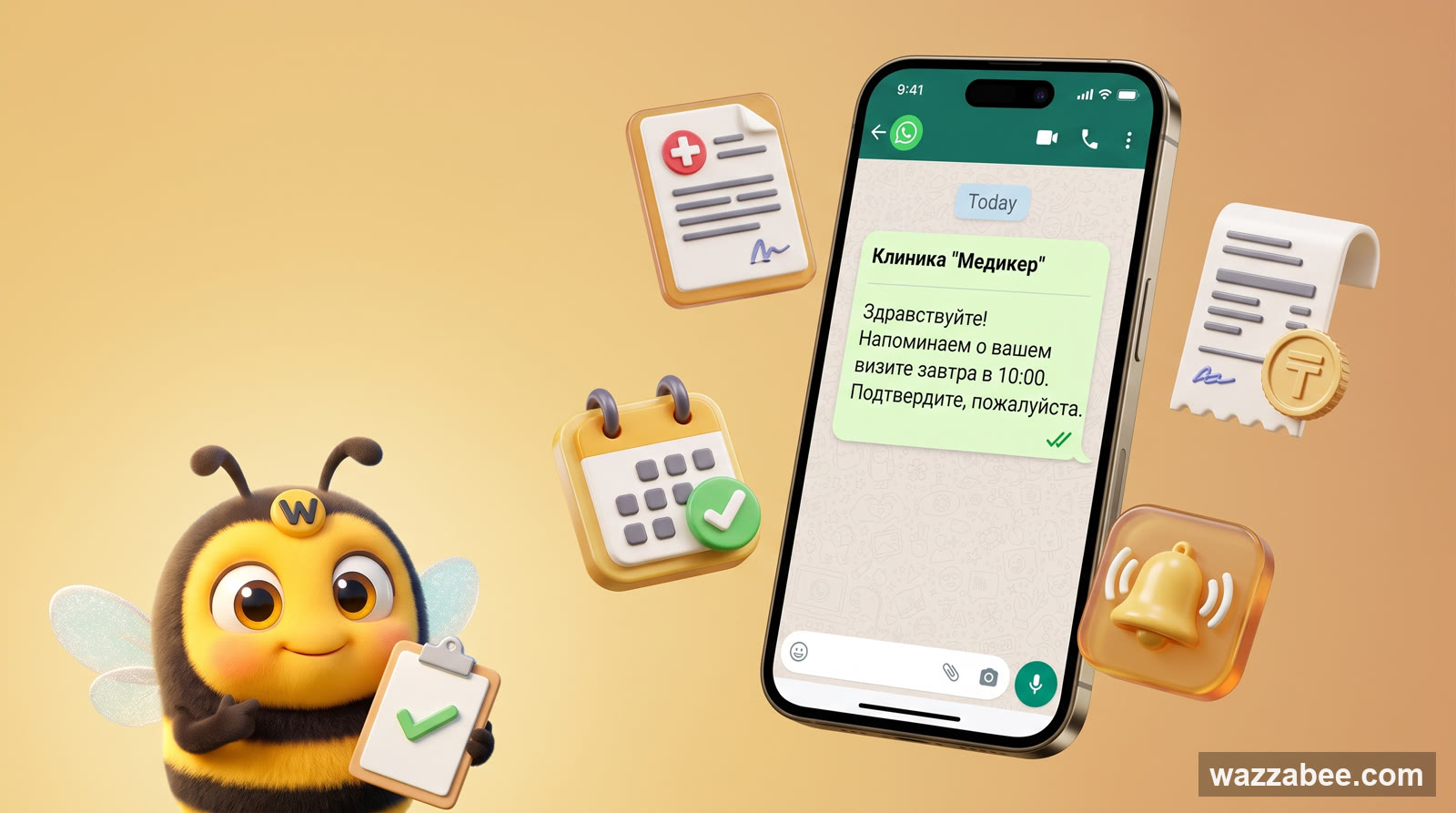
WhatsApp HSM templates in WazzaBee: reaching customers outside the 24-hour window
How clinics, medical centers and service companies use WhatsApp HSM templates in WazzaBee: lab results sent as a link, reminders, invoices, Bitrix24 and CRM robots.